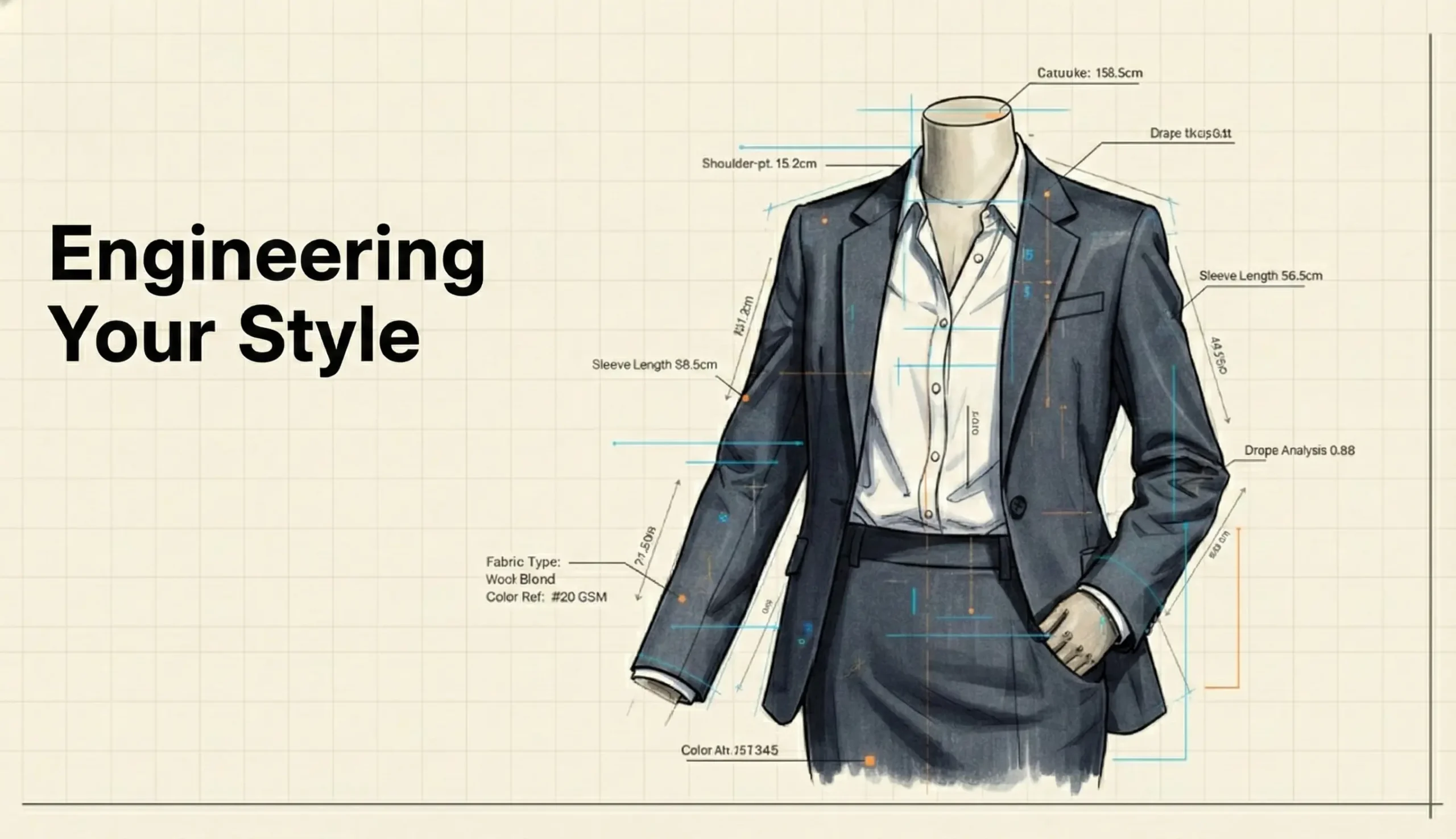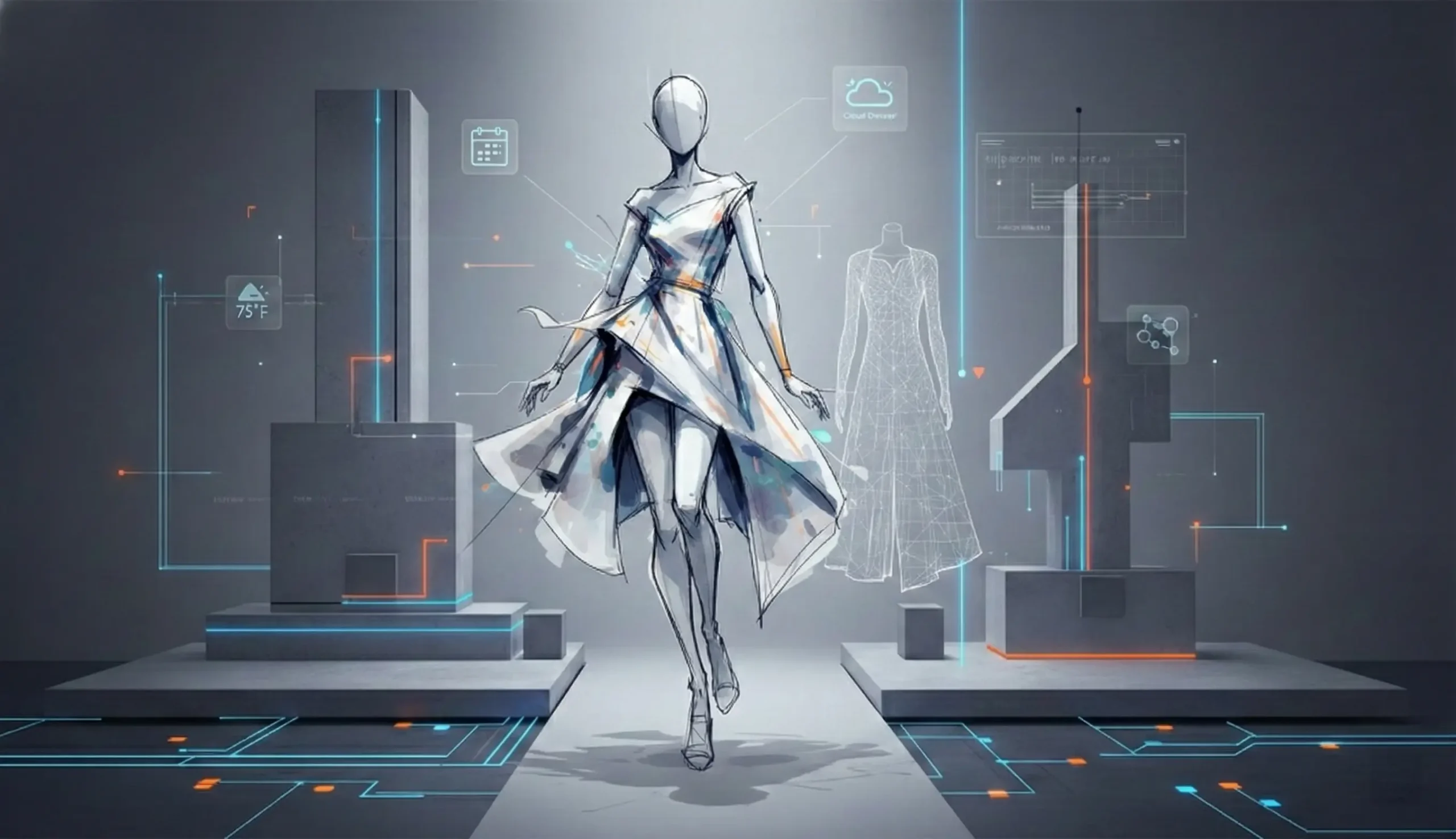

StyleSync: The AI-Powered Virtual Wardrobe & Personal Stylist
This project is actively being designed, developed and documented.
PROJECT
StyleSync
[Working Title: TruFit]
ROLE
End-to-End Product Design
YEAR, STATUS
2025-2026
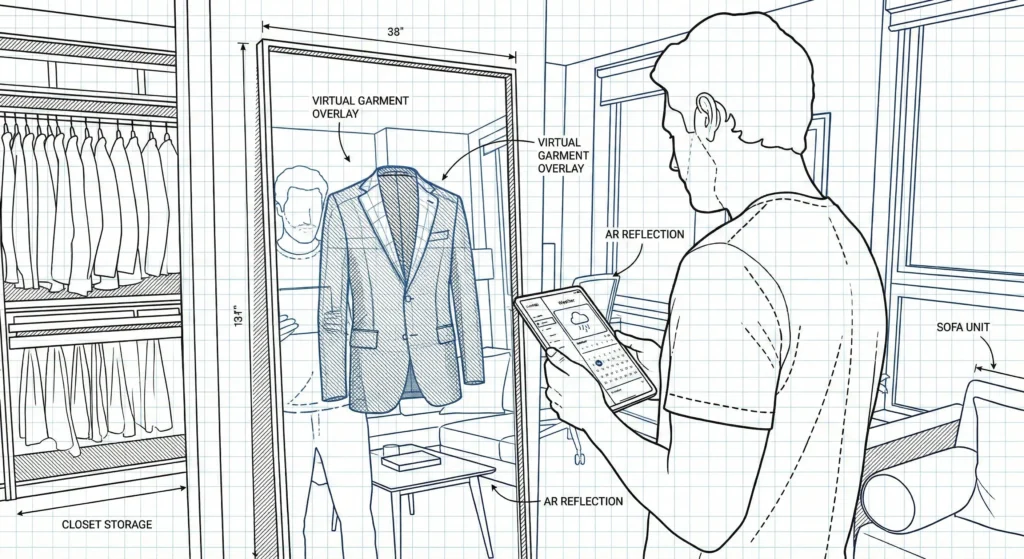
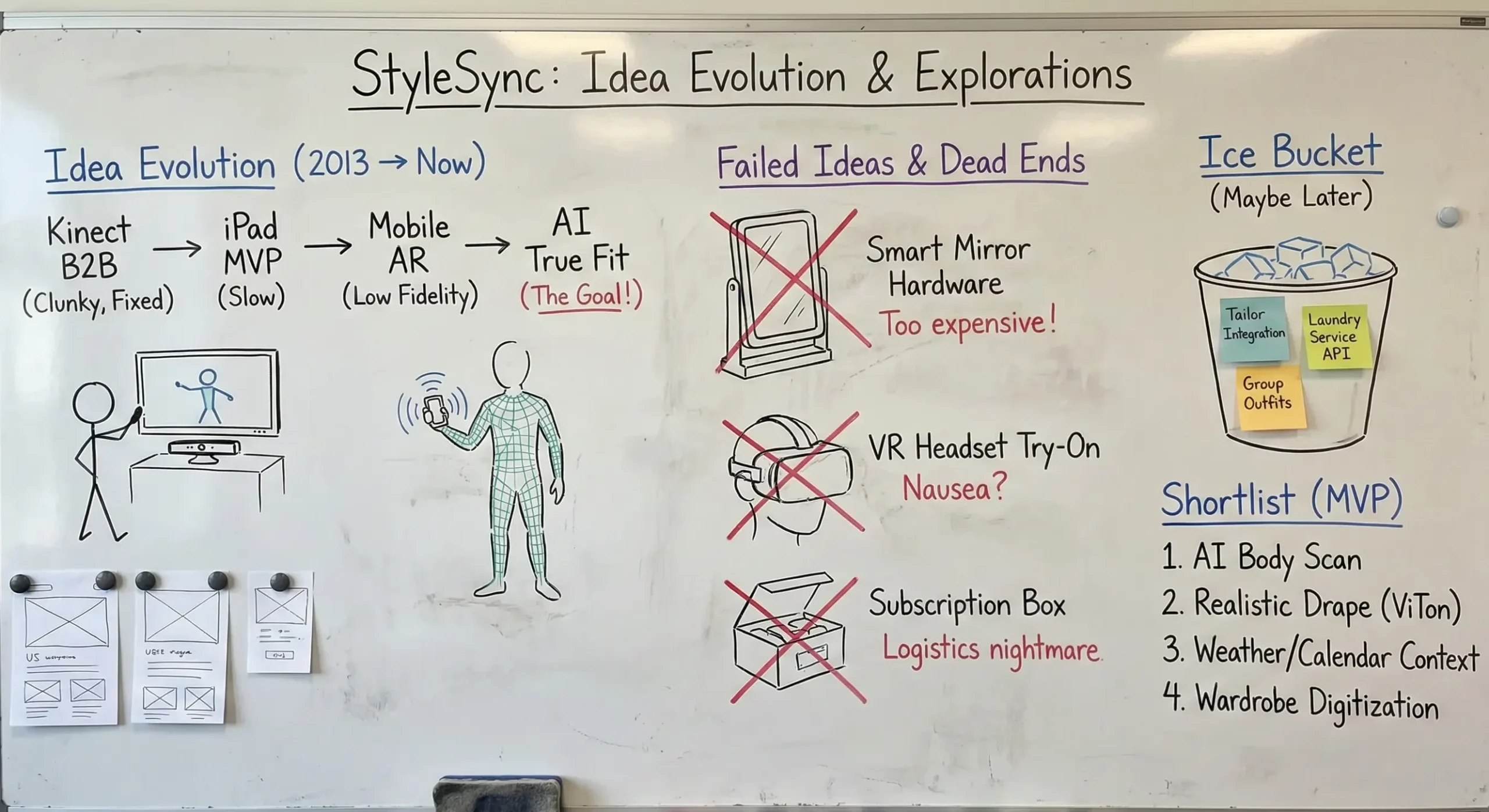
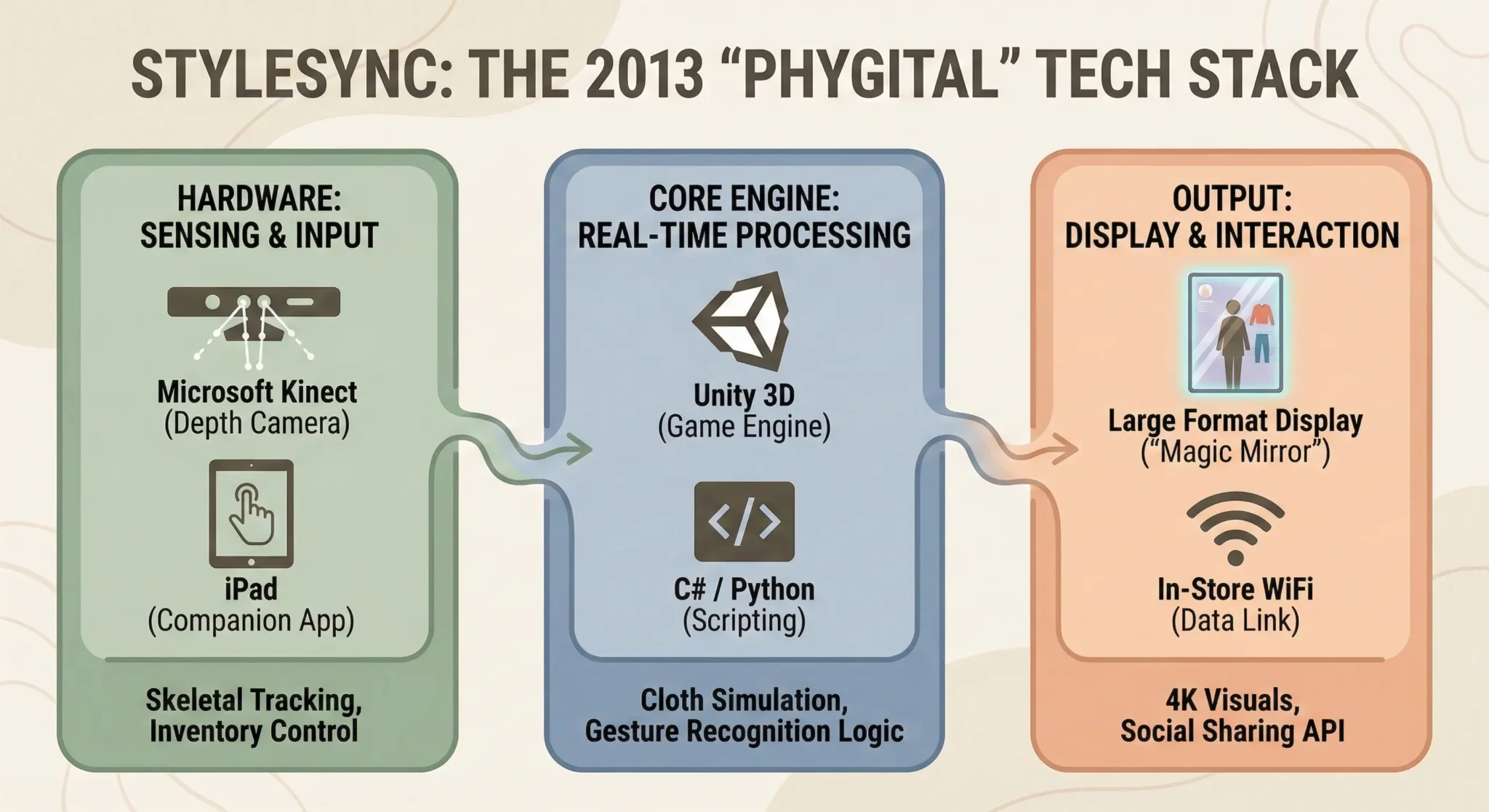
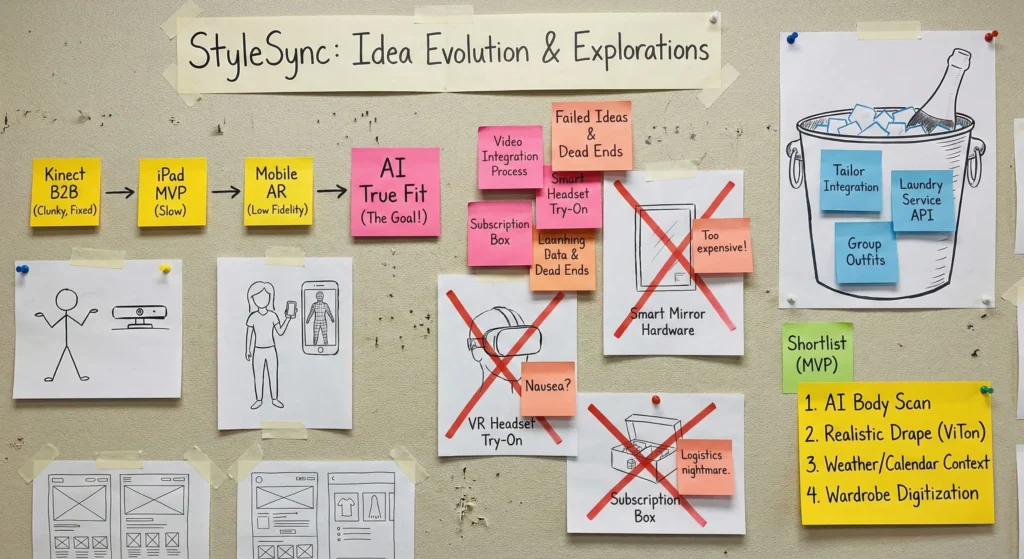
The roots of this project date back to 2013. Following a startup exit, I collaborated with a team of developers to build a B2B virtual try-on solution using Kinect’s depth-mapping technology. While the MVP successfully validated the concept, we faced significant friction due to the hardware limitations and server latency of that era.
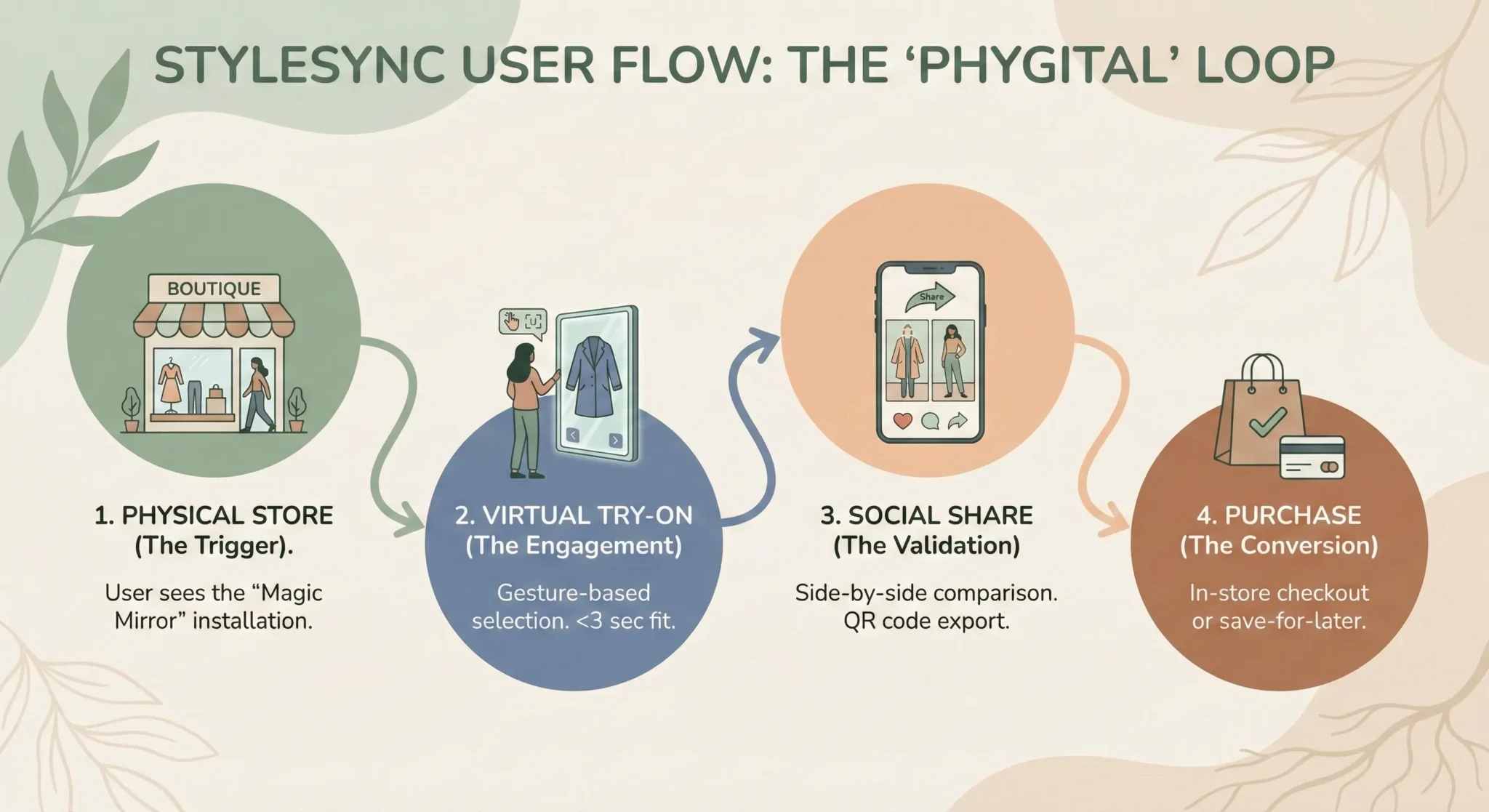
Today, I have revitalized this vision by leveraging modern Generative AI. I am pivoting the concept from a hardware-dependent B2B tool to a seamless B2C mobile experience, focusing on high-fidelity Virtual Try-On (ViTon), real-time Virtual Mirrors, and social commerce integration.
01. Overview
The Challenge
Most people wear only 20% of their wardrobe 80% of the time. They suffer from decision fatigue every morning, buy clothes online that don’t fit right, and struggle to adapt outfits to changing weather or occasions.
The Solution
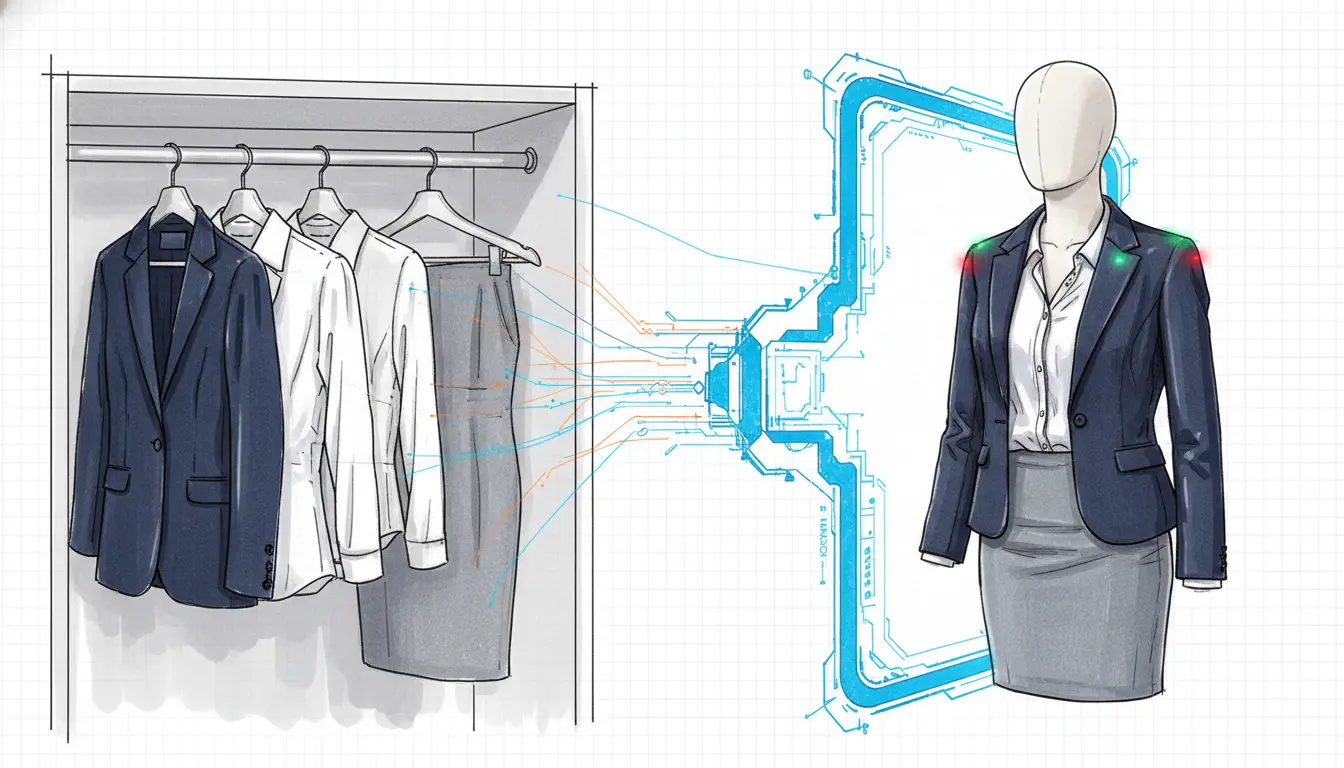
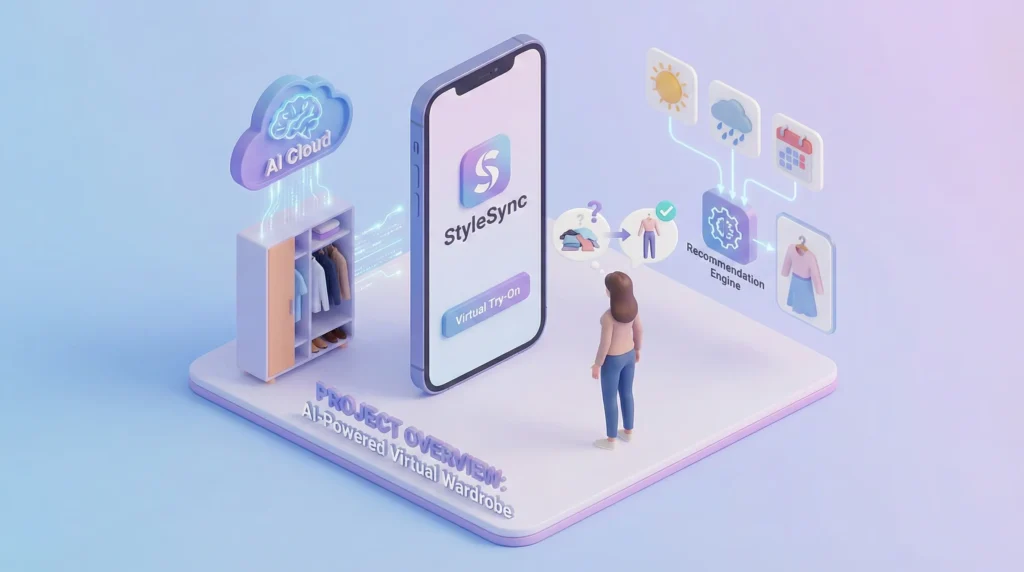
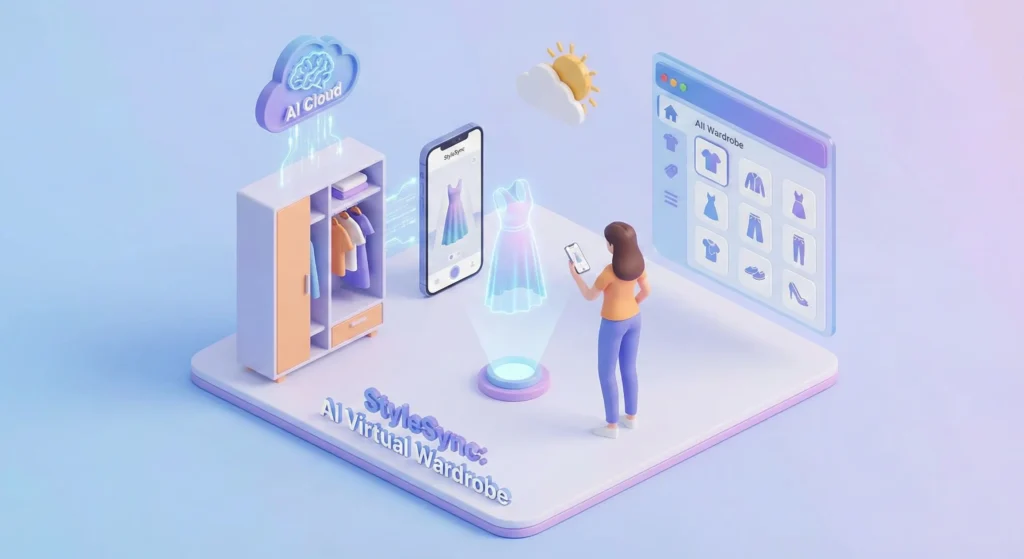
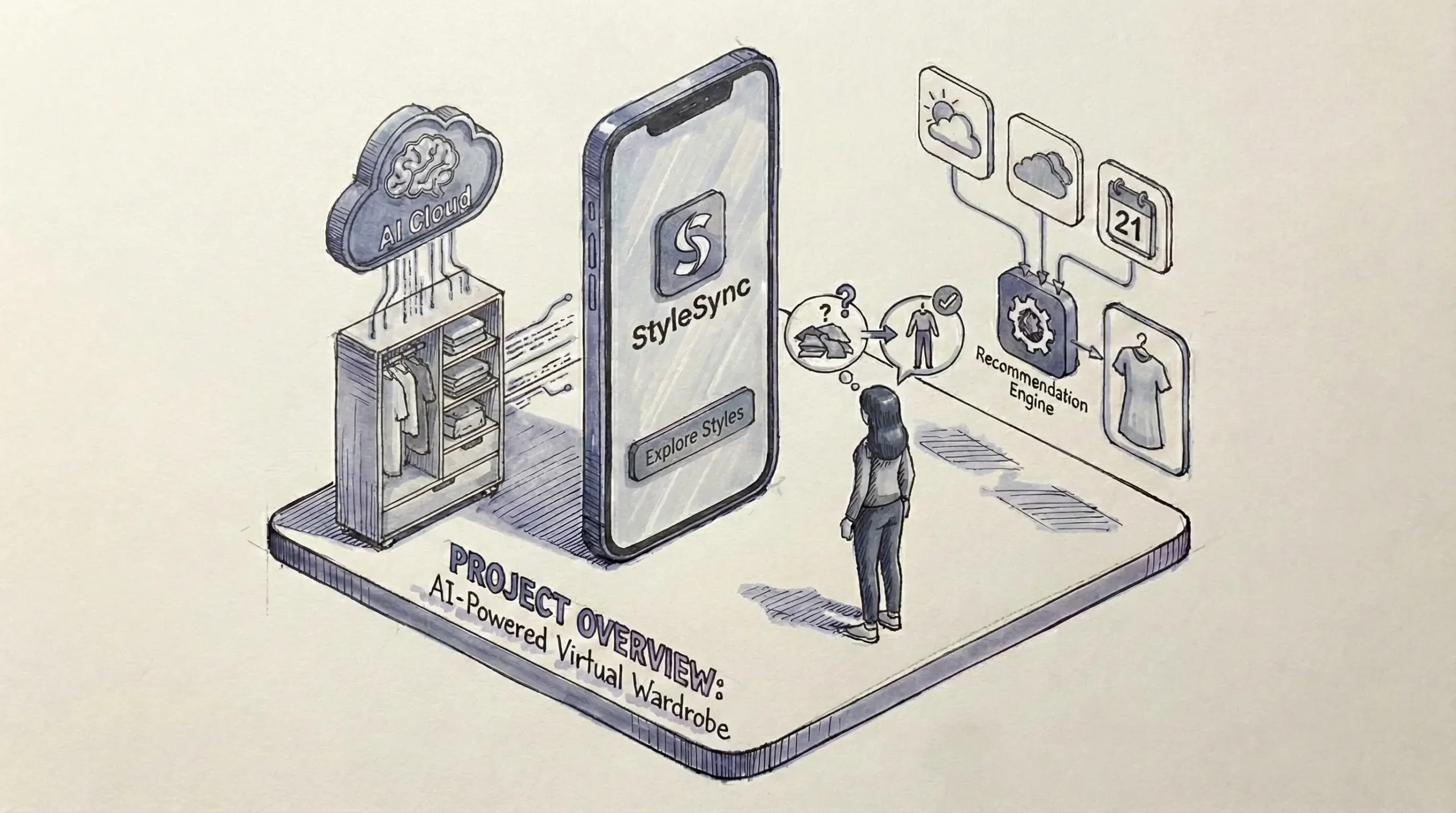
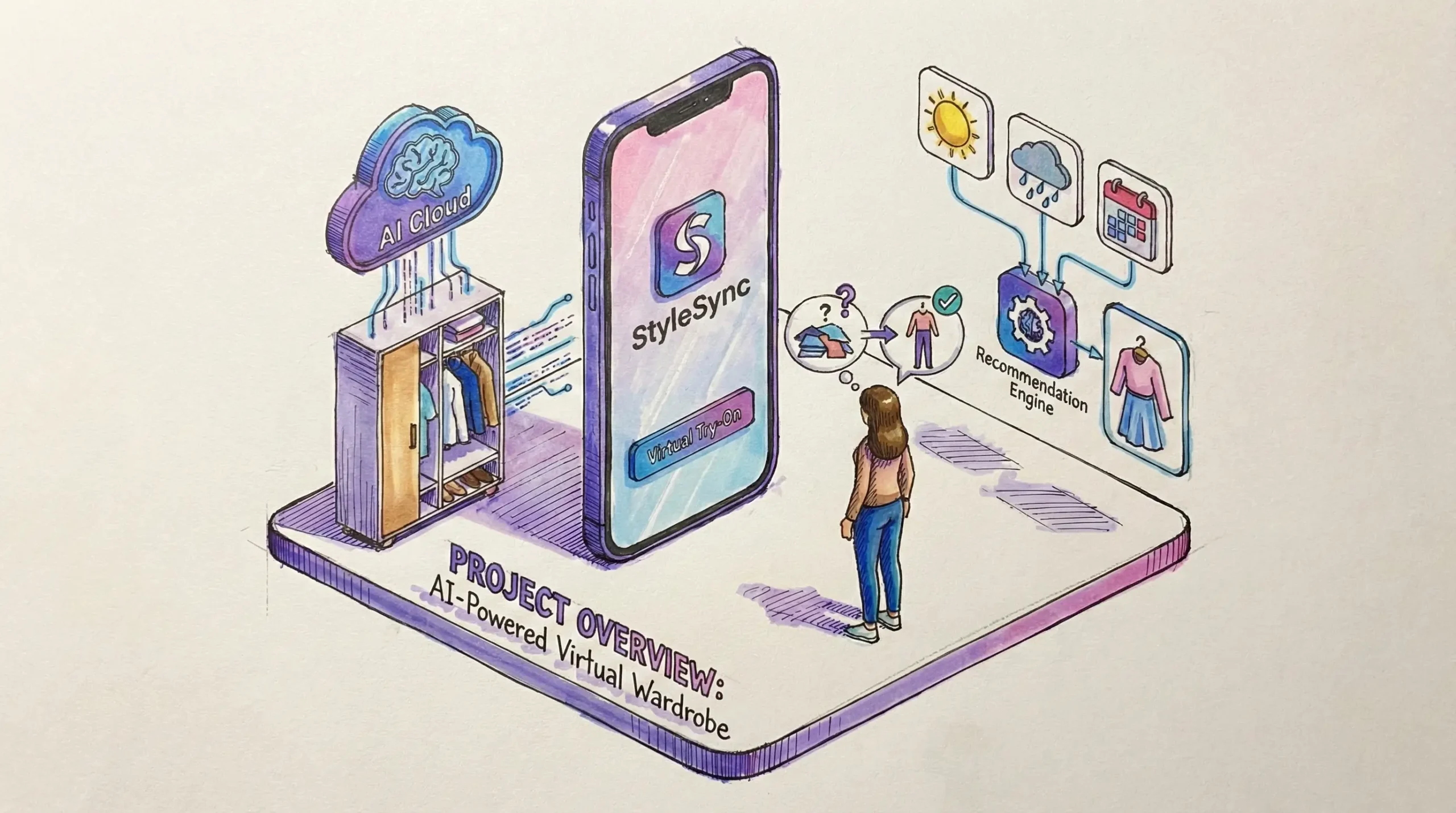
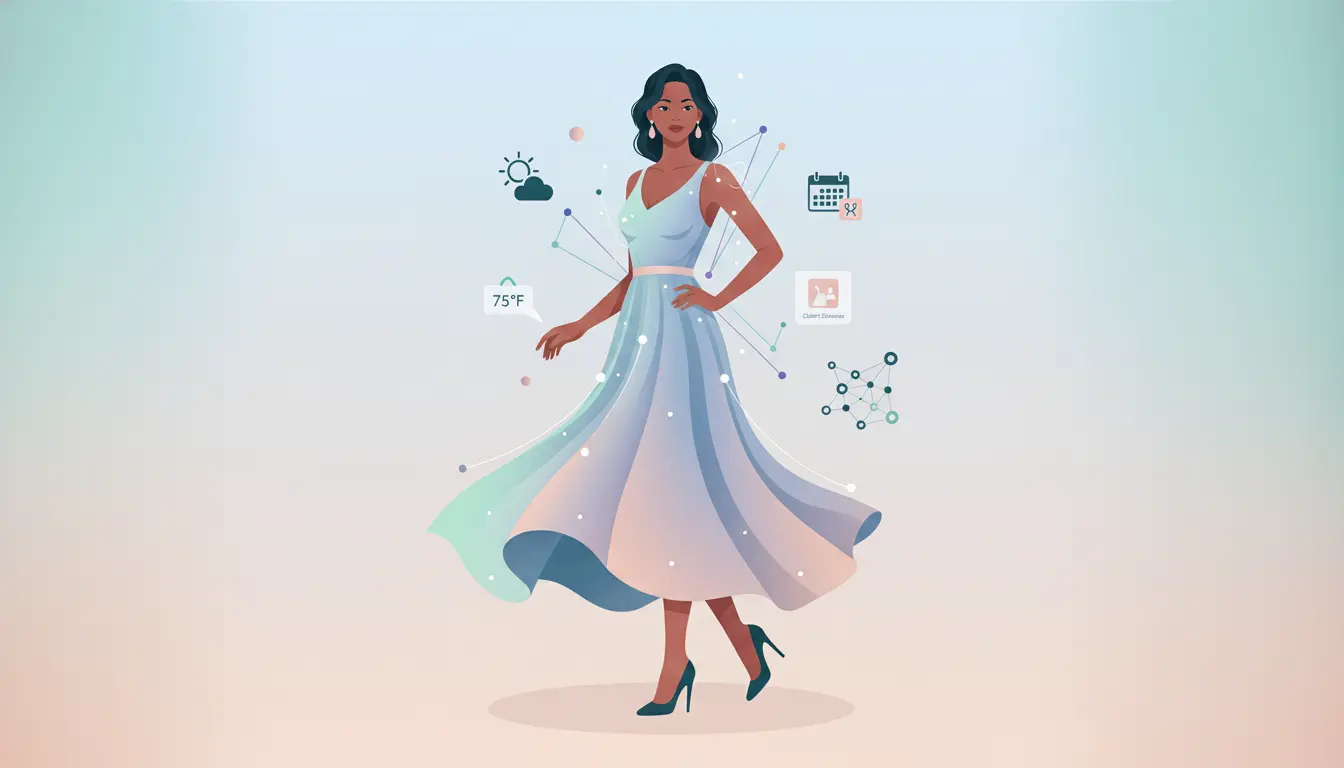
StyleSync is a B2C mobile application that uses advanced on-device AI and mobile depth sensing to digitize the user’s closet, offer a hyper-realistic true fit virtual try-on experience, and provide contextual outfit recommendations based on local weather, calendar events, and personal style.
Key Objectives
- Reduce Friction in Wardrobe Management
Use AI to automatically categorize clothes from photos. - Realistic Visualization (ViTon)
Move beyond simple 2D overlays; show how fabric drapes and fits the specific user’s body shape in real-time. - Contextual Relevance
Integrate real-time data (weather in Bangalore, personal calendar) to make suggestions useful. - Circular Economy
Enable users to easily resell underutilized items from their digital wardrobe.
02. Background: The Evolution of an Idea
From 2013 Kinect to 2024 AI
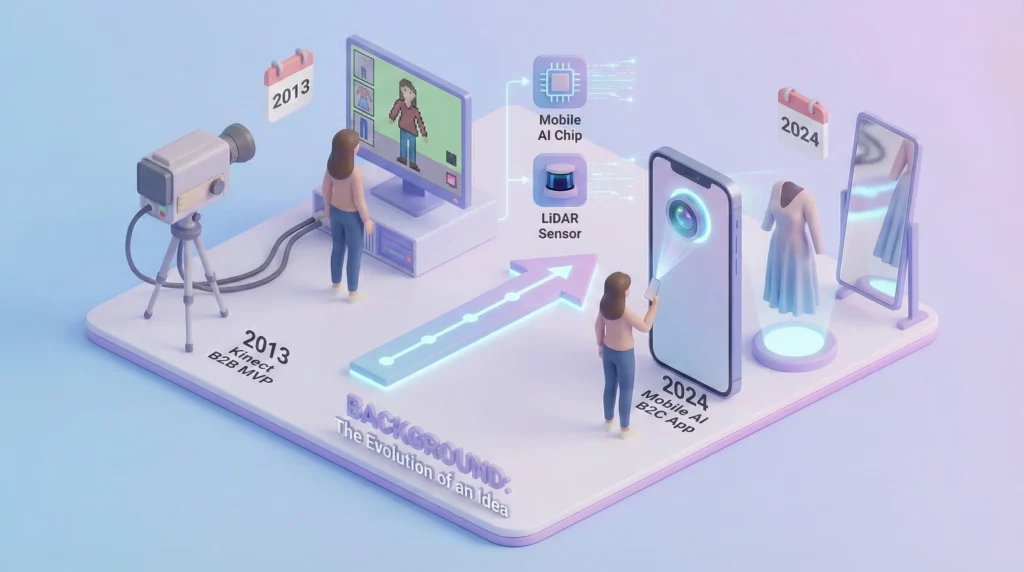
In 2013, I worked on a pioneering B2B project using Microsoft Kinect to create virtual try-on experiences for retail stores. While innovative, it faced significant hurdles: expensive hardware, requirement for a fixed location, and high latency that broke the immersion of ‘real-time’. It was an MVP ahead of its time.
The Opportunity Now
Today, the technology landscape has shifted dramatically. Mobile devices now have LiDAR scanners and powerful Neural Engines capable of handling complex AI models on-device. We can now deliver on the promise of that initial 2013 vision directly to consumers on the phones in their pockets, with far greater accuracy and social connectivity.
02.1. Competitive Analysis, Market Research
Based on the market landscape in late 2025/early 2026, here is a competitive analysis identifying the major players, their strategies, and the white space opportunity for StyleSync.
Summary
The current market is polarized. On one end are Digital Closet utilities (reliable but manual/boring). On the other are Gen-Z Social apps (fun but often relying on paper doll collages rather than realistic tech).
The Gap: No competitor has successfully mastered Realistic Virtual Try-On (ViTon) for owned clothes.
Most apps only offer flat-lay collages or generic mannequins.
This is StyleSync’s primary disruption point.
a. The Big Three Competitors
Whering (The Cool Incumbent)
- Positioning: ‘Clueless‘ wardrobe for Gen Z.
- Core Strength: Social & Fun. Features like Dress Me (shuffle button) and strong sustainability branding make it culturally relevant.
- Weakness: The AI often suggests mismatched outfits (random generation vs. true styling). Visuals are limited to flat 2D collages, not realistic try-on.
Acloset (The Data Organizer)
- Positioning: The heavy-duty organizer for planners.
- Core Strength: Data & Analytics. Excellent for tracking cost-per-wear and organizing by season/weather.
- Weakness: Paywall Backlash. Recently introduced a 100-item limit for free users, angering their long-time user base. The UI is often criticized for being cluttered and complex.
Indyx (The Premium Stylist)
- Positioning: High-touch, professional styling.
- Core Strength: Human Element. Connects users with real stylists and offers an Archivist service to come to your house and digitize your closet for you.
- Weakness: High Friction/Cost. It feels more like a luxury service than a daily tech utility. It lacks the instant magic of AI automation for the average user.
b. Niche & Emerging Threats
- Save Your Wardrobe
Focuses entirely on circular fashion (connecting to local tailors, repairs, and cleaning). It dominates the aftercare niche but lacks fun daily styling features. - Fits / Wearz
Newer entrants focusing on better visualization (e.g., 3D mannequins or swipe-based outfit building). They are closer to StyleSync’s visual goal but currently lack the deep wardrobe management features of the bigger apps. - Retail Try-On Apps (e.g., ZARA, ASOS):
These have great AR try-on tech, but only for their own new stock.
They do not allow users to mix new items with existing owned clothes.

c. Competitive Matrix: Where StyleSync Wins
| Feature | StyleSync (The Vision) | Whering | Acloset | Indyx | Stylebook |
| Visual Tech | Hyper-Realistic Mirror (ViTon) | Flat-lay Collage | Flat-lay Collage | Stylist Lookbook | 2D Cutouts |
| ‘Try-On’ Type | On User’s Body | Paper Doll | Paper Doll | None | None |
| Input Method | Smart Import (Receipts) | Photo Upload | Photo Upload | Manual / Archivist | Manual Photo |
| Business Model | Freemium + Affiliate | Marketplace | Subscription | Service Fees | One-time Pay |
| User Complaint | (Risk of High Tech Req) | “AI is random” | “Paywall limits” | “Too expensive” | “Outdated UI” |
Strategic Takeaways for StyleSync
- Attack the Flat Lay
Users are tired of seeing their clothes floating in white space. Marketing should aggressively compare ‘Their App (Cartoon Collage)’ vs. ‘StyleSync (You, Dressed)’. - Capture the Acloset Refugees
With Acloset limiting free items to 100, StyleSync should launch with Unlimited Digital Wardrobe as a free hook, monetizing instead through the Smart Add shopping features. - Solve the Input Fatigue
Indyx and Stylebook fail because taking photos of 200 shirts is boring. StyleSync’s Digital Receipt Import (scraping email receipts to auto-add items) is a critical utility feature to steal users from older apps.
02.2. Feature Roadmap
This roadmap prioritizes high-value differentiators (Visuals & Input Ease) to solve the specific frustrations users have with competitors like Acloset (paywalls) and Whering (cartoonish visuals).
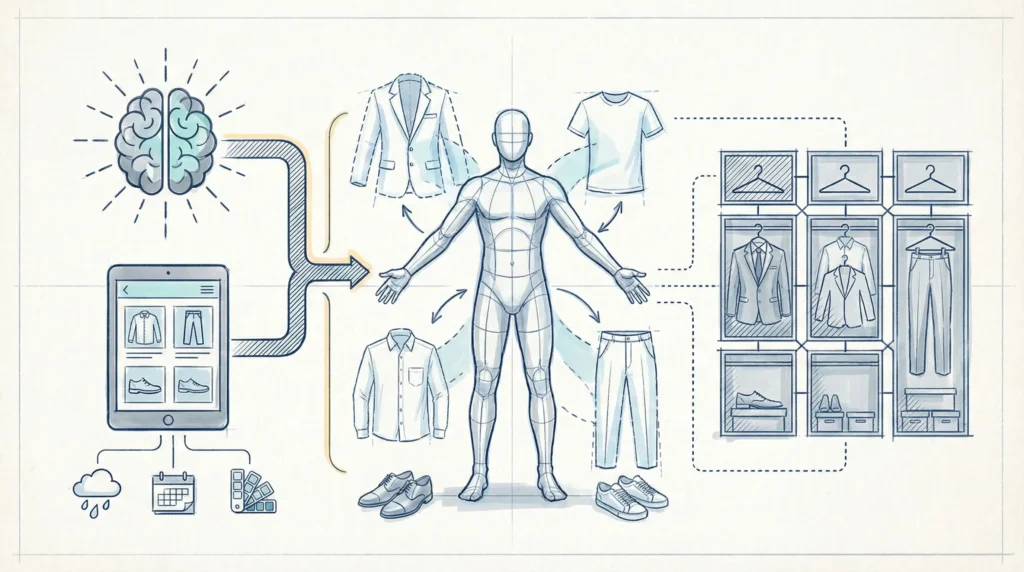
Phase 1: The ‘Smart Foundation’ (MVP Launch)
Goal: Be the ‘Better, Unlimited Organizer’ to steal dissatisfied Acloset users immediately.
| Feature | Description | Competitive Advantage |
| Unlimited Wardrobe | Free storage for unlimited items (no 100-item cap). | Direct Attack: Captures users fleeing Acloset’s paywall. |
| 1-Click BG Removal | Auto-remove backgrounds from photo uploads. | Table stakes, but must be faster/cleaner than Stylebook. |
| Smart Link Add | Paste a product URL (ZARA, H&M) to auto-fetch the image & metadata. | Differentiation: Solves Input Fatigue without complex receipt scraping yet. |
| The Canvas (v1) | A drag-and-drop outfit builder (2D) that supports layering. | Better than Whering’s rigid slots; allows creative freedom. |
| Morning Anchor | Basic weather widget + Outfit of the Day suggestion based on basic tags. | builds the daily usage habit. |
Tech Note: Focus on the speed of adding items. If it takes more than 15 seconds to add a shirt, users will churn.
Phase 2: The Magic (Differentiation Release)
Goal: Deploy the Killer Feature that Whering and Indyx cannot match.
| Feature | Description | Competitive Advantage |
| ViTon (Beta) | AI Virtual Try-On Users upload a body photo; AI maps owned clothes onto them. | The Moat Moves beyond paper dolls to realistic visualization. |
| BodyID Profile | Detailed sizing profile (Height, Skin Tone, Shape) for accurate AI mapping. | Personalization that Indyx charges for. |
| Receipt Radar | Connect Gmail/Outlook to auto-scan for fashion receipts and import items. | Major Delighter Eliminates manual data entry entirely. |
Phase 3: The ‘Growth & Stickiness’ (Social Layer)
Goal: Turn single-player users into a network (Viral Loop).
| Feature | Description | Competitive Advantage |
| StyleSync Social | Share ViTon looks (not just collages) to a feed. | Higher engagement content than flat-lays. |
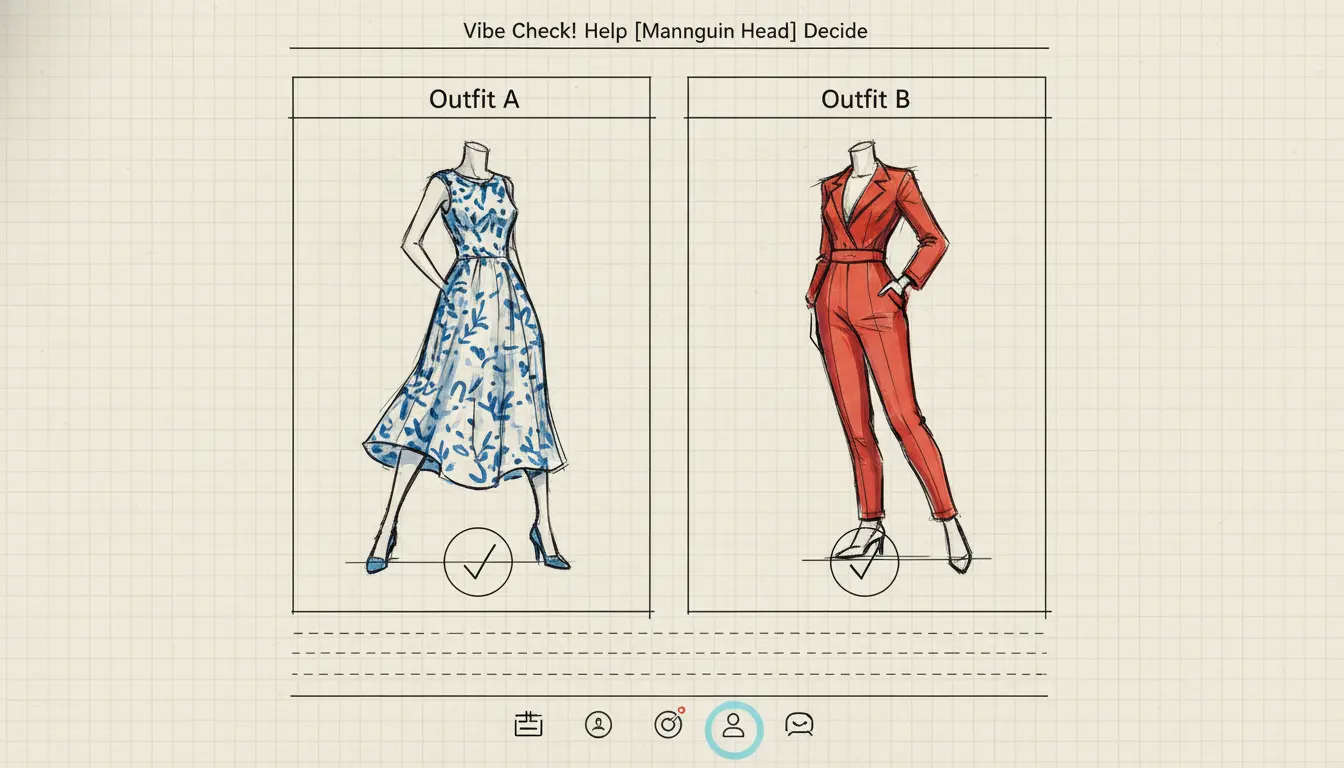
| Help Me Choose | Poll feature: Friends vote on Outfit A vs. Outfit B. | Urgent utility that drives open rates. |
| Weekly Planner | Drag-and-drop calendar for packing lists/work week. | Matches Acloset’s utility but with better visuals. |
Phase 4: Monetization (The Business Model)
Goal: Sustainable revenue without alienating free users.
| Feature | Description | Revenue Source |
| Shop the Look | Suggest new items that match owned items (e.g., “This jacket needs these boots”). | Affiliate Commissions. |
| Premium Stats | Deep analytics: Cost Per Wear, Most Worn Color, Dead Stock | Subscription (Pro Tier). |
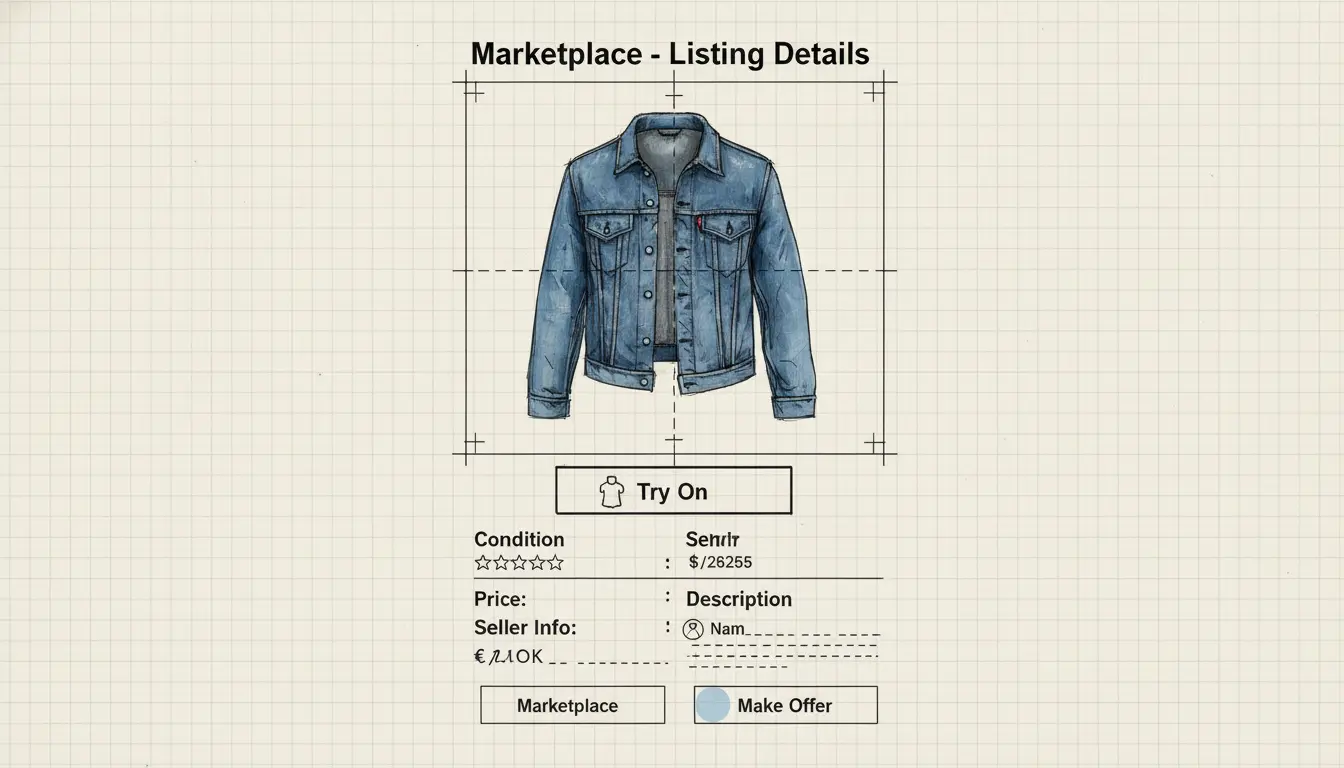
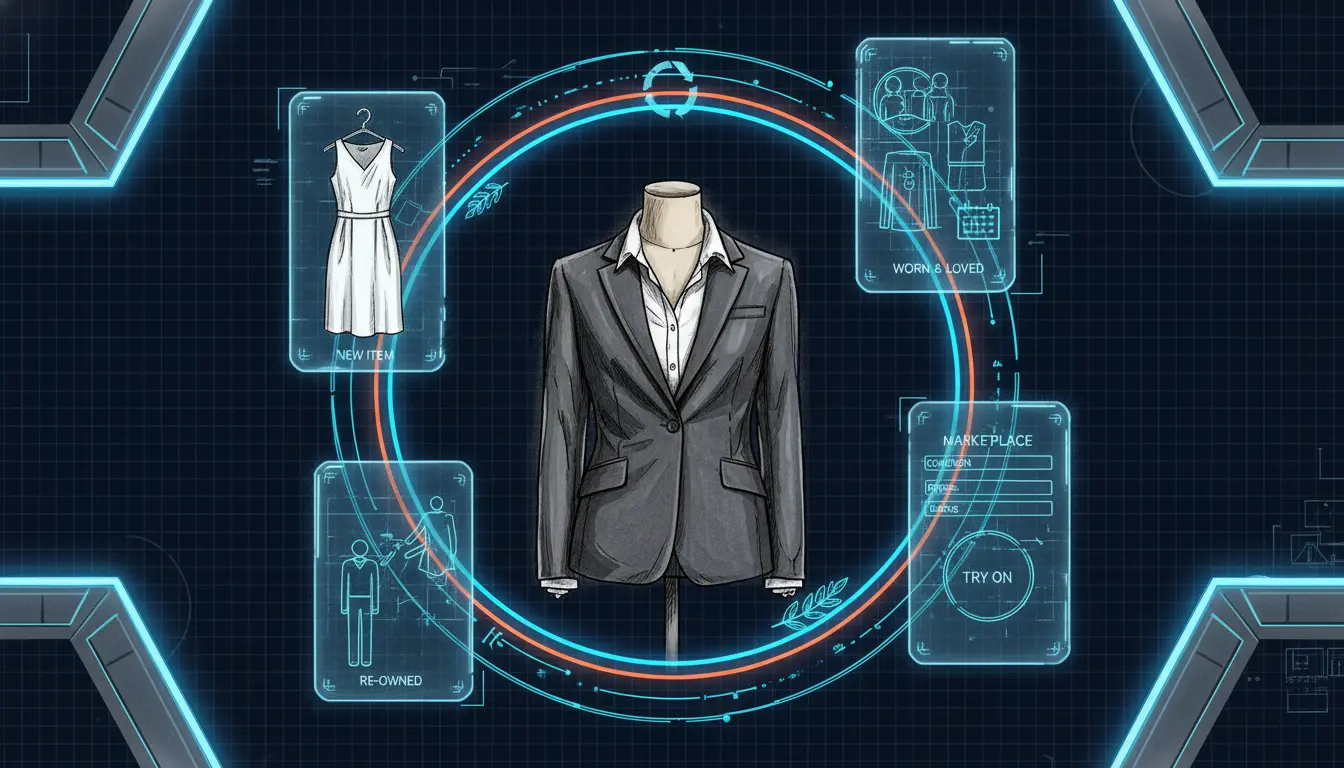
| Marketplace | Sell Dead Stock directly to other StyleSync users. | Transaction Fees. |
Critical ‘Kill’ Criteria (What NOT to build yet)
- Stylist Services
Human connection is slow and expensive to scale (Indyx model).
Avoid in MVP. - AR Live Camera
Holding a phone up to a mirror is technically buggy and tiring.
Stick to Generative AI on static photos (ViTon) first, it looks better and is easier to use.
03. User Research & Empathy
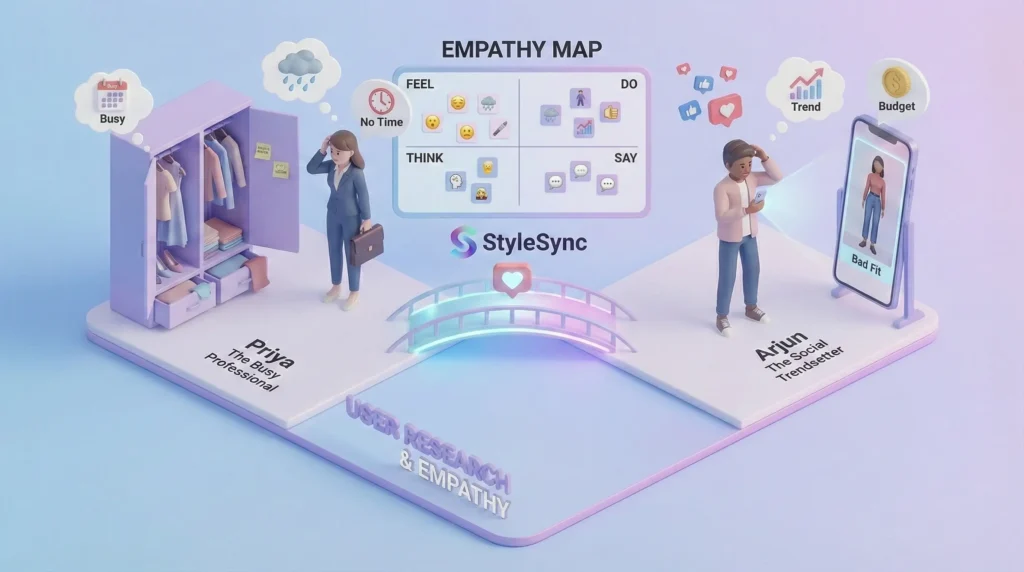
To ensure the product solves real problems, we focused on the Bangalore market, a tech-savvy demographic experiencing unpredictable weather patterns and diverse social occasions.
Personas
Persona 1: The Busy Professional (Priya)
- Age: 29, Bangalore
- Occupation: Tech Lead
- Goals: Needs to look professional but stylish with zero morning hassle. Wants to maximize her current wardrobe without constant shopping.
- Frustrations: “I have a closet full of clothes and nothing to wear.” Hates Bangalore’s sudden rain spoiling her outfit. Decision fatigue.
Persona 2: The Social Trendsetter (Arjun)
- Age: 24, Bangalore
- Occupation: Marketing Specialist / Content Creator
- Goals: Wants to try new trends instantly, share looks with followers for feedback, and rotate his wardrobe frequently on a budget.
- Frustrations: Buying clothes online that look great on the model but terrible on him. Holding onto expensive clothes he only wore once.
04. User Journey Map (Priya’s Morning Routine)
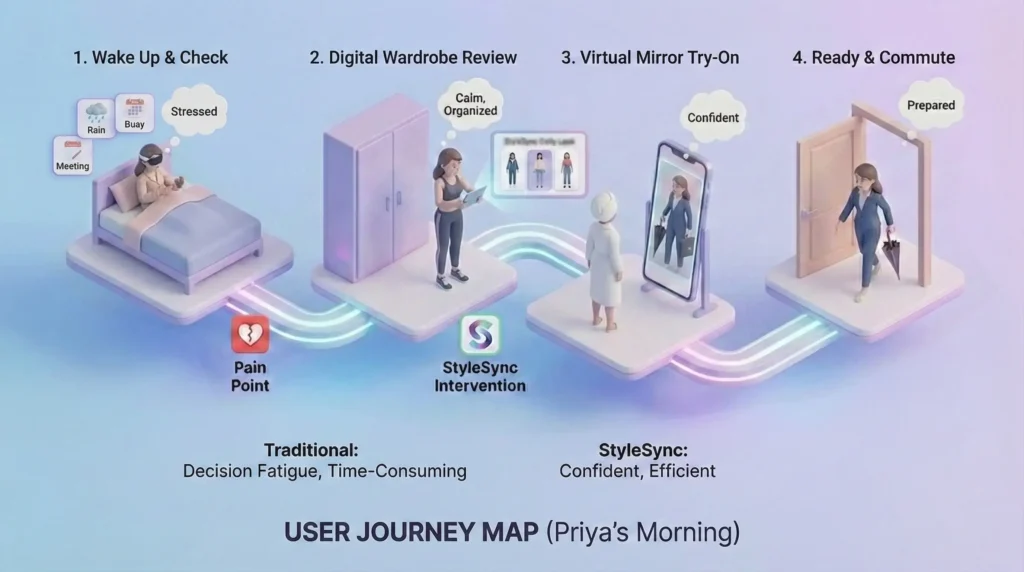
We mapped Priya’s typical morning to identify where StyleSync could intervene to reduce stress.
| Stage | 1. Wake Up & Check Info | 2. The Wardrobe Stare | 3. The Physical Try-On | 4. Final Decision & Commute |
| Traditional Actions | Checks weather app (looks cloudy). Checks Google Calendar (Client meeting at 11 AM). | Opens closet. Stares blankly. Grabs a go-to shirt but realizes it needs ironing. | Tries on Outfit A. Too casual for the client meeting. Tries on Outfit B. Feels uncomfortable. | Goes back to a safe, boring outfit. Rushes out the door, stressed. |
| Pain Points | Disconnected information. Weather vs. Schedule data isn’t synthesized. | Decision fatigue. Forgot what clothes are currently clean/available. | Time-consuming. Physical effort. Frustration with fit. | Settling for mediocrity due to lack of time. |
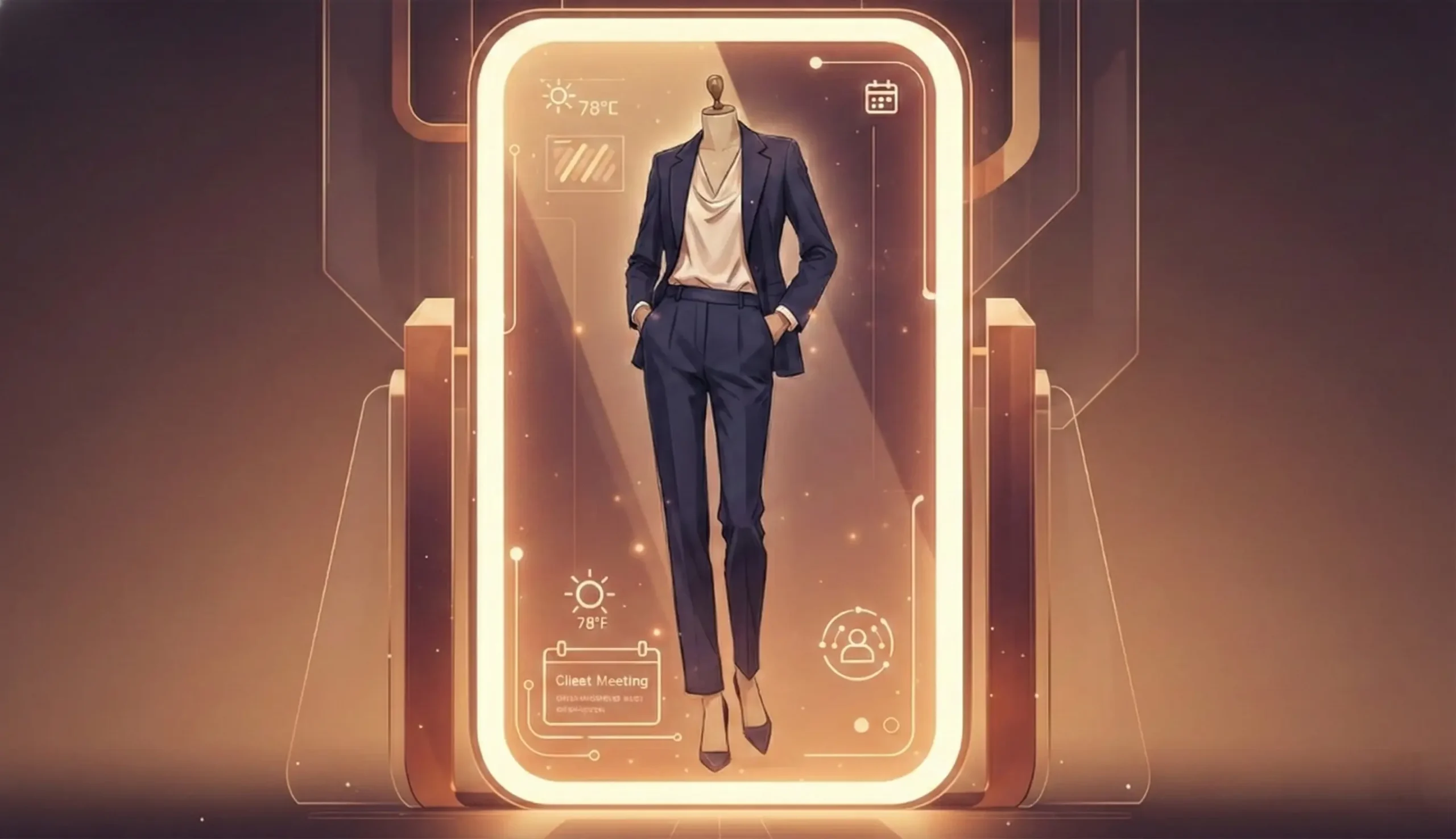
| StyleSync Intervention | Notification: “Good morning Priya. It’s 22°C with afternoon showers. Here are 3 looks for your 11 AM client meeting.” | The Digital Review: Priya opens the app while drinking coffee. Reviews pre-selected outfits from her own closet. | The Virtual Mirror: Priya selects ‘Outfit B’. The AI instantly shows it on her digital twin. She sees the fit is perfect. | Confidence: She knows exactly where the items are. Dresses quickly. Feels confident and prepared for the rain. |
User Journey Map for the Phase 2 ViTon (Virtual Try-On) Experience.
This journey focuses on the specific Magic Moment where the user moves from browsing static images to seeing themselves wearing the clothes.
Scenario: The Friday Night Dilemma.
User Goal: Decide on an outfit for dinner without physically trying on multiple options and making a mess.

The ViTon Flow
| Stage | 1. The Trigger | 2. The Setup (One-Time) | 3. The Selection | 4. The Magic (Generation) | 5. The Decision |
| User Action | Receives dinner invite. Stares at messy closet. Opens StyleSync. | Uploads a full-body mirror selfie (wearing tight/neutral clothes). Inputs height/weight. | Browses Digital Wardrobe. Selects a Green Silk Shirt and Black Wide-Leg Trousers. Taps Try On. | Waits 3-5 seconds. Watches the loading animation (e.g., a digital hanger spinning). | Views the generated image. Zooms in to see how the shirt tucks in. Swaps the shirt for a white top. |
| User Thought | “I have nothing to wear, and I don’t have time to try on 10 things.” | “I hope this is secure. I want to look realistic, not like a cartoon.” | “Will this green clash with these pants? Let’s see.” | “Is it going to look weird? Come on, come on…” | “Oh, the green actually looks great on my skin tone. Done.” |
| System Process | App loads Morning Anchor dashboard. Shows Create New Look FAB (Floating Action Button). | BodyID Engine: Scans photo for key joints (shoulders, hips) and skin tone. Creates a 3D mesh proxy. | Retrieves 2D texture data of the selected clothes. Prepares them for Warping. | Generative AI: Warps the clothes onto the BodyID mesh, adjusting lighting and shadows to match the user’s original photo. | Displays high-res image. Offers Save to Calendar, Share, or Shop Matching Shoes. |
| Emotional State | Anxious / Lazy | Skeptical / Focused | Curious | Anticipation | Confident / Relieved |
Critical UX Micro-Interactions (The ‘Delighters’)
To make this journey feel premium, specific UI details are needed:
- The Ghost Overlay
When taking the BodyID photo, show a faint silhouette on the camera screen to guide the user into the perfect pose. - The Fabric Loader
Instead of a generic spinning wheel, the loading animation should look like fabric being stitched or draped. - The Tuck/Untuck Toggle
A simple switch on the final result screen that instantly re-generates the image with the shirt tucked in or left out. This is a huge pain point in real life that digital can solve instantly. - Confidence Score
If the AI is unsure about a fit (e.g., baggy clothes), a small pill badge saying Approximate Fit manages expectations so users don’t get frustrated by minor glitches.
Potential Friction Points & Solutions
- Bad Lighting:
- Problem: User uploads a dark, grainy BodyID photo.
- Solution: Real-time feedback before upload: “Too dark! Turn on a light for better magic.”
- Privacy Concerns:
- Problem: User is hesitant to upload a body photo.
- Solution: Explicit copy: “Your BodyID is stored locally on your device. Only the clothing data touches the cloud.”
05. Interaction Design & Architecture

The app needs to balance complex utility (managing hundreds of items) with an engaging, visual interface.
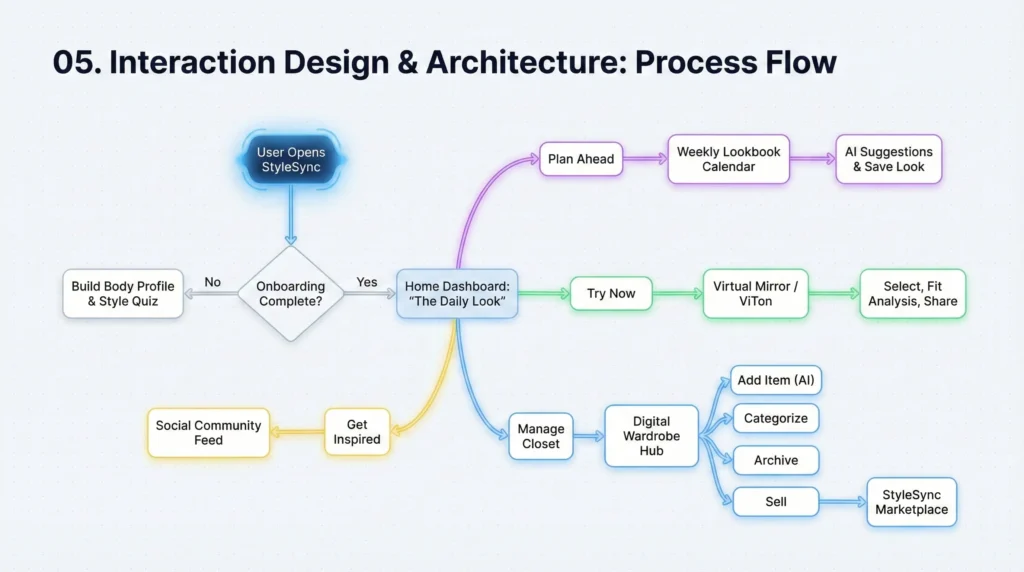
High-Level Process Flow
This diagram illustrates the core loops of the user experience: Digitizing, Planning, Trying, and Engaging.
06. UX Breakdown & Key Features
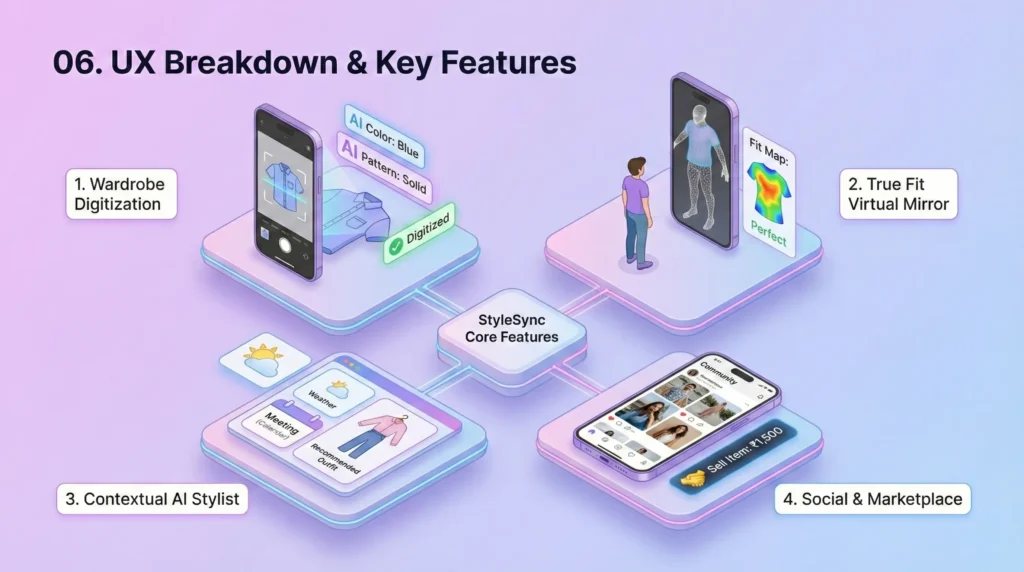
Feature 1: Frictionless Wardrobe Digitization & Management
The biggest barrier to entry is cataloging existing clothes. We cannot ask users to manually enter data for 200 items.
- UX Solution: AI Auto-Tagging
The user takes a quick photo of an item flat-laid or on a hanger. The AI (computer vision) analyzes it and automatically populates: Category (Shirt), Color (Navy), Pattern (Striped), Season (All-weather), Estimated Material (Cotton). The user only needs to verify. - Organization
Users can create custom rules for Layering pieces versus Statement pieces, helping the recommendation engine understand how to build an outfit. - The Archive
A dedicated section for seasonal gear (heavy winter coats in Bangalore) or sentimental items, keeping the daily view uncluttered.
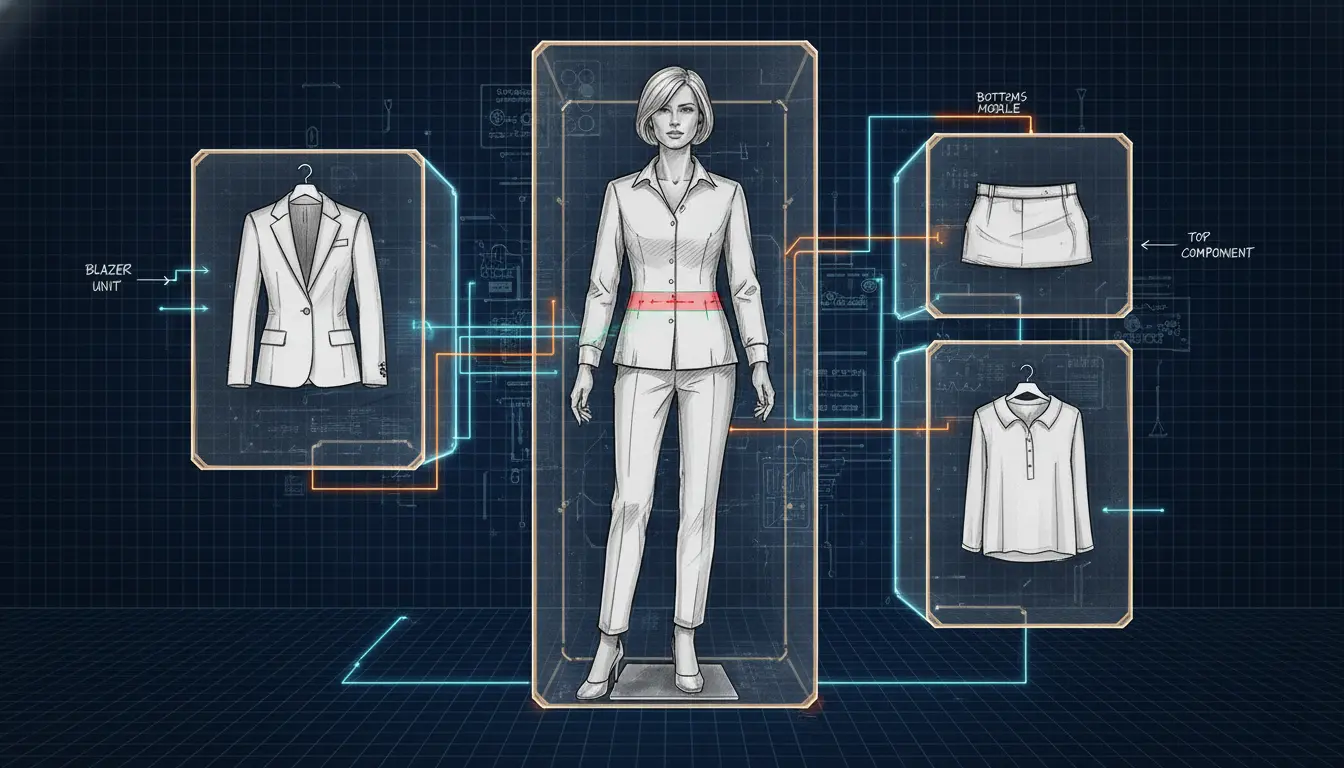
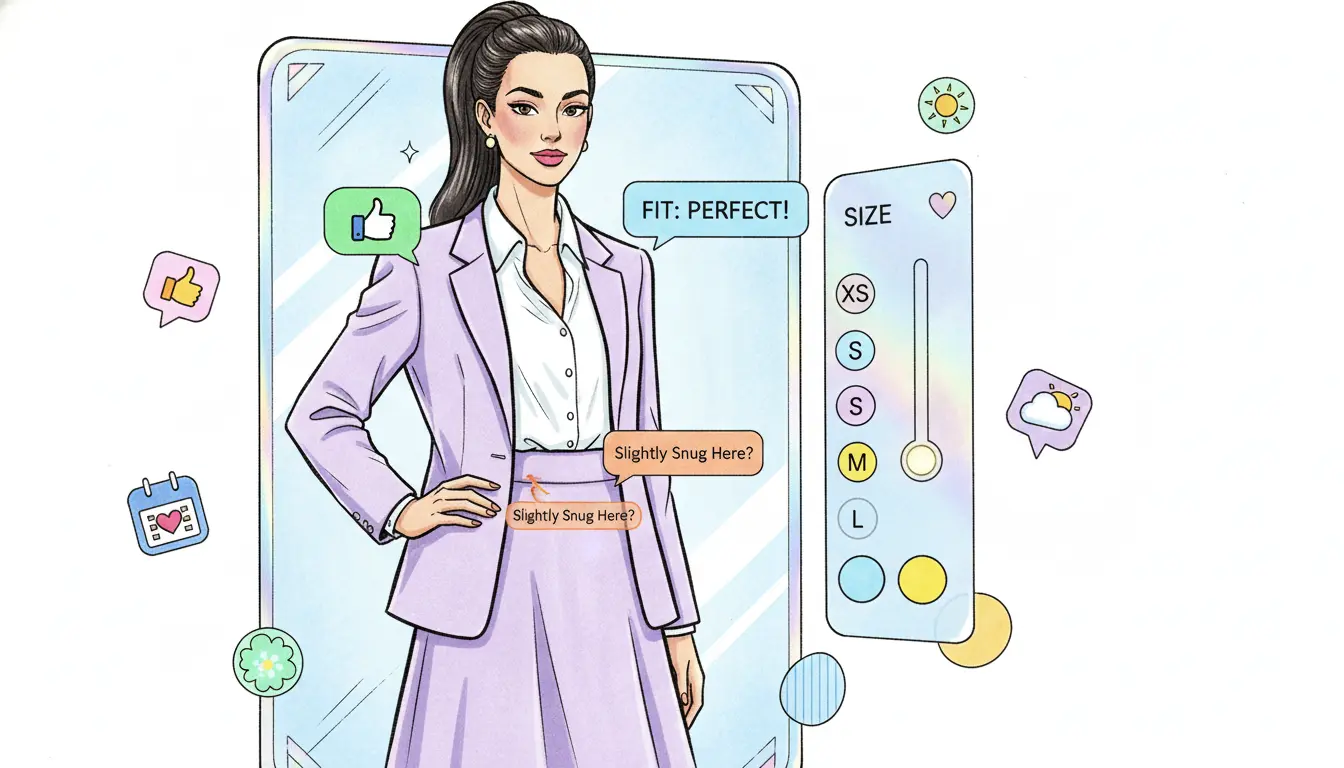
Feature 2: The ‘True Fit’ Virtual Mirror (ViTon)
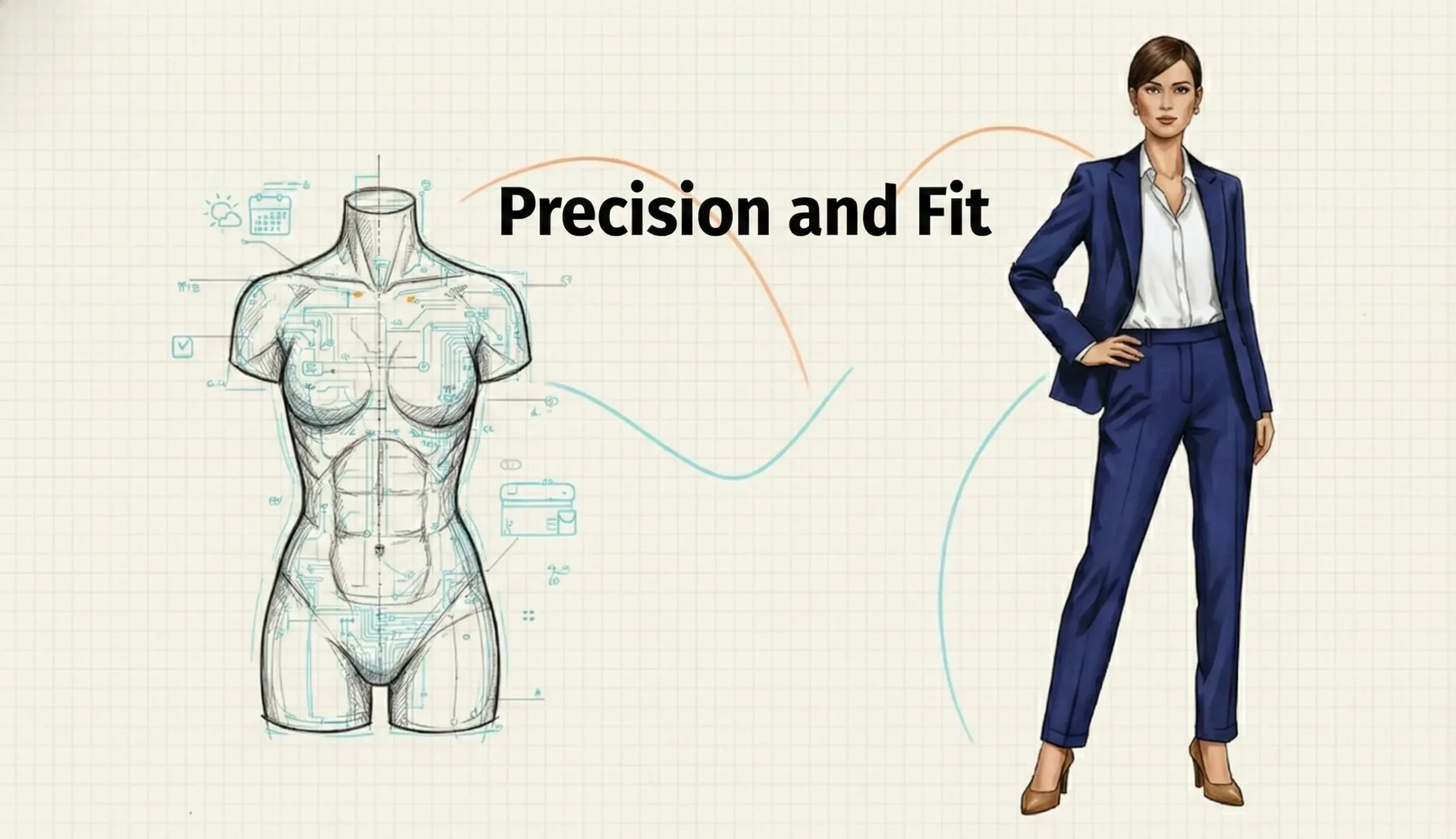
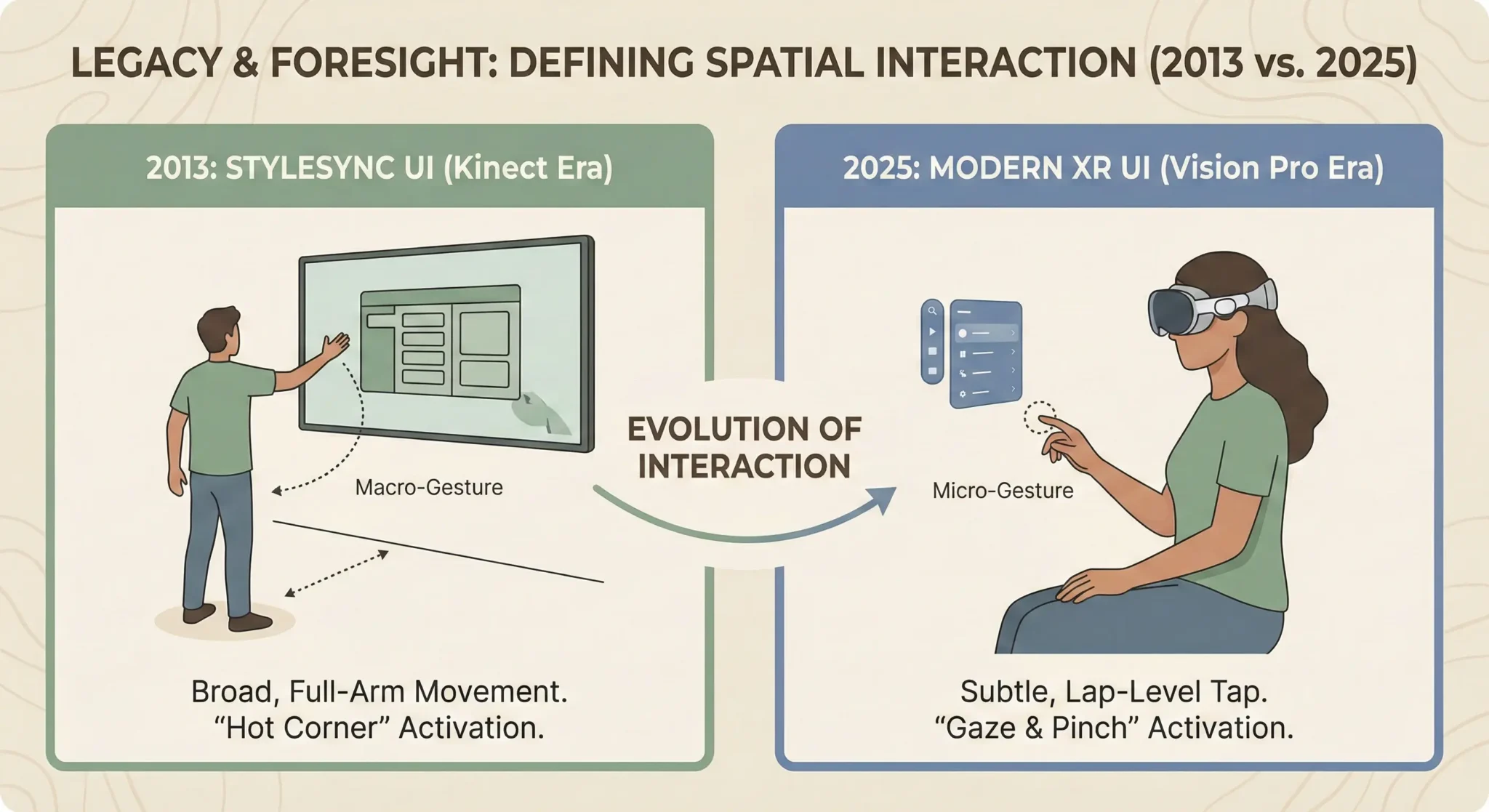
This is the core differentiator from the 2013 project. It’s not about putting a 2D sticker of a shirt over a photo of a person.
- UX Solution: Body Mapping
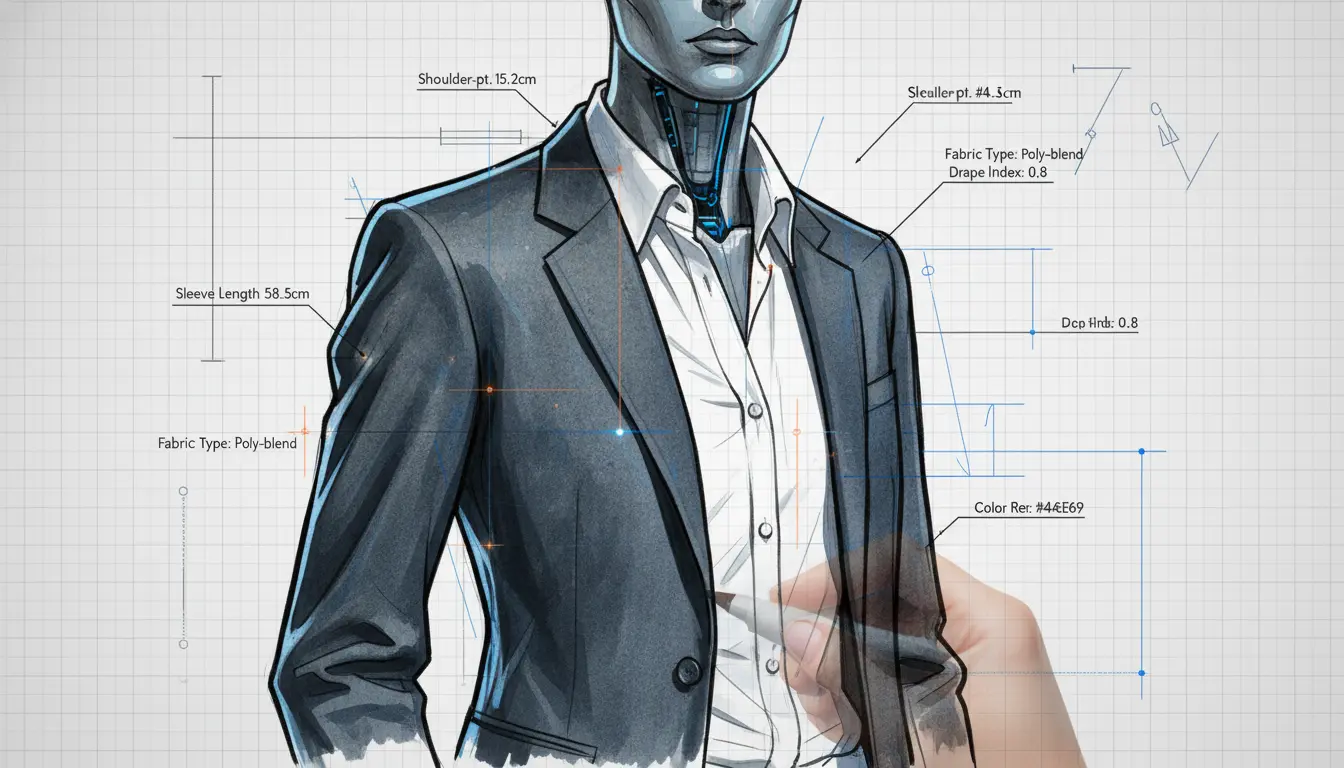
During onboarding, the user stands before the camera, creating a private 3D body mesh (leveraging depth sensors on modern phones). - Physics-Based Rendering
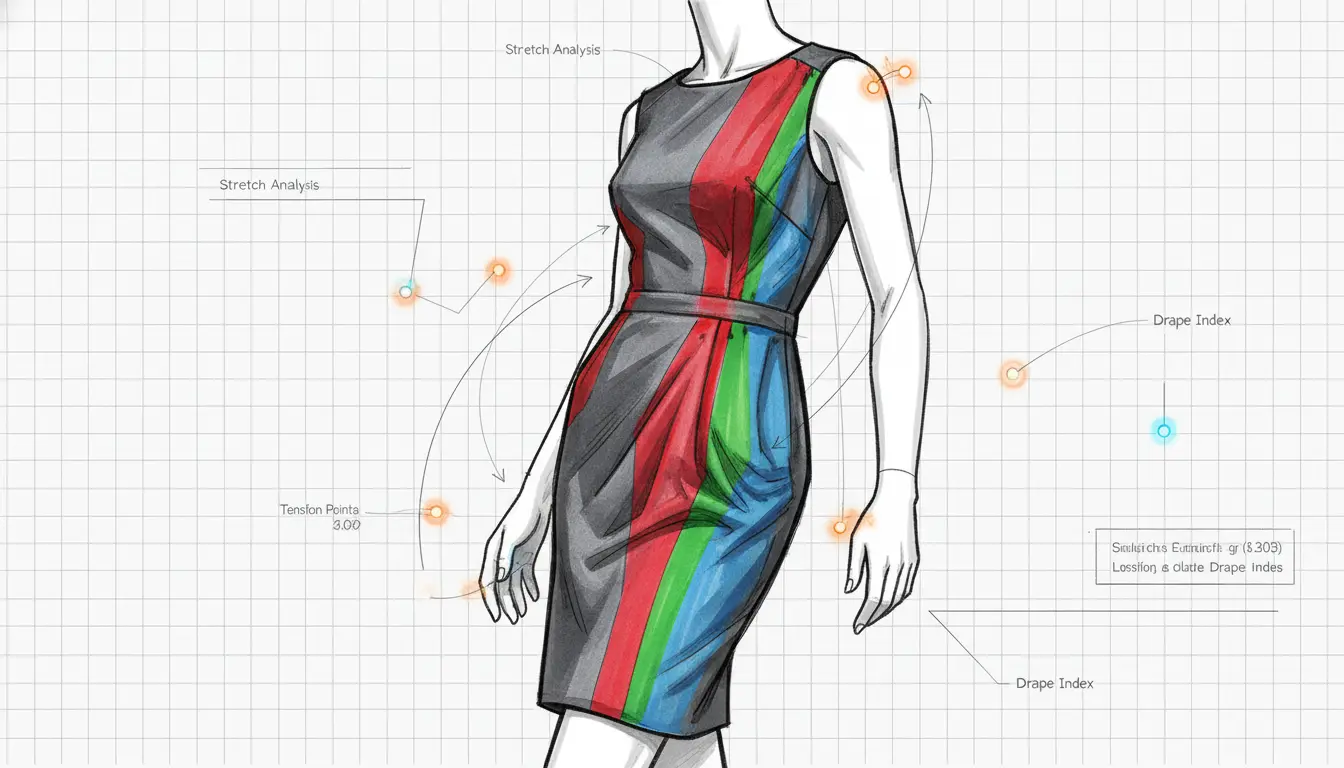
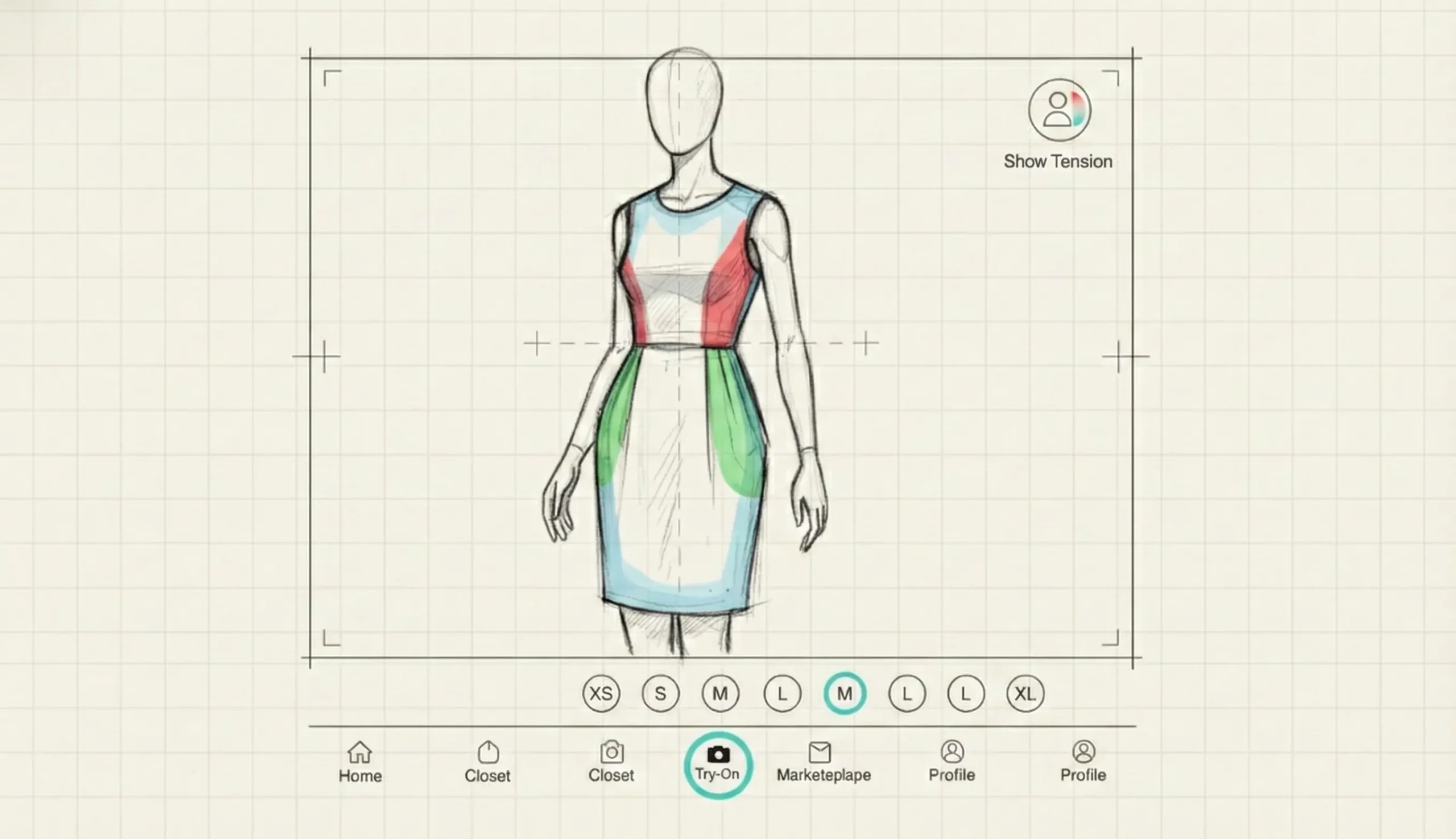
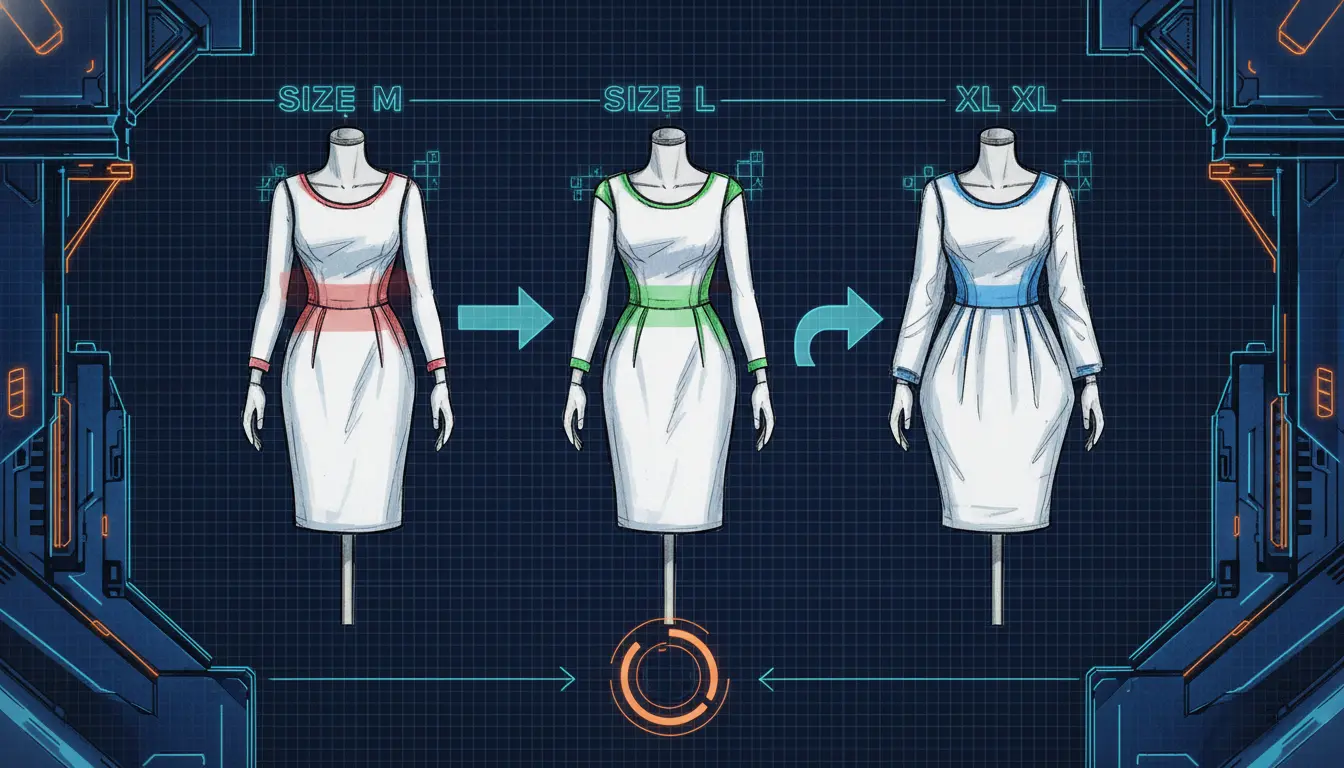
When trying an item, the app simulates cloth physics. It shows if a shirt will feel tight around the shoulders or if a dress will drape loosely around the waist. It answers: “Does this fit my body?” rather than “What does this look like on a model?”
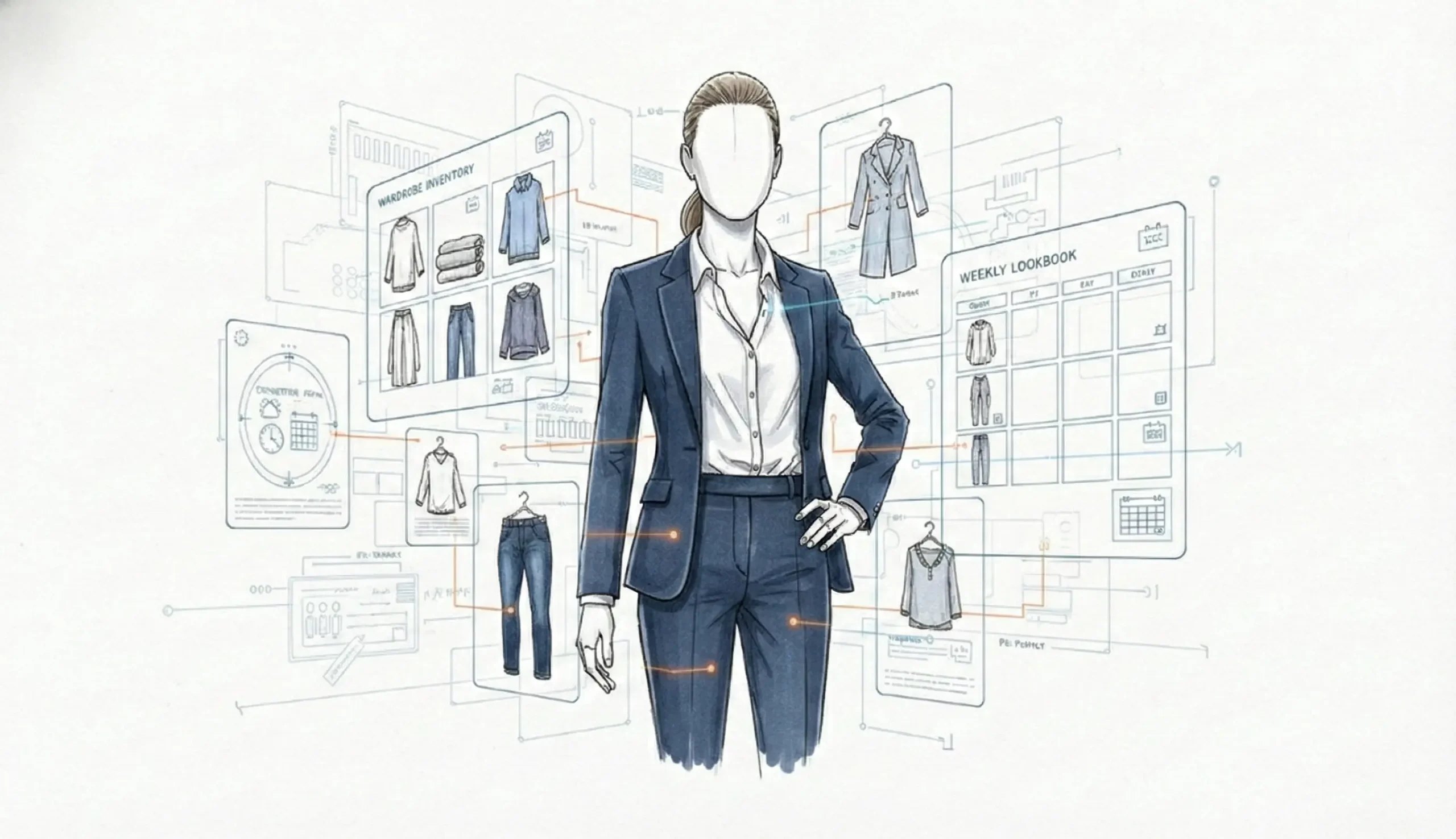
Feature 3: The Contextual AI Stylist & Weekly Lookbook
Combines the user’s inventory with external data streams to solve decision fatigue.
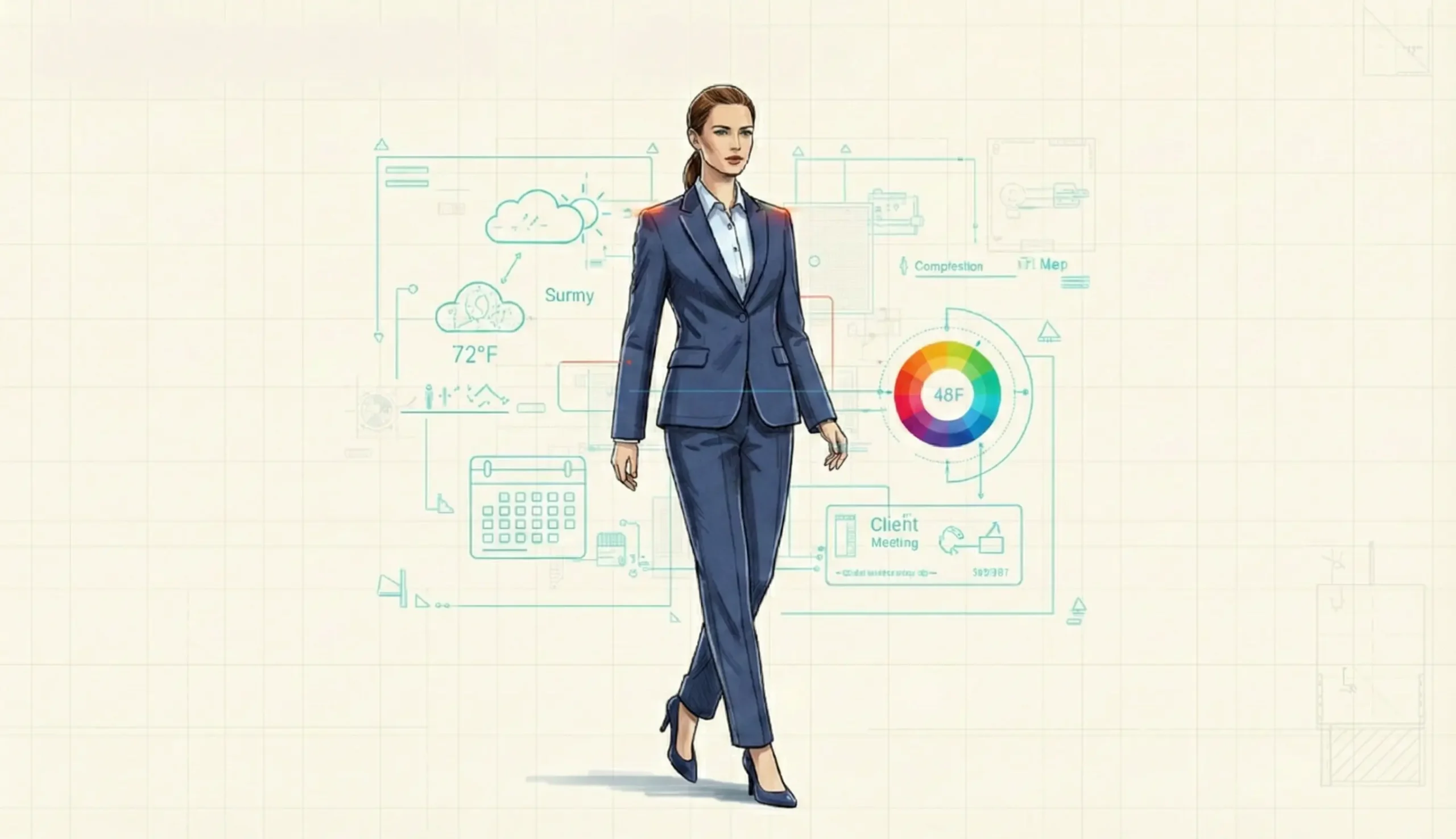
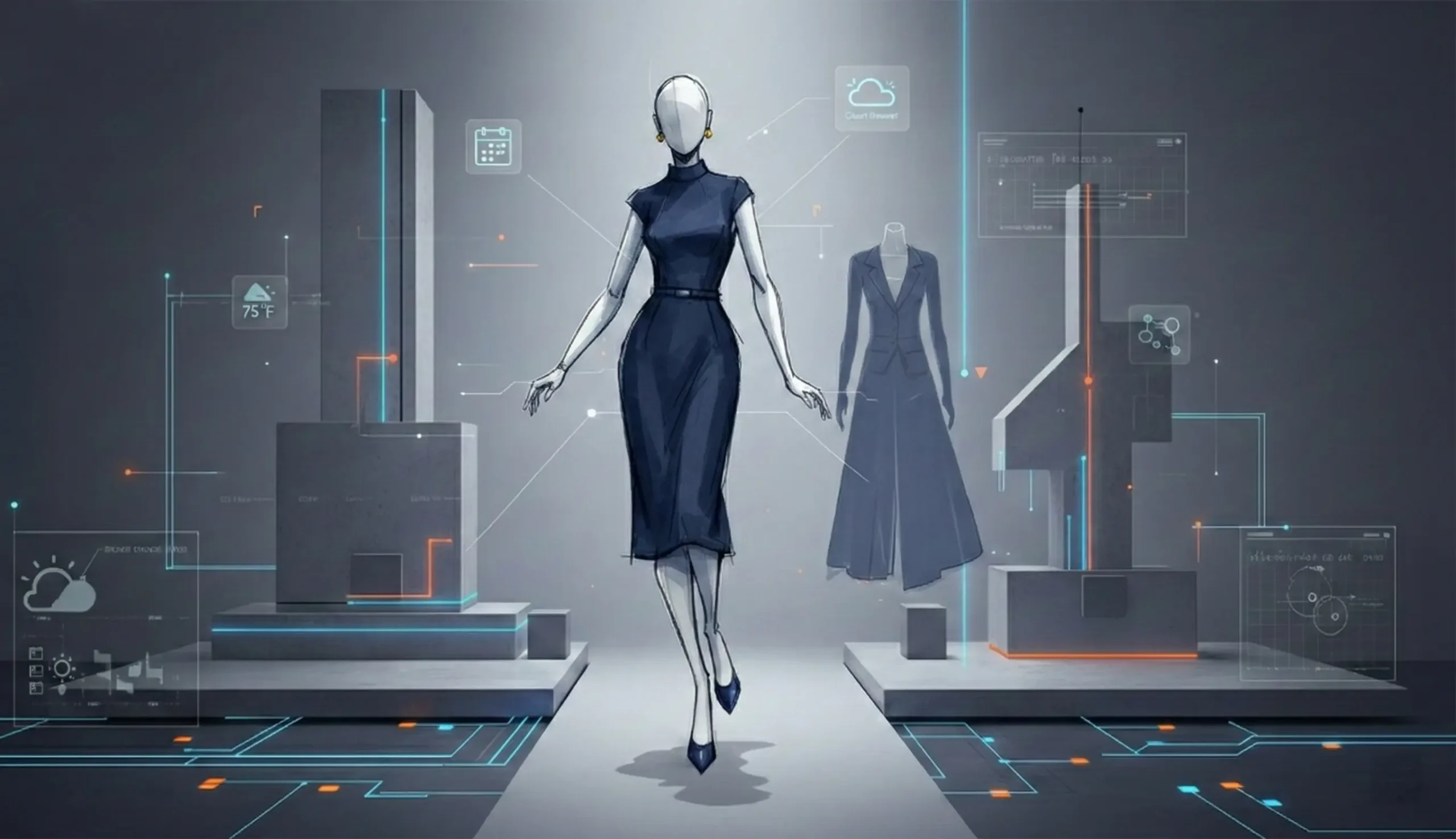
- UX Solution: The Morning Dashboard. The home screen immediately presents 3 options based on:
- Weather: (e.g., “Bangalore is humid today; here are breathable linen options.”)
- Calendar: (e.g., “Client meeting detected; prioritizing blazers and formal trousers.”)
- Complexion/Color Theory: Suggestions that complement the user’s skin undertones.
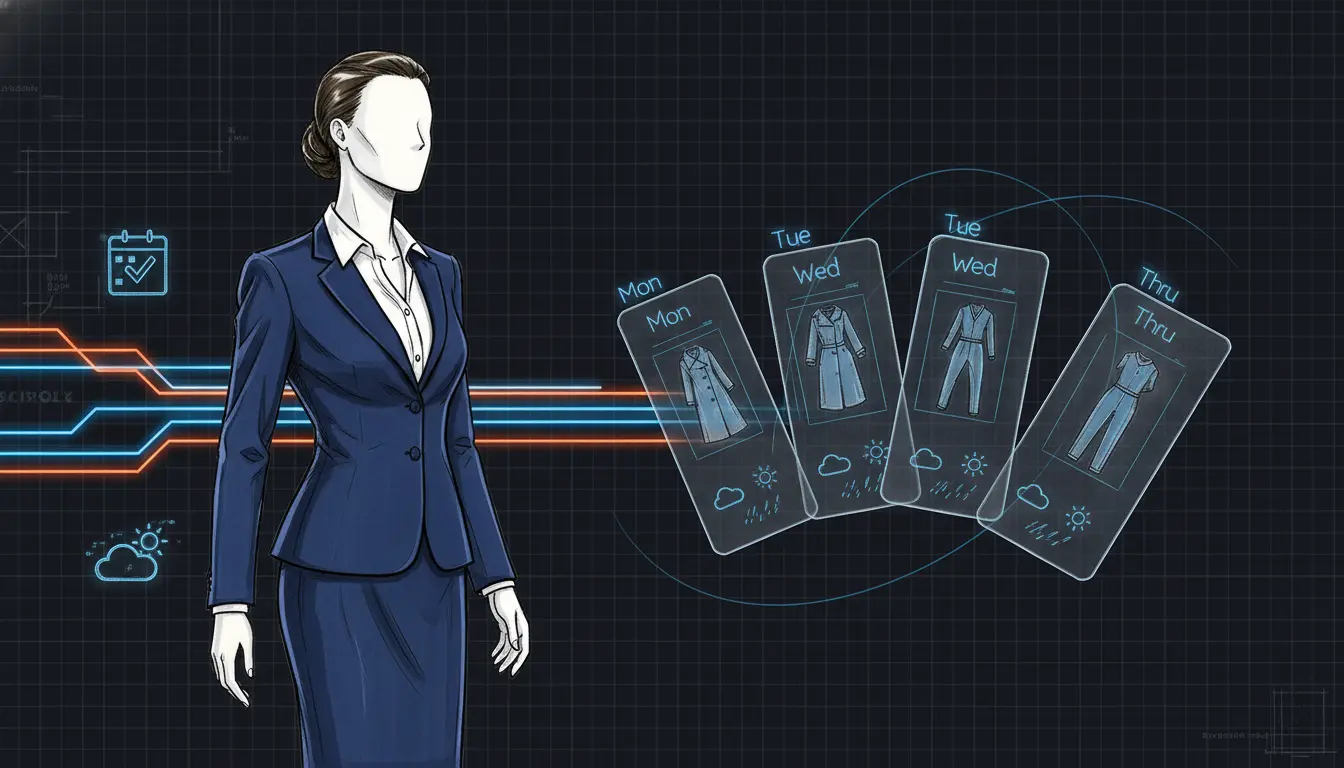
- Weekly Planner: Users can drag and drop generated outfits into their upcoming week, just like scheduling meetings.
Feature 4: Social, Search, and Circular Marketplace
Extending the clothing lifecycle and fostering community.
- Photo Search
Saw someone wearing great shoes on the street? Snap a photo. The app searches your wardrobe for similar items or suggests purchase options from partner brands. - Community feedback
Undecided on an outfit for a date? Share the virtual try-on view to a closed group of friends within the app for quick votes. - Marketplace Integration
Since the wardrobe is already digitized with meta-data, listing an item for sale is a single tap. “You haven’t worn this jacket in 14 months. Sell it now for approx ₹1,500?”
07. Success Metrics & Future Steps
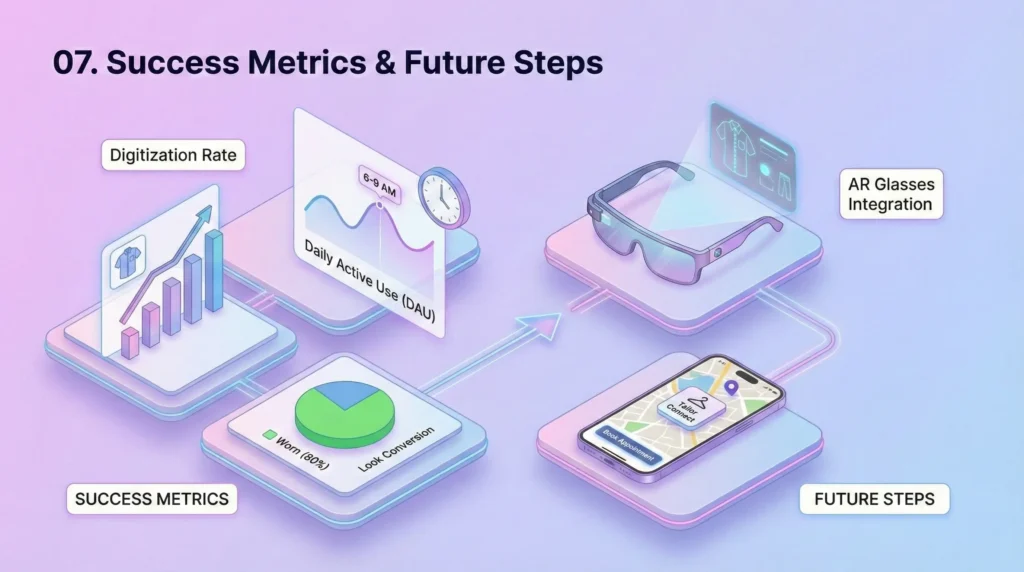
While this is a conceptual design, success would be measured by:
- Digitization Rate
Average number of items added per user in the first week. - Daily Active Use (DAU)
Frequency of opening the app during morning hours (6 AM – 9 AM). - Look Conversion
Percentage of AI-suggested looks that the user actually wears (validated by user confirmation).
Future Roadmap:
- AR Glasses Integration
Moving the experience from handheld mobile to heads-up displays for truly seamless morning preparation. - Tailor Connect
If the Virtual Mirror shows a poor fit, offer a direct connection to local tailoring services in Bangalore to adjust the physical garment.
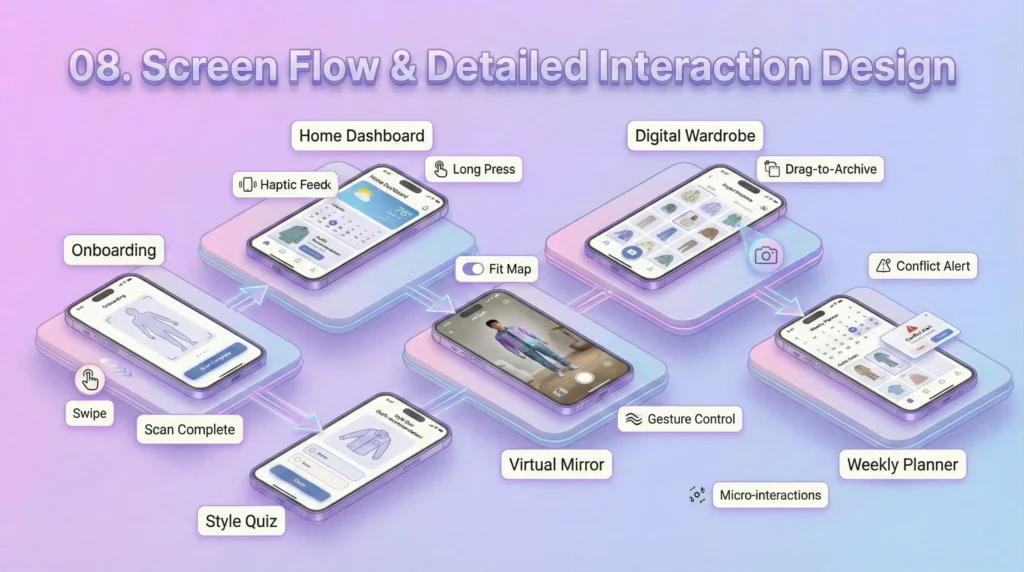
08. Screen Flow & Detailed Interaction Design
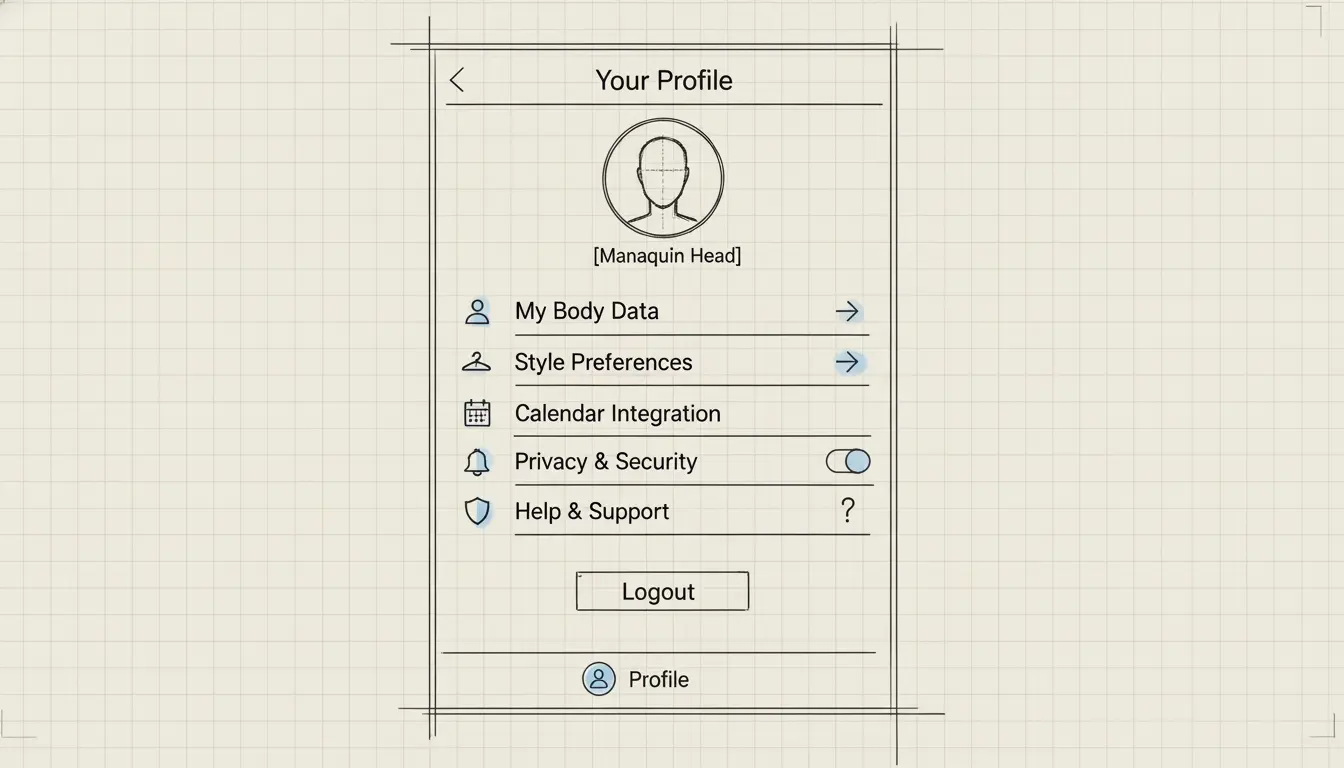
1. Onboarding & BodyID Setup
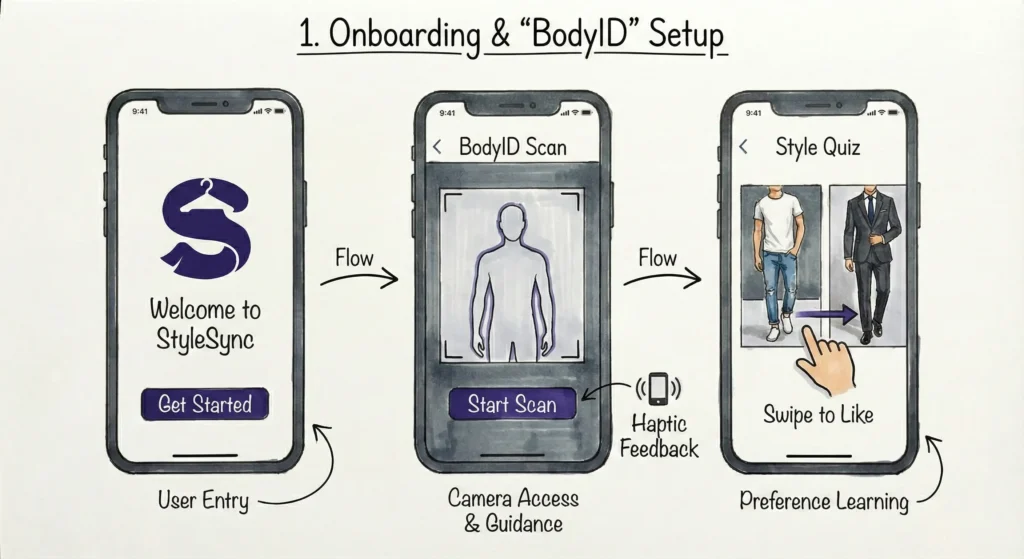
- Goal: Create an accurate 3D mesh of the user for the True-Fit technology and understand their style preferences.
- Screen Visual:
- Minimalist interface with a central camera viewport.
- An overlay silhouette guide (similar to FaceID setup but for the full body).
- Progress bar indicating ‘Scan Complete %’.
- Interactions:
- The 360 Scan: The user places the phone on a surface (or asks a friend) and slowly rotates. The app uses haptic feedback (vibration) to guide the speed of rotation.
- Style Quiz: A Tinder-style ‘Swipe Right for Yes, Left for No’ interface showing various fashion aesthetics (Boho, Corporate, Streetwear, Ethnic) to train the AI recommendation engine.
2. The Home Dashboard (The Morning Anchor)
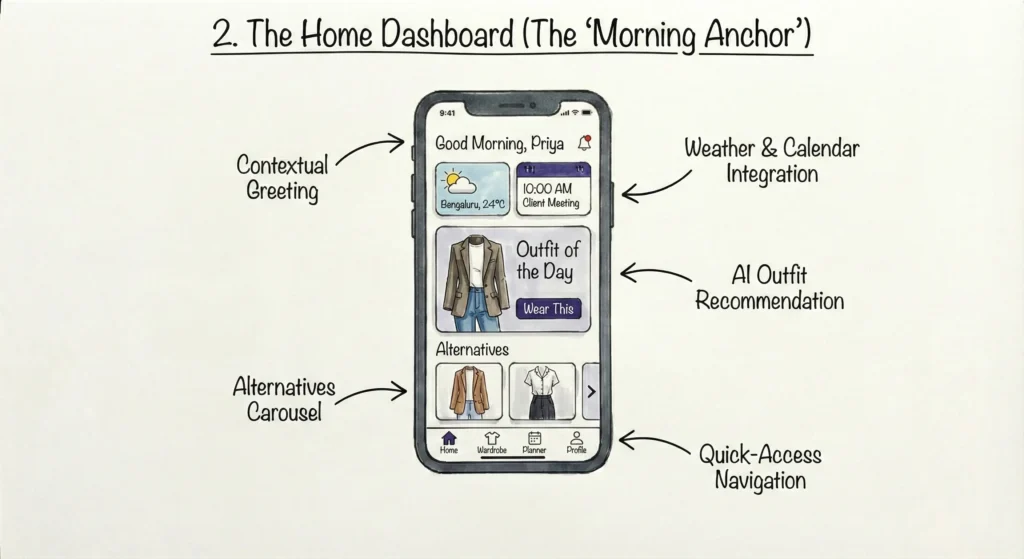
- Goal: Provide immediate value (what to wear now) based on dynamic data (Weather + Calendar).
- Screen Visual:
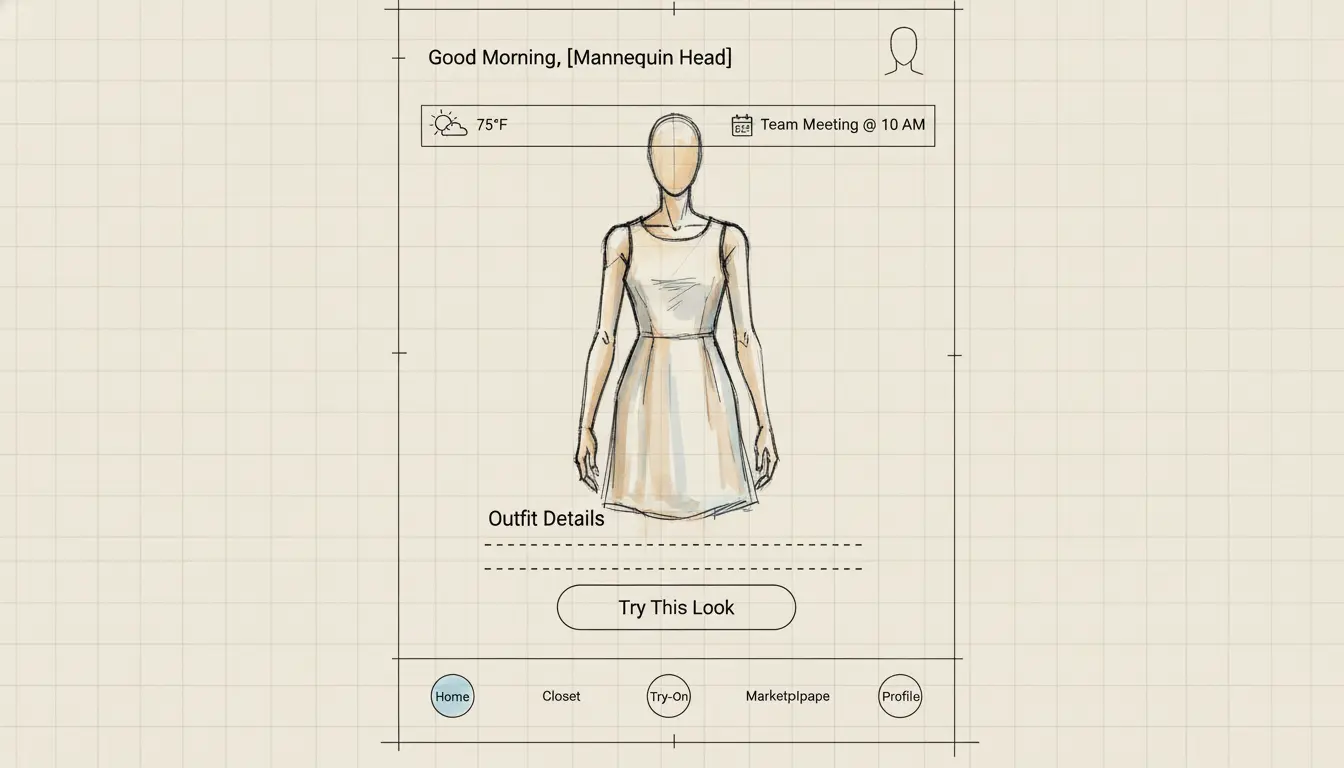
- Top Header: “Good Morning, Priya.”
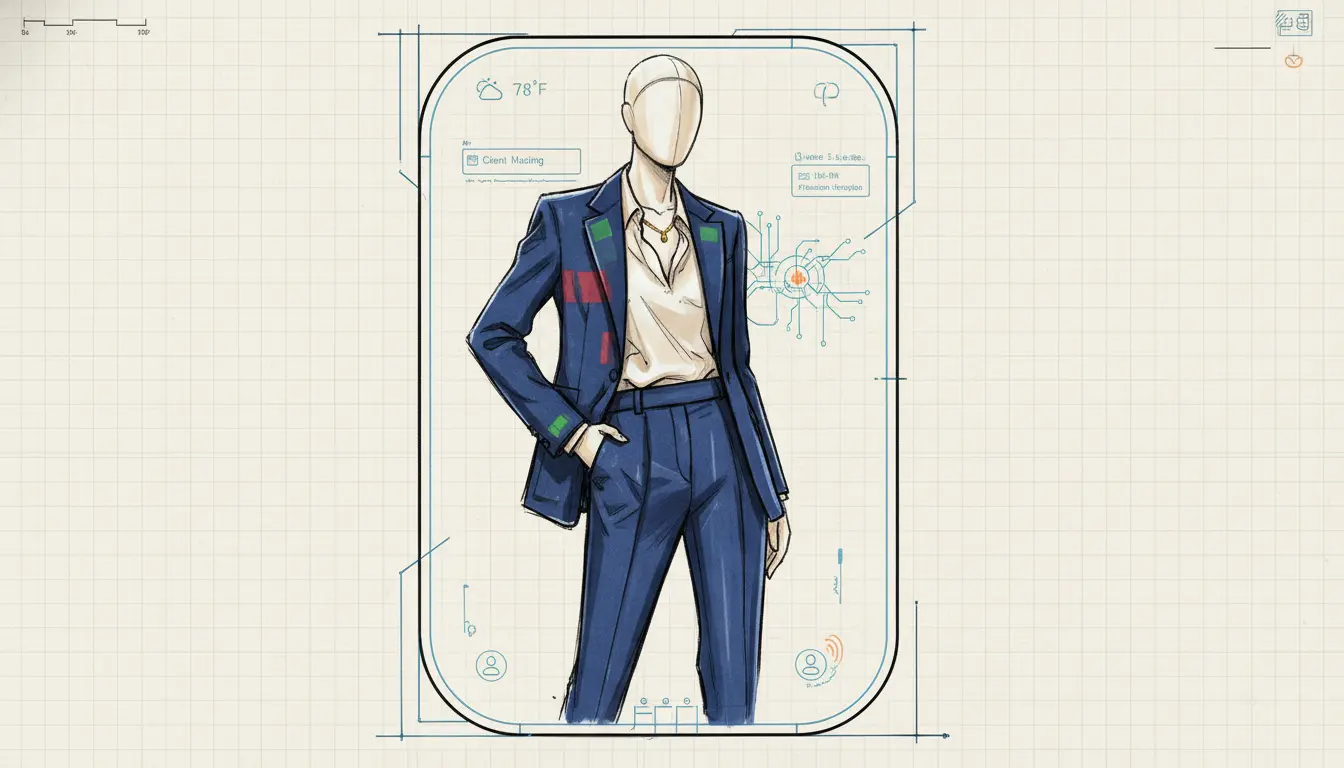
- Context Widget: A pill-shaped widget displaying Bangalore weather (e.g., 24°C, Chance of Rain) and the first calendar event (11:00 AM Client Meeting).
- Hero Card: A large, high-quality render of the ‘Recommended Outfit’ on the user’s digital avatar.
- Carousel: Smaller cards below for Alternative Option 1 (More Casual) and Alternative Option 2 (More Formal).
- Interactions:
- Swipe: User swipes horizontally on the outfit card to browse alternatives.
- Long Press: Long pressing the Context Widget expands it to show the full day’s forecast and schedule.
- One-Tap Wear: Tapping “I’m wearing this” logs the outfit history (preventing repeats soon) and deducts items from the Clean Laundry status.
3. The Virtual Mirror (ViTon Experience)
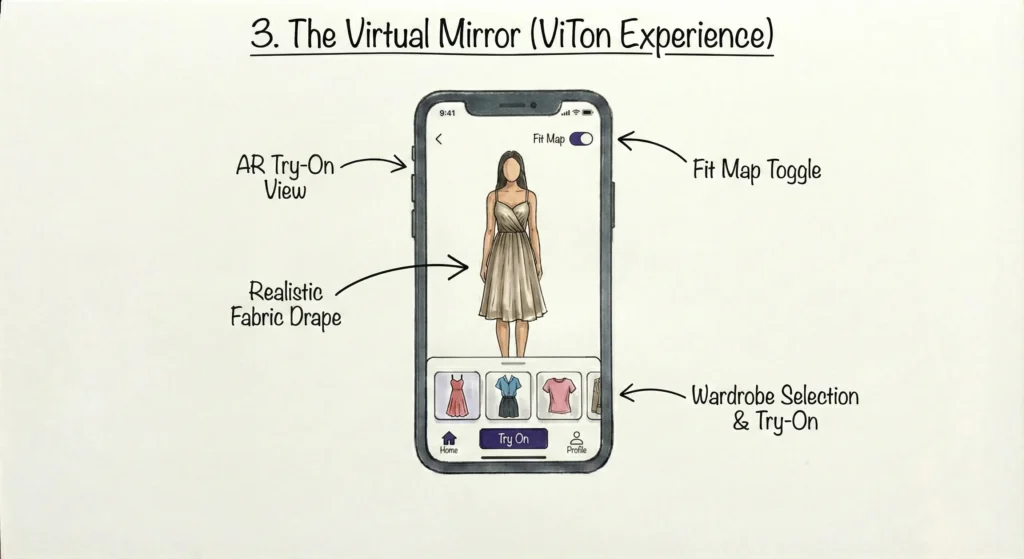
- Goal: Real-time visualization of clothing fit and movement.
- Screen Visual:
- Full-screen camera view (front-facing).
- AR Layer: The user sees themselves, but the clothes are digitally replaced or overlaid.
- Fit Map Toggle: A toggle switch in the corner labeled ‘Fit Map’. When active, the clothes show a heat map (Red = Tight, Green = Perfect, Blue = Loose).
- Bottom Sheet: A horizontally scrolling list of wardrobe items to quickly switch tops/bottoms without leaving the camera view.
- Interactions:
- Gesture Control: A distinct Wave hand gesture or voice command (Next outfit) changes the look hands-free (useful if the phone is propped up at a distance).
- Pinch-to-Zoom: Zoom in on the fabric texture to see material grain.
4. Digital Wardrobe & Smart Add
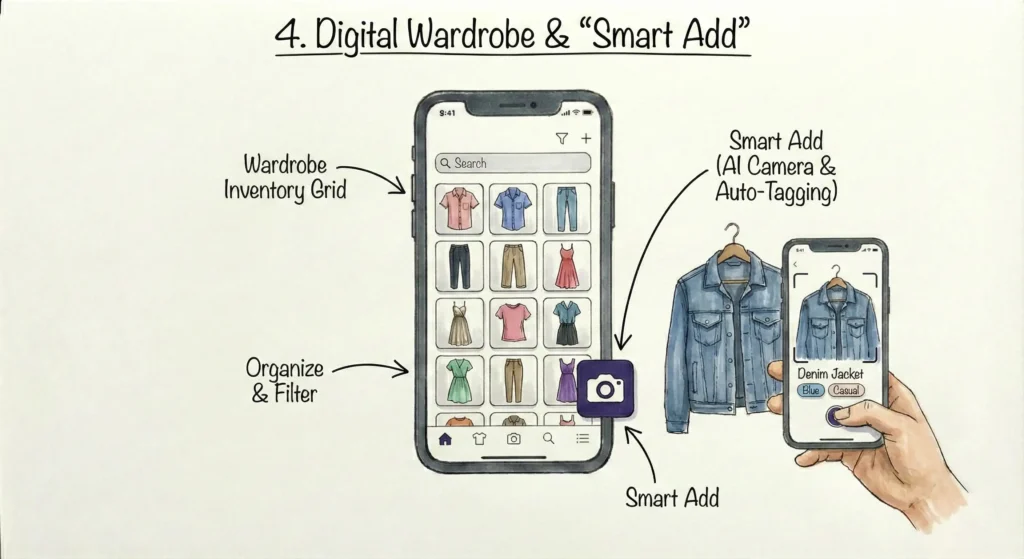
- Goal: Inventory management and adding new items via AI.
- Screen Visual:
- Grid View: Masonry grid of clothing items on a clean background (background removed by AI).
- Tabs: All, Tops, Bottoms, Outerwear, Accessories, Archive (Seasonal).
- Floating Action Button (FAB): A prominent ‘+’ camera icon.
- Interactions:
- Quick Add: Tapping the FAB opens the camera. The user snaps a photo of a shirt on the bed.
- AI Loading State: A shimmering animation over the photo while the AI identifies attributes (Color: Blue, Pattern: Solid, Type: Denim Shirt).
- Drag-to-Archive: User can drag an item from the main grid and drop it into an Archive folder icon at the bottom for items they rarely use or want to sell.
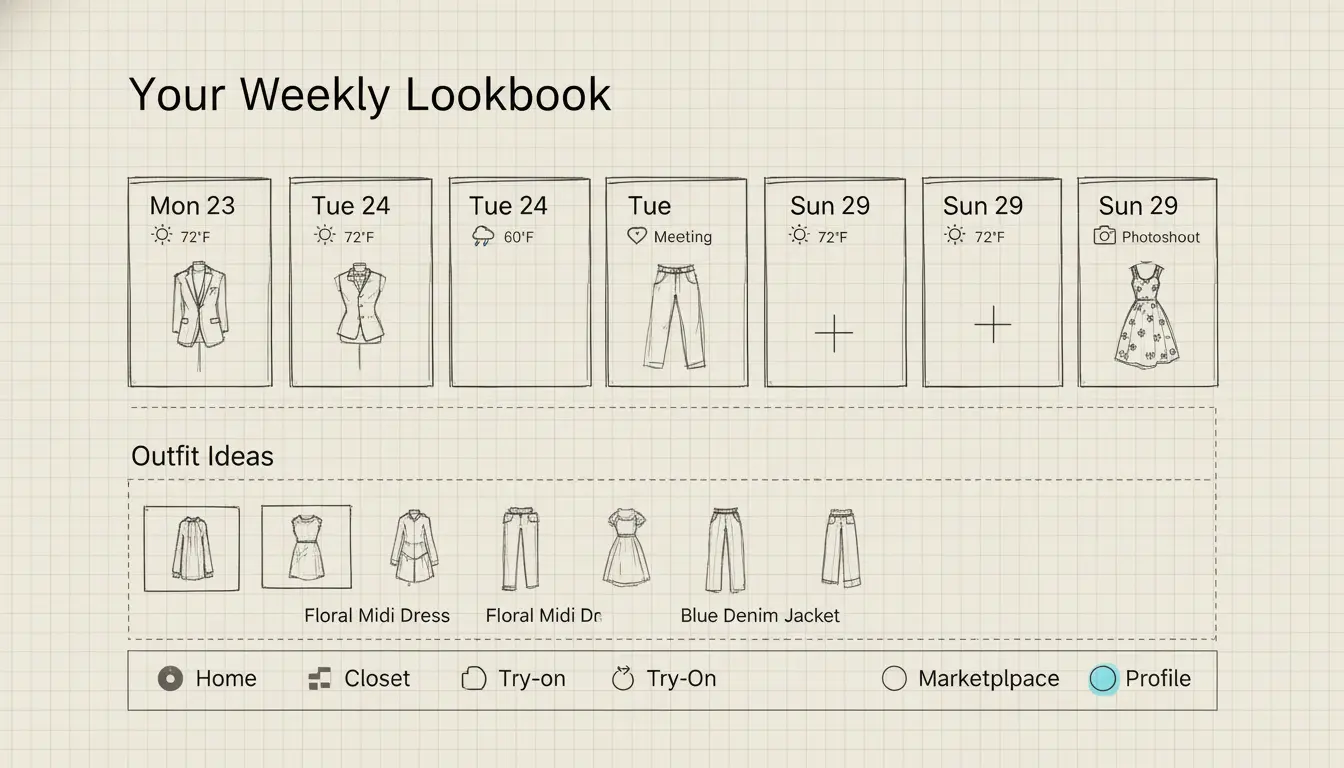
5. Weekly Lookbook Planner
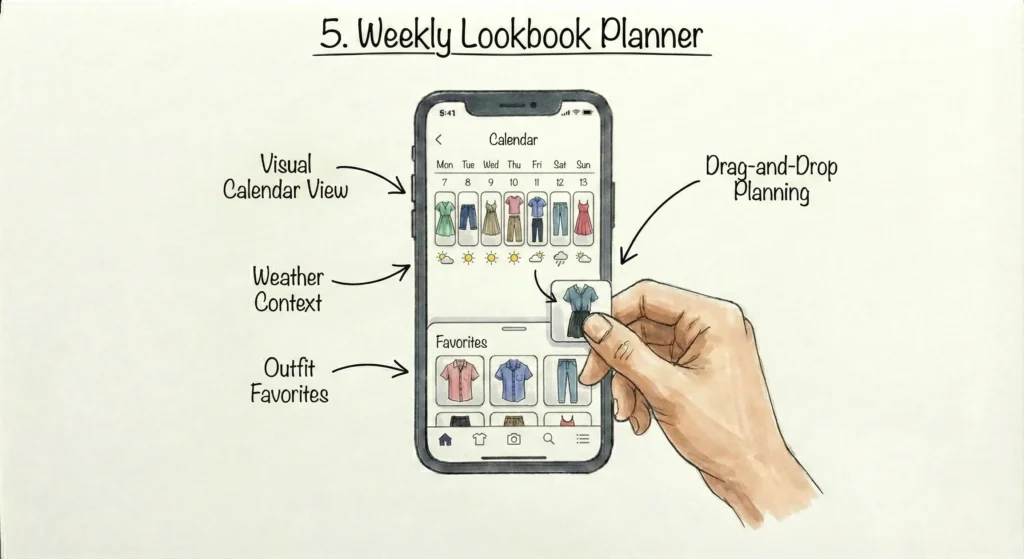
- Goal: Reduce decision fatigue for the upcoming week.
- Screen Visual:
- Split View: Top half is a horizontal calendar strip (Mon-Sun). Bottom half is the outfit visualization.
- Weather Indicators: Small weather icons (Sun, Cloud, Rain) next to the days.
- Event Dots: Color-coded dots indicating event density for that day.
- Interactions:
- Drag & Drop: User can open their Favorites drawer and drag an outfit onto Tuesday.
- Conflict Alert: If the user drags a sleeveless top onto a rainy day, a subtle toast notification appears: “Rain forecasted. Add a layer?” offering a Yes/No prompt.
6. StyleSync Community & Marketplace
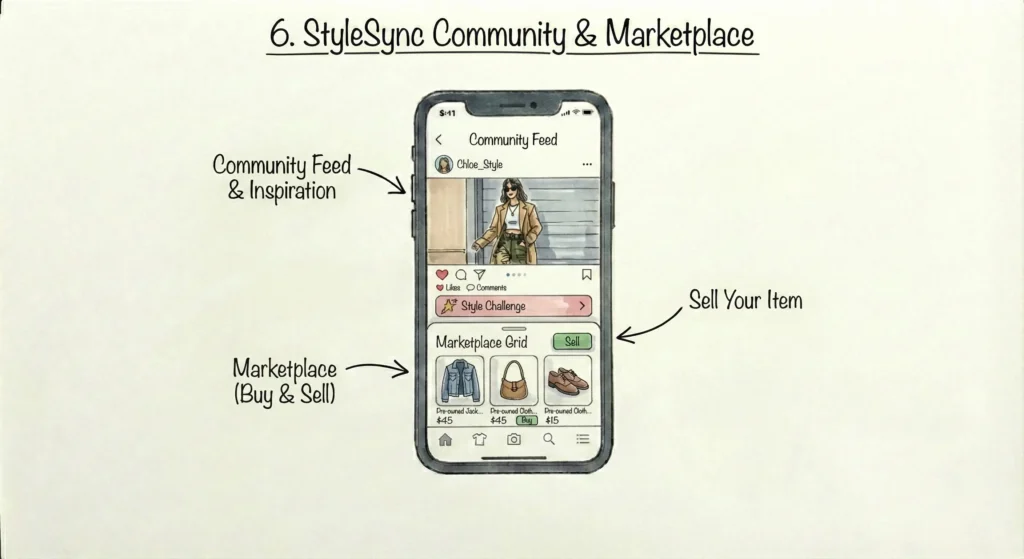
- Goal: Social validation and circular economy (Buy/Sell).
- Screen Visual:
- Feed: Instagram-like feed of friends or local trendsetters.
- Poll Stickers: Posts can have interactive stickers: “Help me choose: Left or Right?”
- Marketplace Tab: ‘Items from closets similar to yours’
- Interactions:
- Photo Search: A search bar with a Lens icon. User uploads a photo of a celebrity look; the app searches the Marketplace for similar pre-owned items or scans the user’s own wardrobe for matches.
- One-Tap Sell: From the Digital Wardrobe screen, selecting an item and tapping Sell auto-generates a listing in the Marketplace using the AI data (Size, Brand, Material) already stored.
Key Micro-interactions (The ‘Delighters’)
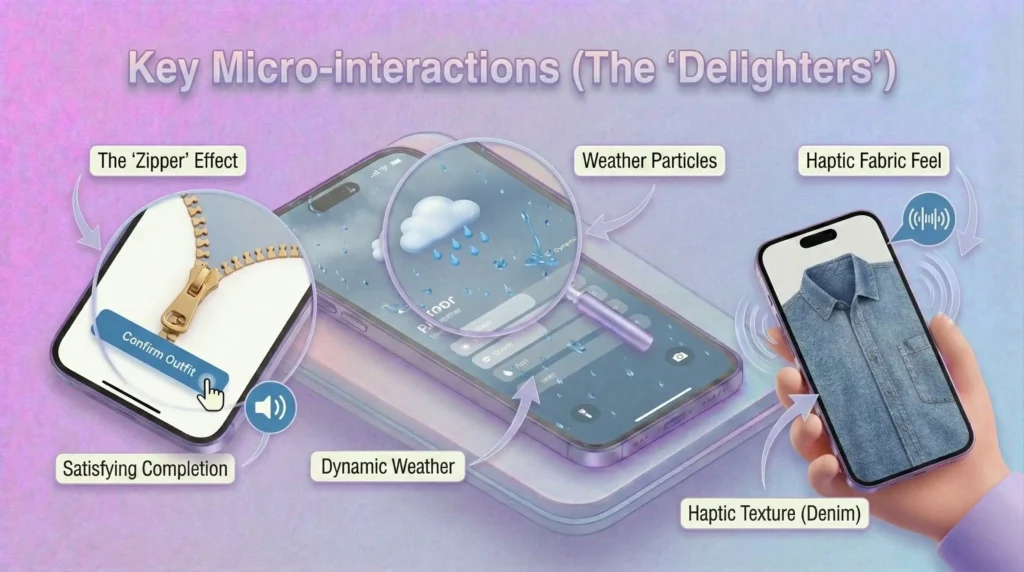
- The Zipper Effect: When the user confirms an outfit for the day, a subtle animation of a zipper closing or a button snapping gives a satisfying feeling of completion.
- Weather Particles: In the Home Dashboard, if it is raining in Bangalore, subtle rain droplets slide down the background of the UI glass-morphism cards.
- Haptic Fabric Feel: When browsing clothes, different haptic vibration patterns mimic texture (e.g., a rough vibration for denim, a smooth/slippery vibration for silk).
Final Screens
Cooking in progress
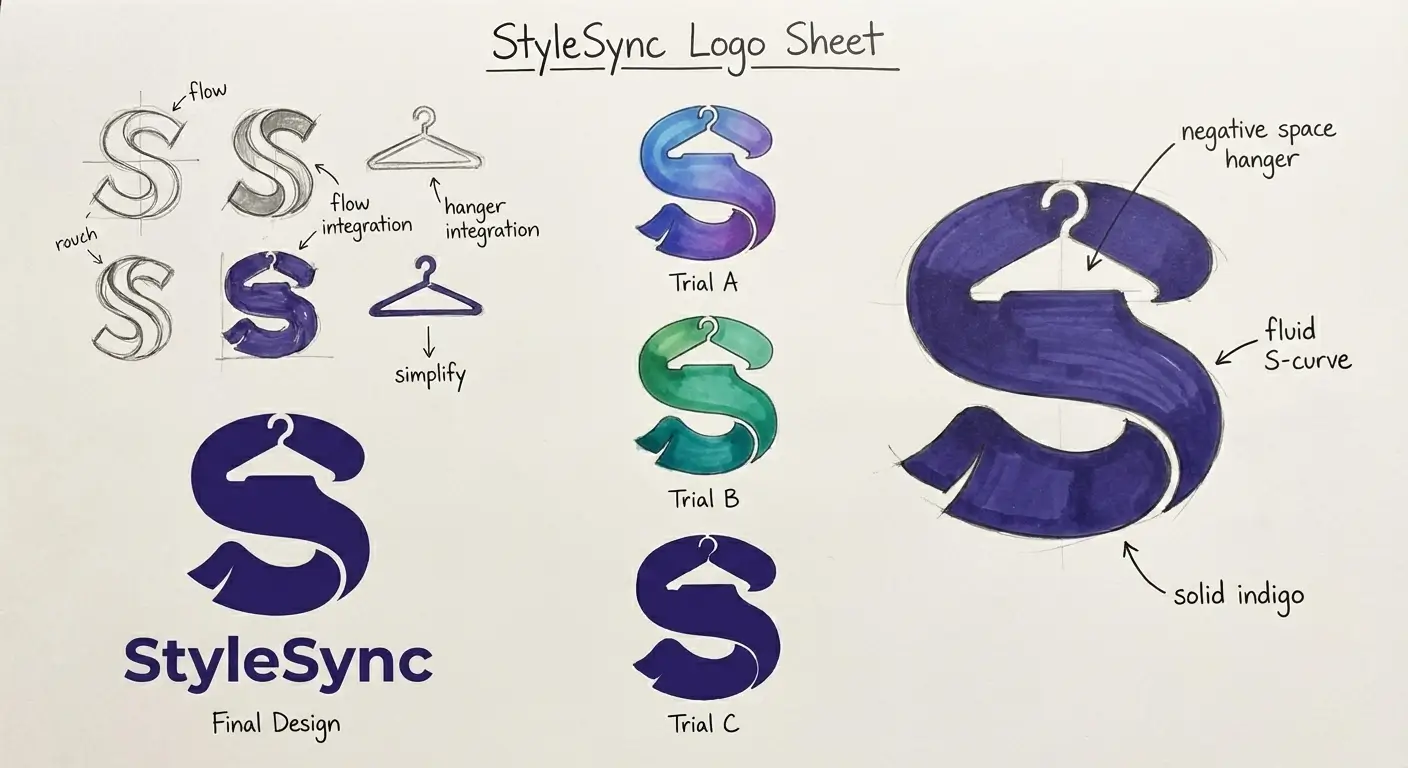
Branding, Concepts
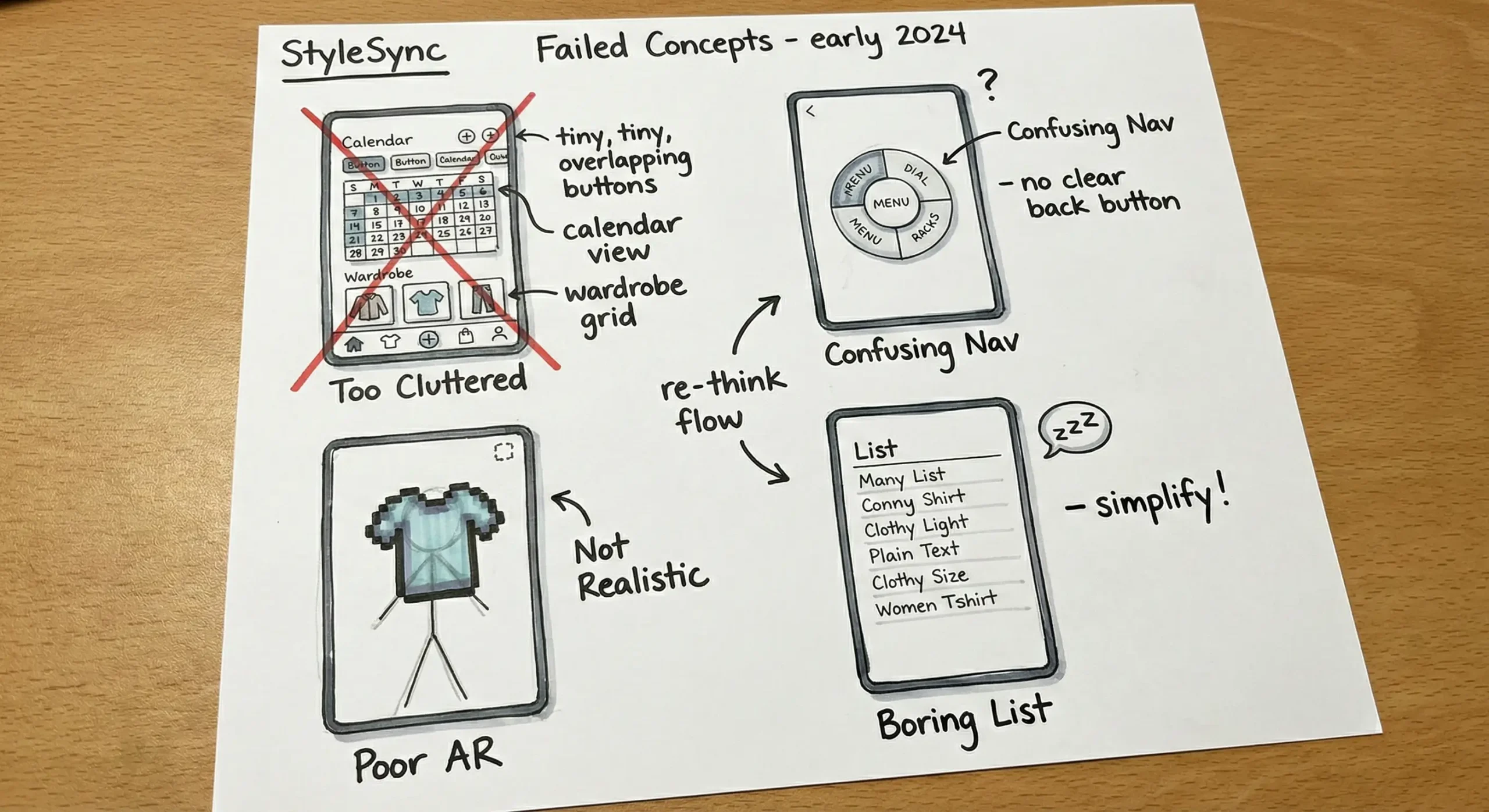
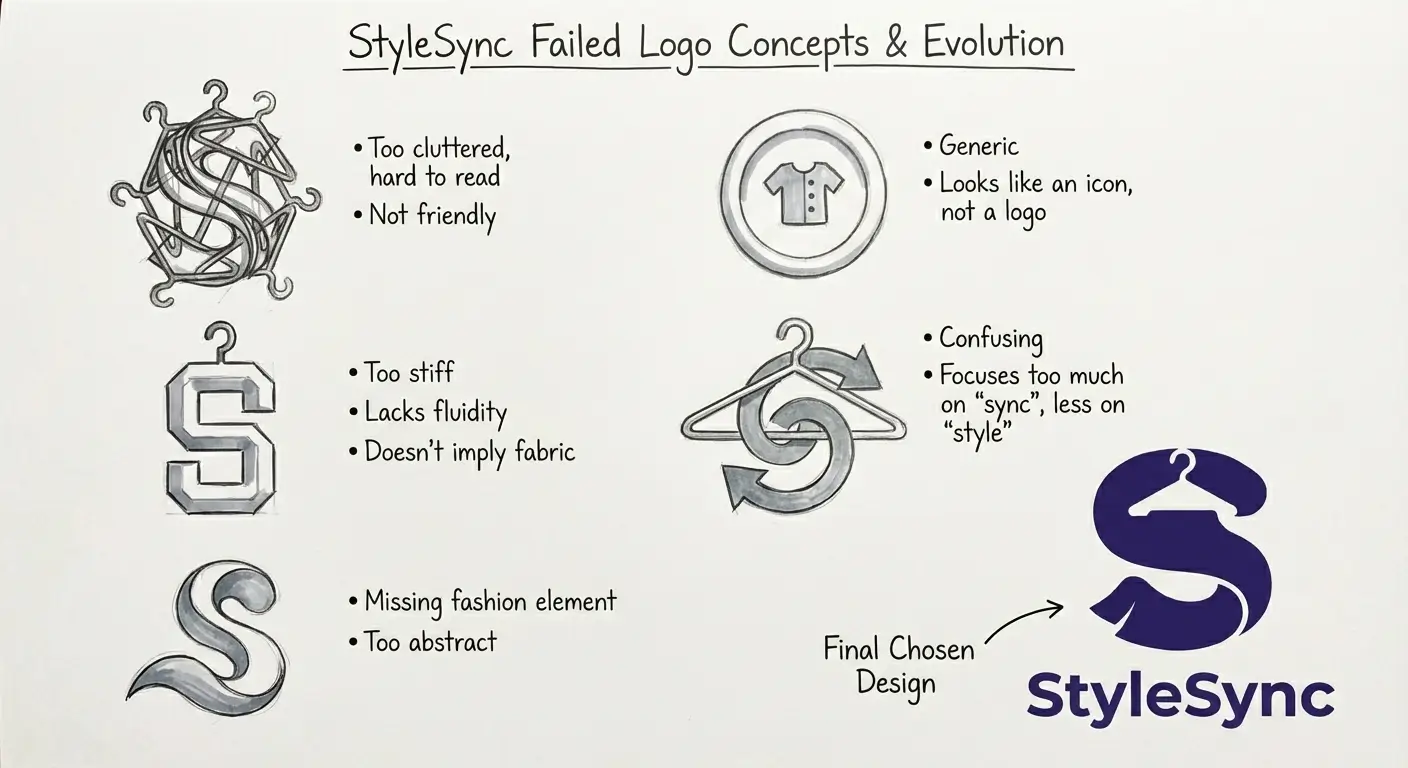
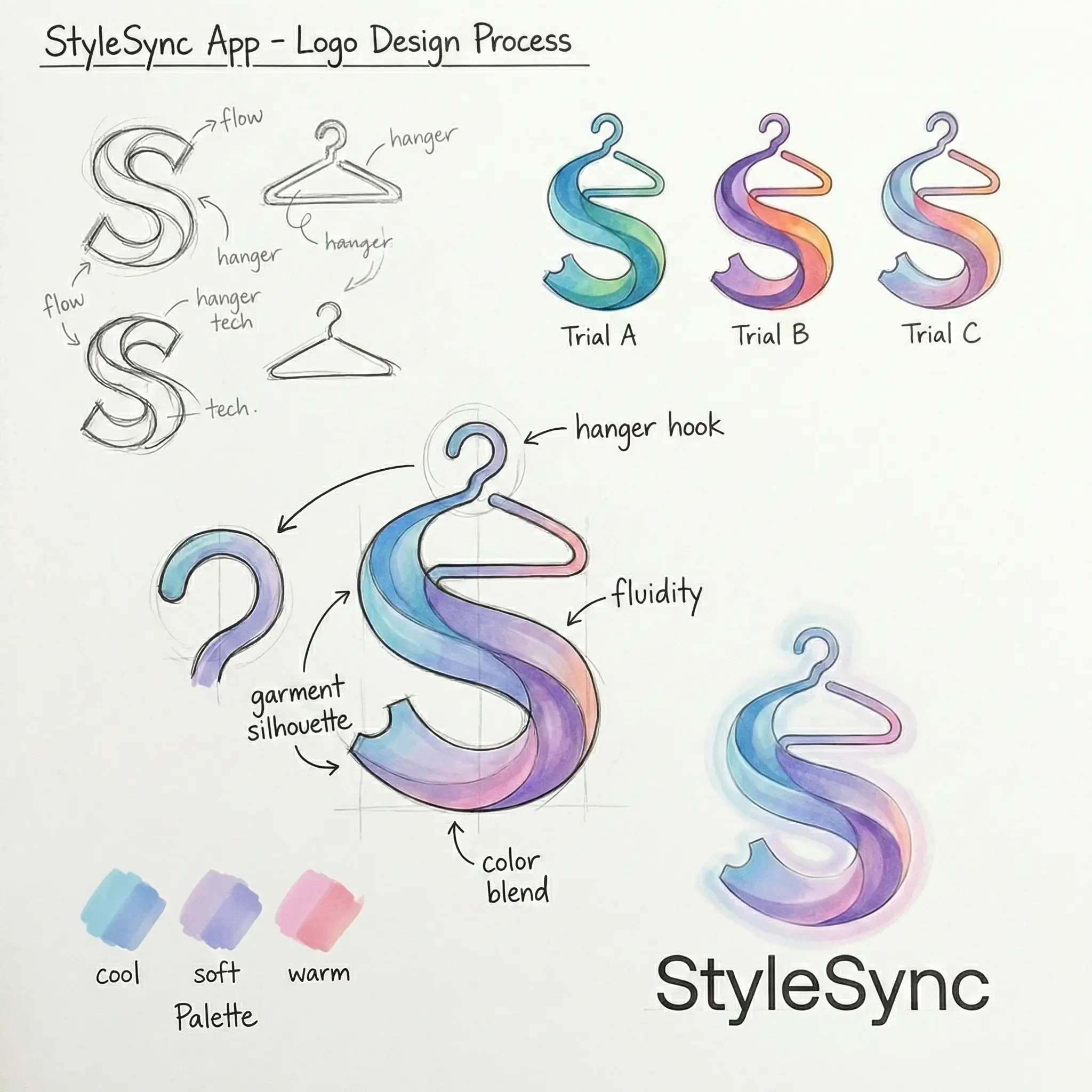
Before V2: Evolution of the Concept