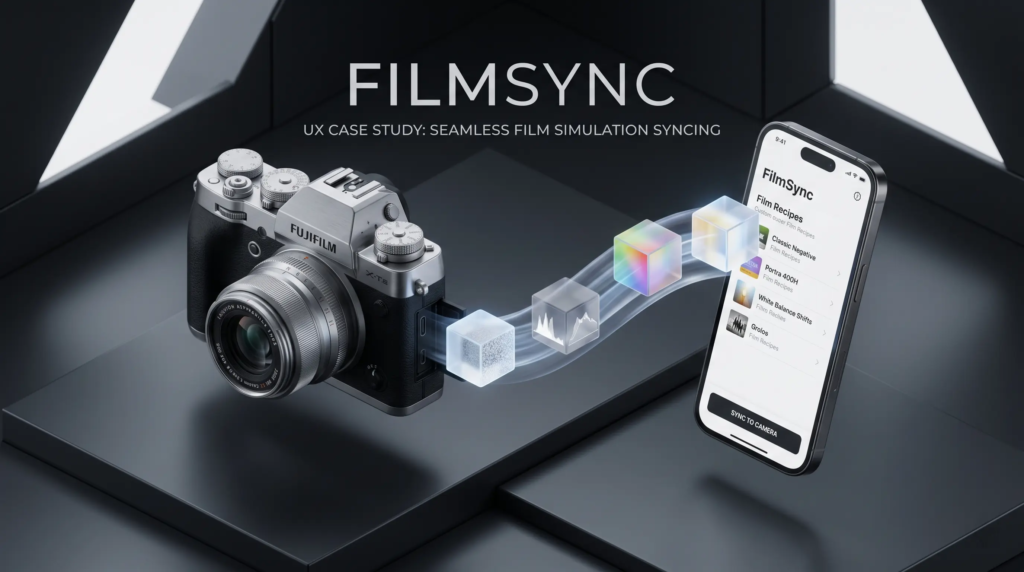

Bridging the gap between digital creativity and analog hardware
This case study is actively being documented.
PROJECT
FilmSync
[Working Title]
ROLE
End-to-End Product Design
YEAR, Timeline, Stage
2025
Section 1: Project Overview
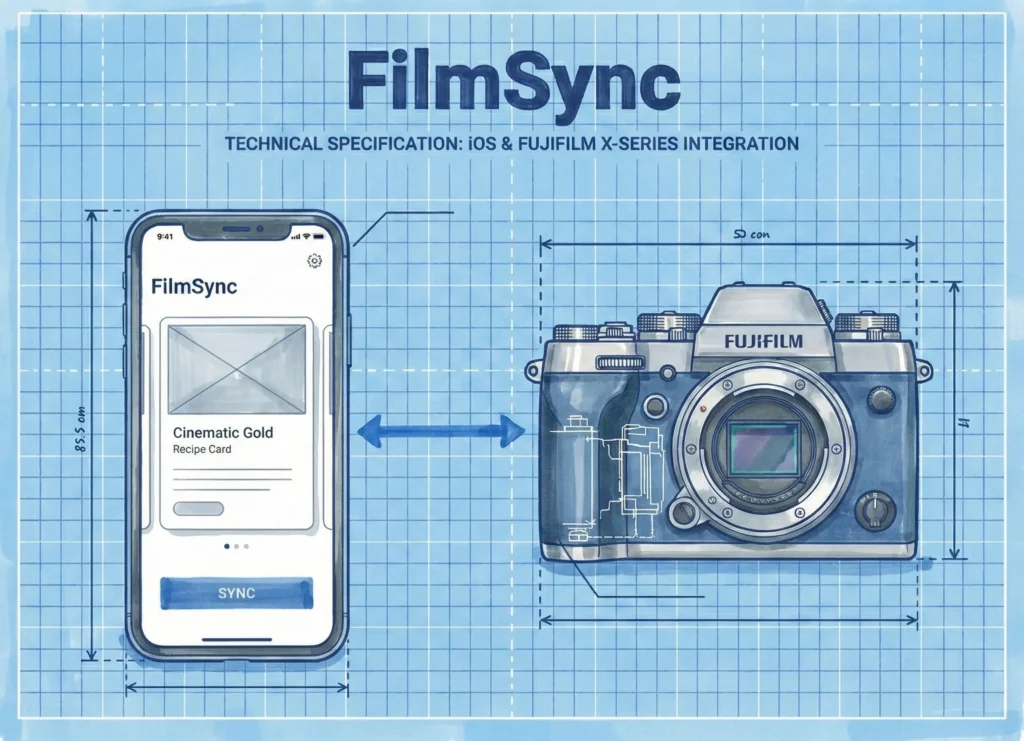
- Tagline
Bridging the gap between digital creativity and analog hardware. - The Goal
To create a mobile-first ecosystem that allows Fujifilm X photographers to visualize, manage, and sync custom film simulation recipes directly to their cameras.
Section 2: The Challenge (The Why)
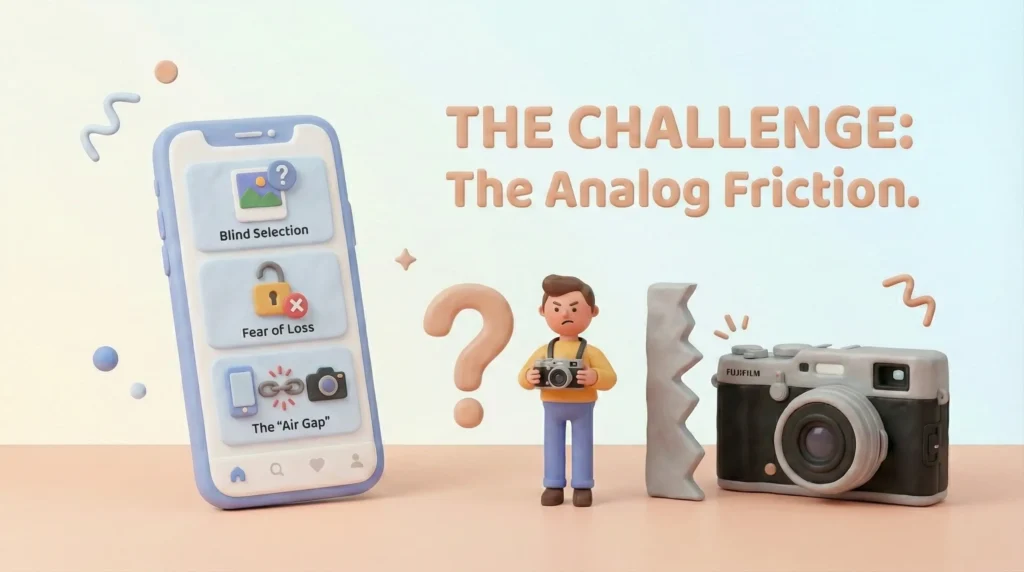
Fujifilm cameras are beloved for their Film Simulations, but the workflow for managing them is stuck in the past. Photographers currently rely on a disjointed mix of static websites (to find recipes), screenshots (to save them), and manual data entry (to use them).
The Core Friction:
- Blind Selection
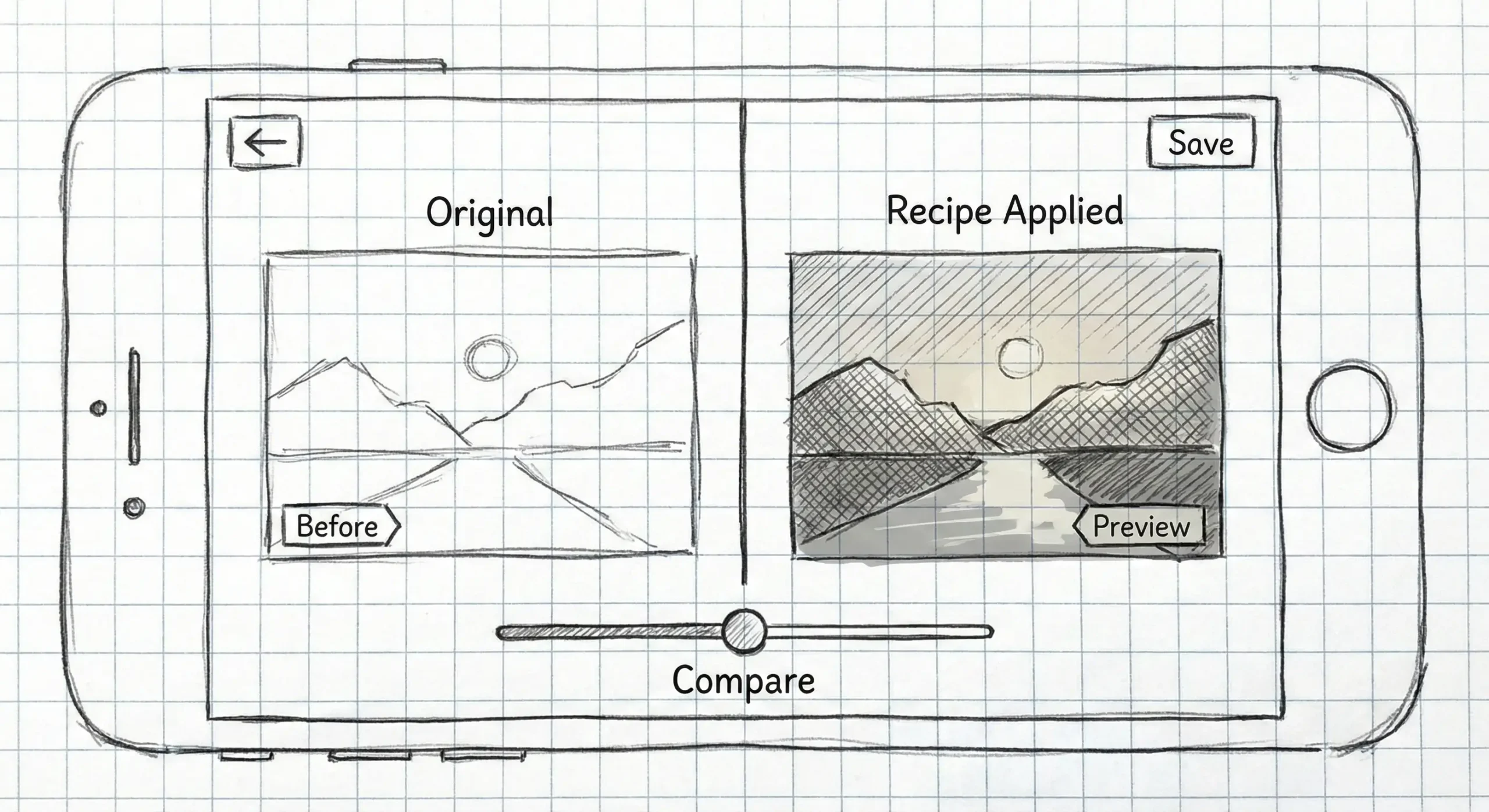
Users can’t see how a recipe looks on their photos before dialing it in. - Fear of Loss
Users are afraid to experiment with new settings because overwriting their camera’s Custom Slots is permanent and un-undoable. - The Air Gap
Transferring settings from a phone to a camera requires tedious manual input.
Section 3: Competitive Analysis, User Research
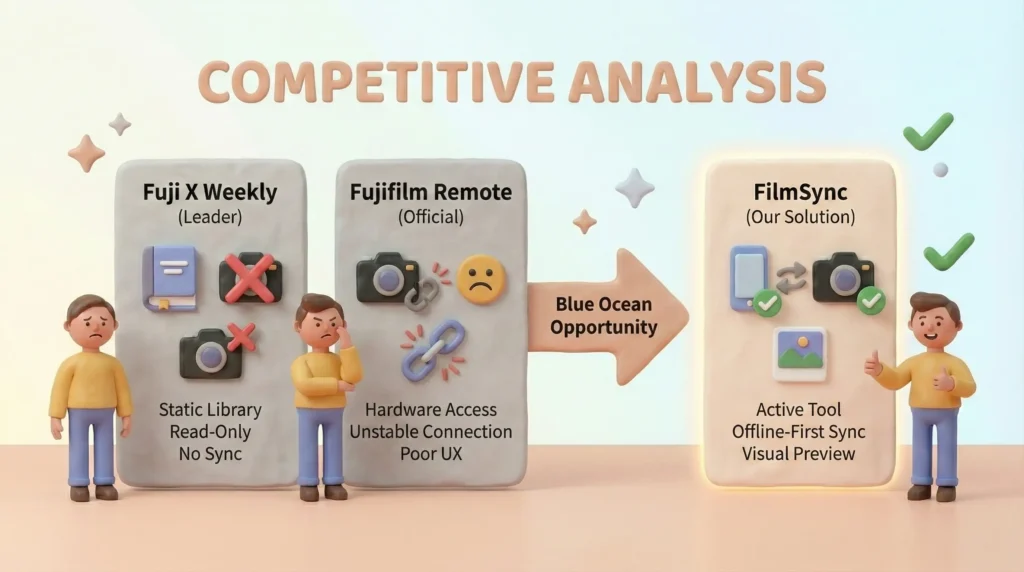
3.1. Competitive Analysis
I conducted a competitive audit of the existing landscape to identify the Blue Ocean opportunity.
| Competitor | Strengths | Weaknesses | The FilmSync Advantage |
| Fuji X Weekly (Market Leader) | Massive, curated library of recipes. | Read-Only. No ability to sync to camera or visualize on user photos. | FilmSync transforms the library from a static catalog into an active tool. |
| Fujifilm Cam Remote (Official App) | Native hardware access. | Broken UX. Connection failures are rampant; rating is <2 stars. | FilmSync uses an ‘Offline-First’ architecture to mitigate connection drops. |
| Apple Notes / Screenshots | Ubiquitous and free. | Unstructured. No data validation or sorting. | FilmSync offers structured data that validates against camera model constraints. |
Key Takeaway: Competitors focus on content (recipes) or connection (remote control). FilmSync sits in the middle, focusing on workflow utility.
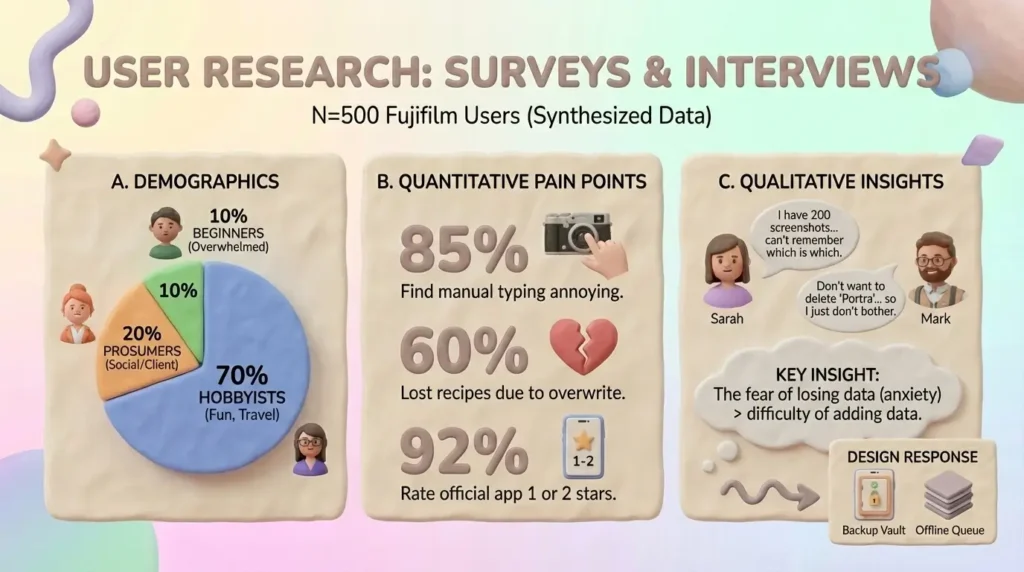
3.2. User Research (Methodology: Surveys & Interviews)
Sample Size
N=500 Fujifilm Users (Synthesized Data based on community forums like r/fujifilm).
A. Demographics
- 70% Hobbyists
Shoot for fun, travel, family. Rely heavily on JPEGs (SOOC). - 20% Prosumers
Use JPEGs for social media speed, RAW for client work. - 10% Beginners
Overwhelmed by menu settings, stick to one recipe.
B. Quantitative Pain Points
- 85% of users find manually typing settings into the camera annoying or tedious.
- 60% have lost a favorite recipe because they overwrote a Custom Slot (C1-C7) without backing it up.
- 92% rate the official Fujifilm Cam Remote app as 1 or 2 stars out of 5.
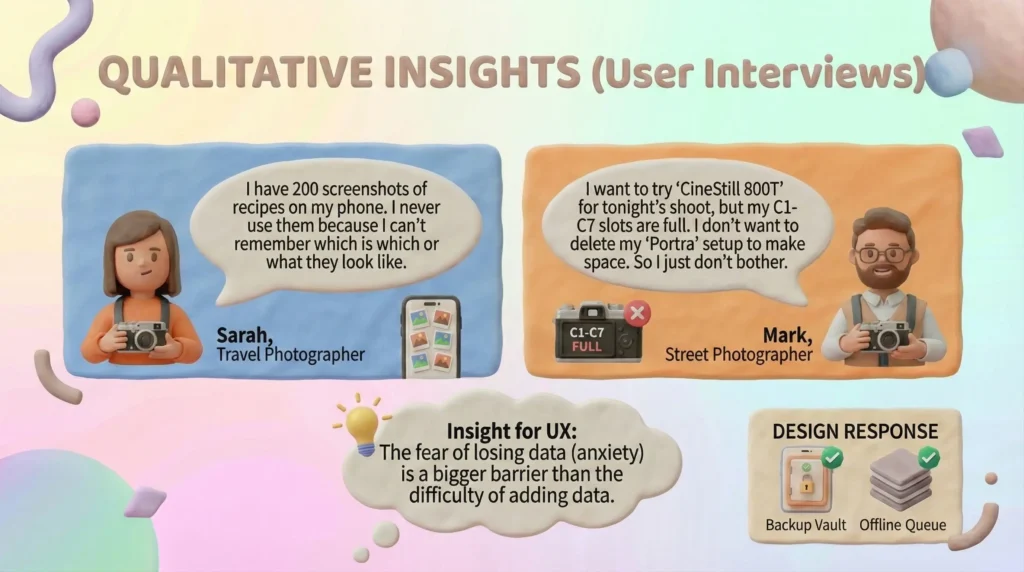
C. Qualitative Insights (User Interviews)
“I have 200 screenshots of recipes on my phone. I never use them because I can’t remember which is which or what they look like.”
Sarah, Travel Photographer.
“I want to try ‘CineStill 800T’ for tonight’s shoot, but my C1-C7 slots are full. I don’t want to delete my ‘Portra’ setup to make space. So I just don’t bother.”
Mark, Street Photographer.
Insight for UX: The fear of losing data (anxiety) is a bigger barrier than the difficulty of adding data.
- Design Response: This validated the need for the Backup Vault and the Offline Queue features in our design.
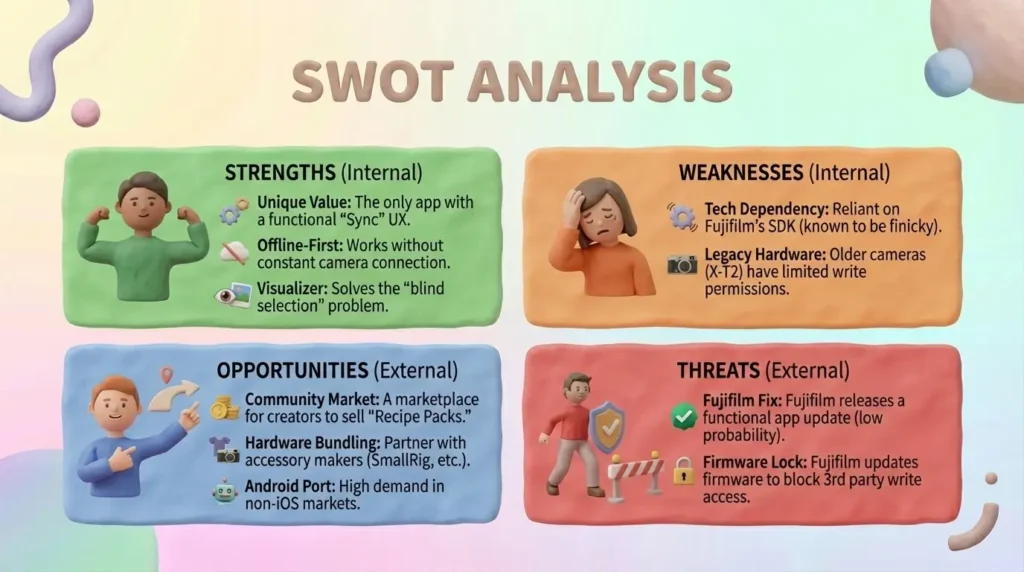
3.3. SWOT Analysis
Strengths (Internal)
Unique Value
The only app with a functional ‘Sync’ UX.
Offline-First
Works without constant camera connection.
Visualizer
Solves the ‘blind selection’ problem.
Weaknesses (Internal)
Tech Dependency
Reliant on Fujifilm’s SDK (known to be finicky).
Legacy Hardware
Older cameras (X-T2) have limited write permissions.
Opportunities (External)
Community Market
A marketplace for creators to sell ‘Recipe Packs’.
Hardware Bundling
Partner with accessory makers (SmallRig, etc.).
Android Port
High demand in non-iOS markets.
Threats (External)
Fujifilm Fix
Fujifilm releases a functional app update (low probability).
Firmware Lock
Fujifilm updates firmware to block 3rd party write access.
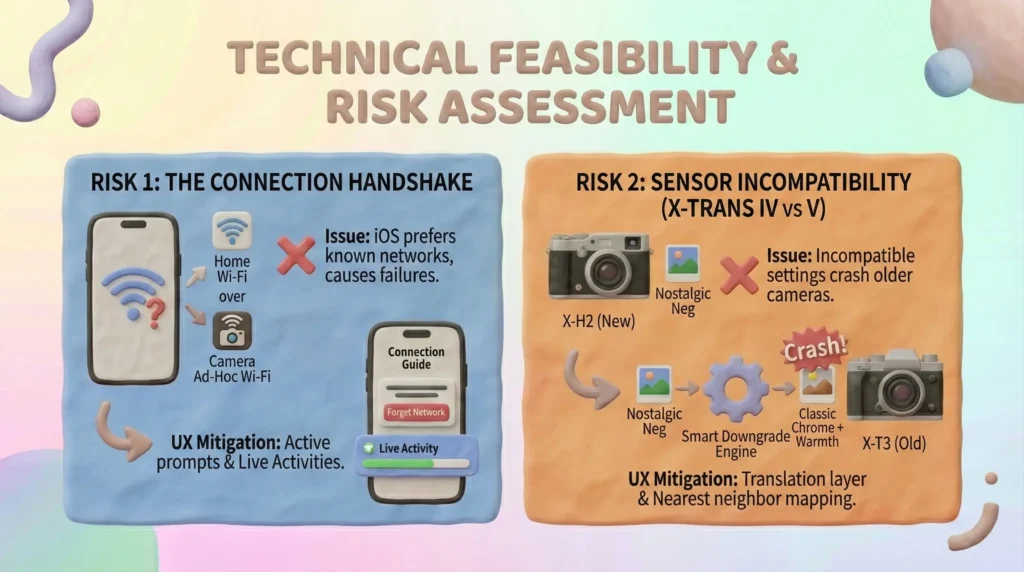
3.4. Technical Feasibility & Risk Assessment
This is the most critical part of the study. The UX promises Magic, but the engineering reality is Bluetooth LE + Wi-Fi Direct.
| Risk | Issue | UX Mitigation |
|---|---|---|
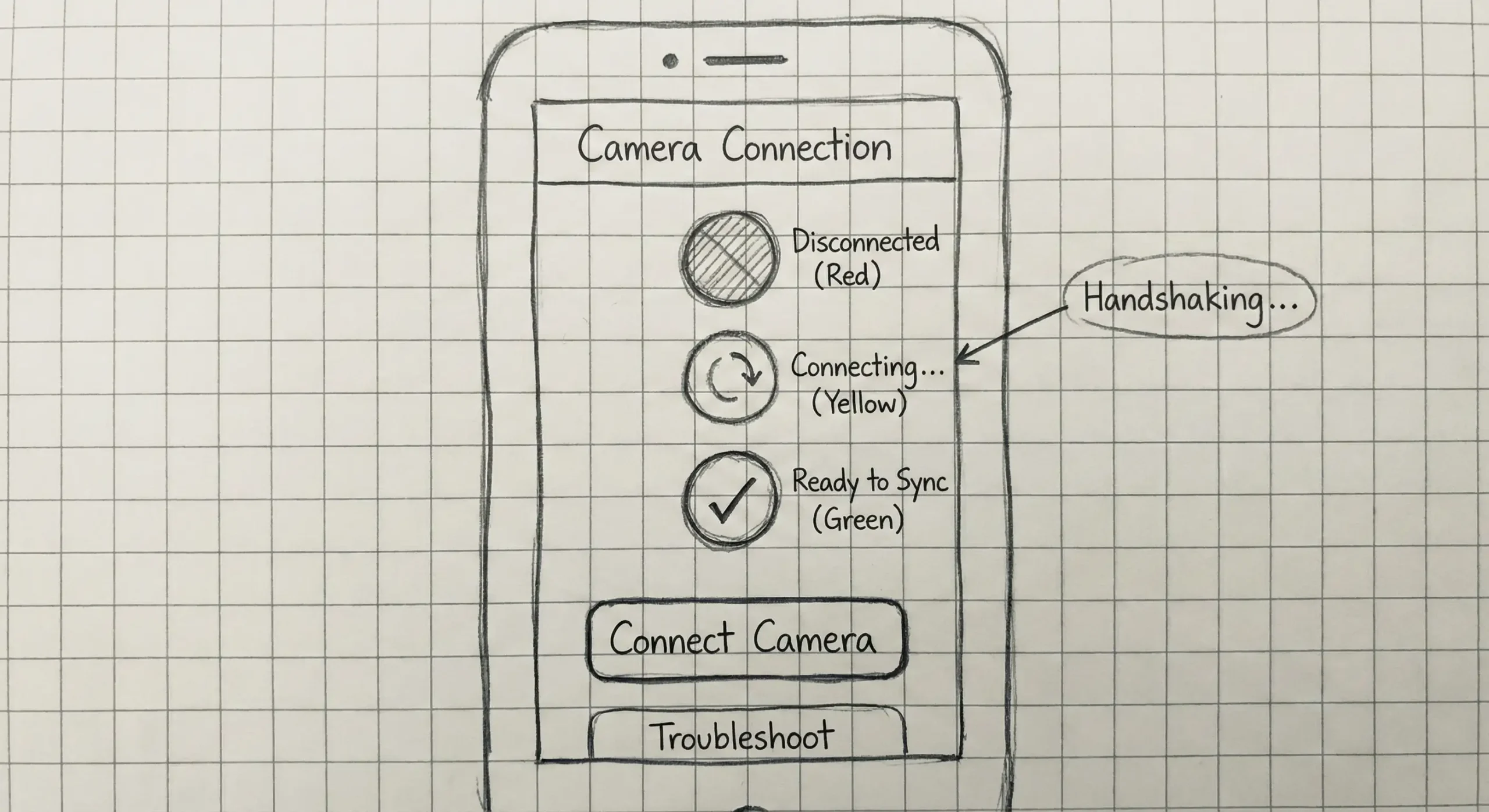
| 1. The Connection Handshake | iOS devices aggressively prefer known Wi-Fi networks (Home Wi-Fi) over the camera’s temporary Ad-Hoc Wi-Fi. This causes connection failures. | The Connection Guide screen is not just a tutorial; it must actively prompt the user to Forget Network or confirm the specific SSID join request. We must use iOS Live Activities to keep the app alive during the handshake. |
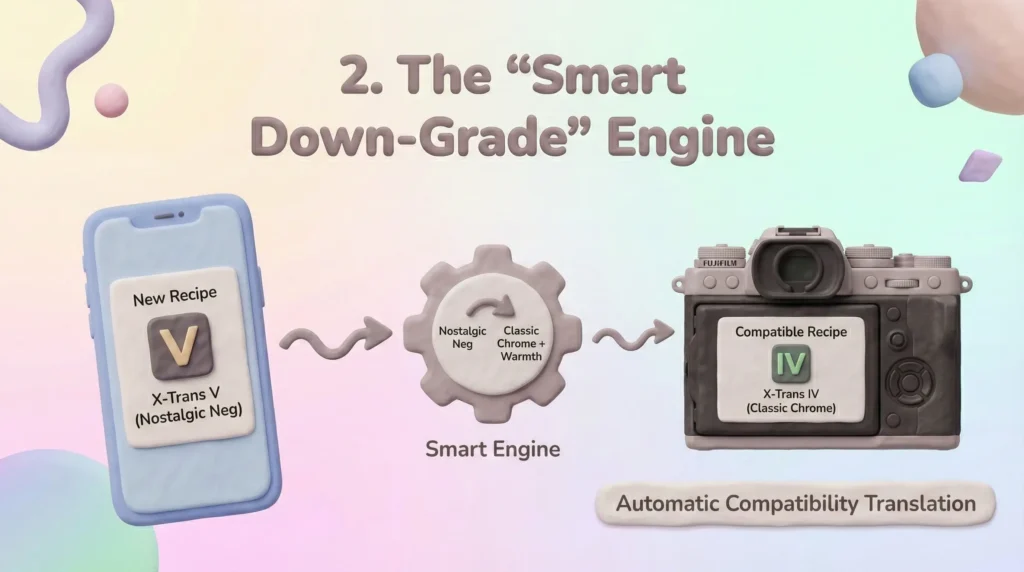
| 2. Sensor Incompatibility (X-Trans IV vs V) | A recipe created on an X-H2 (New) using Nostalgic Neg will crash an X-T3 (Old) if synced raw. | The Smart Downgrade logic. The app acts as a translation layer. It must know the target camera’s capabilities before syncing and offer to map incompatible settings to the nearest neighbor (e.g., Nostalgic Neg -> Classic Chrome + Warmth). |
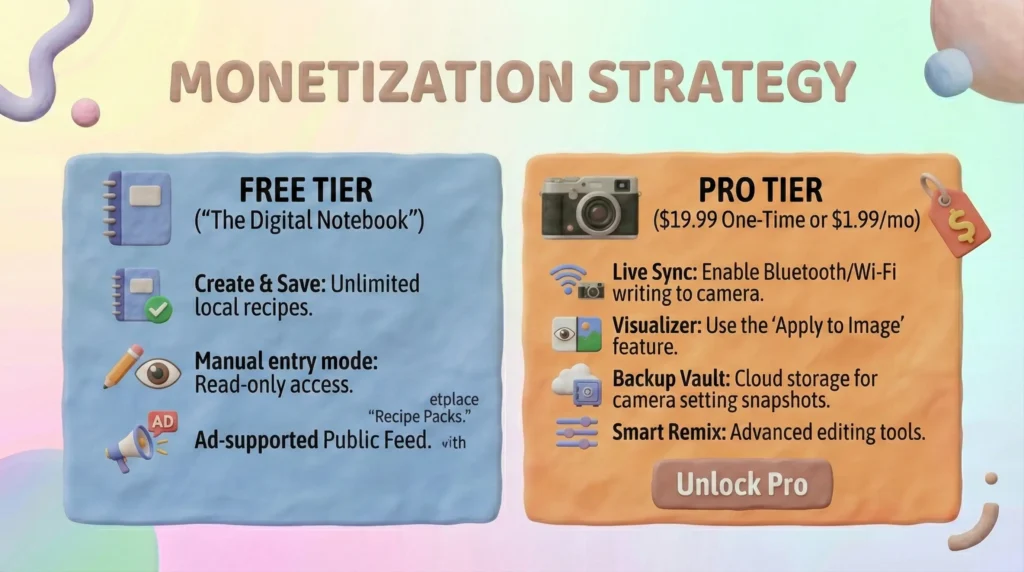
3.5. Monetization Strategy
The target audience (photographers) is willing to pay for tools but hates subscriptions for utilities.
Recommended Model: Freemium + Lifetime Unlock.
| Free Tier (The Digital Notebook) | Pro Tier ($19.99 One-Time or $1.99/mo) |
|---|---|
| – Create & Save unlimited recipes locally. – Manual entry mode (Read-only). – Ad-supported Public Feed. | – Live Sync: Enable Bluetooth/Wi-Fi writing to camera. – Visualizer: Use the Apply to Image feature. – Backup Vault: Cloud storage for camera setting snapshots. – Smart Remix: Advanced editing tools. |
3.6. Conclusion & Recommendation
Go / No-Go Decision: GO.
The market is currently served by content apps (Fuji X Weekly), but the utility sector is wide open due to the failure of the first-party app.
By solving the technical friction of the SDK with an Offline-First UX design, FilmSync can become the essential companion app for the estimated 2 million+ active Fujifilm X-Series shooters.
Section 4: Personas
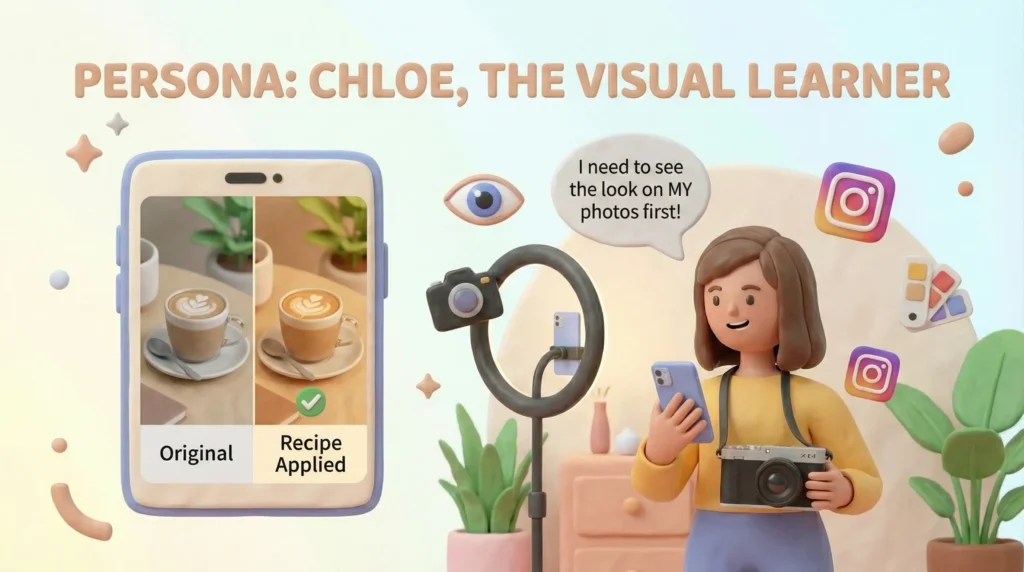
Primary Persona: Chloe, The Visual Learner
- Profile: 26, Lifestyle Influencer, shoots with a Fujifilm X-E4.
- Behavior: She finds recipes on Instagram but rarely tries them because she doesn’t know if they will suit her lighting style.
- Frustration: “I have hundreds of screenshots of settings, but I never use them because manually typing them into my camera takes too long while I’m on a shoot.”
- Goal: To preview a look on her actual photos instantly and sync it to her camera without tech headaches.
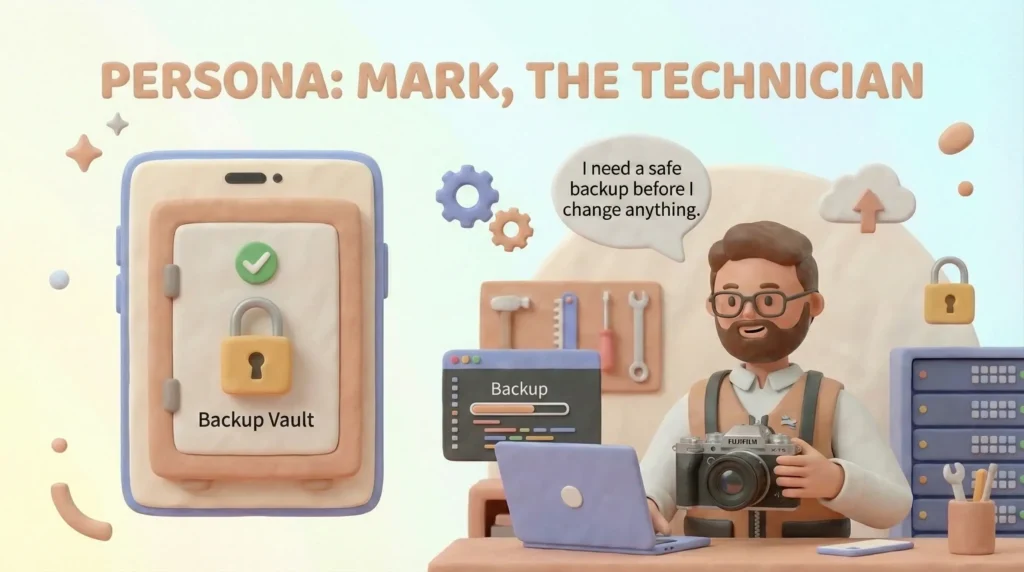
Secondary Persona: Mark, The Technician
- Profile: 34, Systems Admin & Street Photographer, shoots with a Fujifilm X-T5.
- Behavior: He has a perfect set of 7 custom slots and refuses to change them for fear of losing his configuration.
- Frustration: “I want to try the new CineStill look for a night shoot, but I don’t want to delete my Portra setup. I need a safe way to backup my camera.”
- Goal: A Safety Vault for his camera settings so he can swap configurations freely.
Section 5: User Journey Map
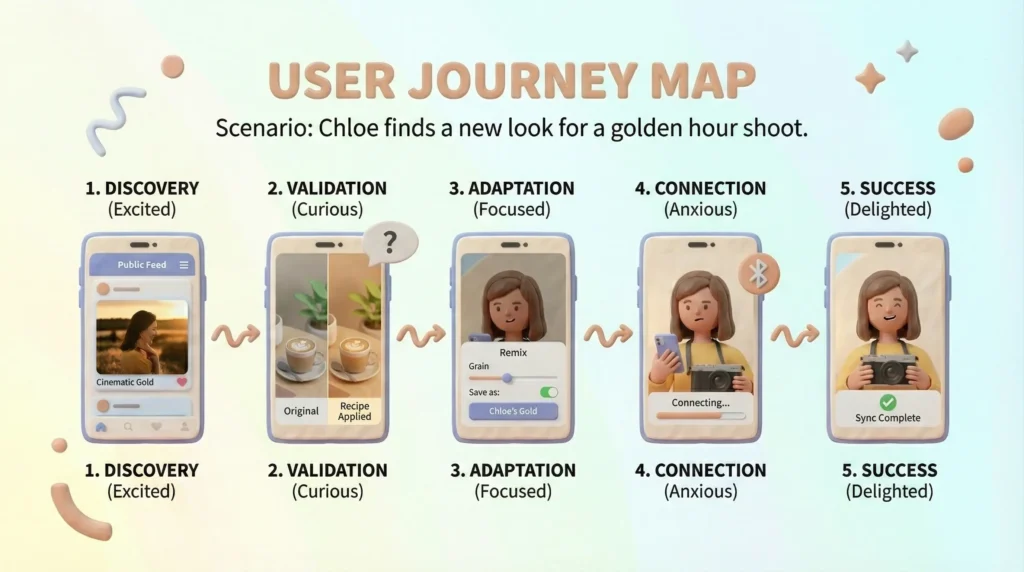
Scenario: Chloe finds a new look for a golden hour shoot.
- Discovery (Emotional State: Excited)
Chloe browses the Public Feed and filters by Warm Tones. She finds ‘Cinematic Gold’. - Validation (Emotional State: Curious)
She taps Test Preset and selects a photo from her own Camera Roll. The app processes the image. She sees it matches her style perfectly. - Adaptation (Emotional State: Focused)
She notices the grain is too heavy. She enters the Remix flow, lowers the grain, and saves it as ‘Chloe’s Gold’. - Connection (Emotional State: Anxious)
She taps Sync. The app guides her through the Bluetooth pairing with a clear, step-by-step UI to prevent timeout errors. - Success (Emotional State: Delighted)
The app confirms ‘Sync Complete’. She looks at her camera, and the settings are live. She is ready to shoot.
Section 6: The Solution (UX Strategy)
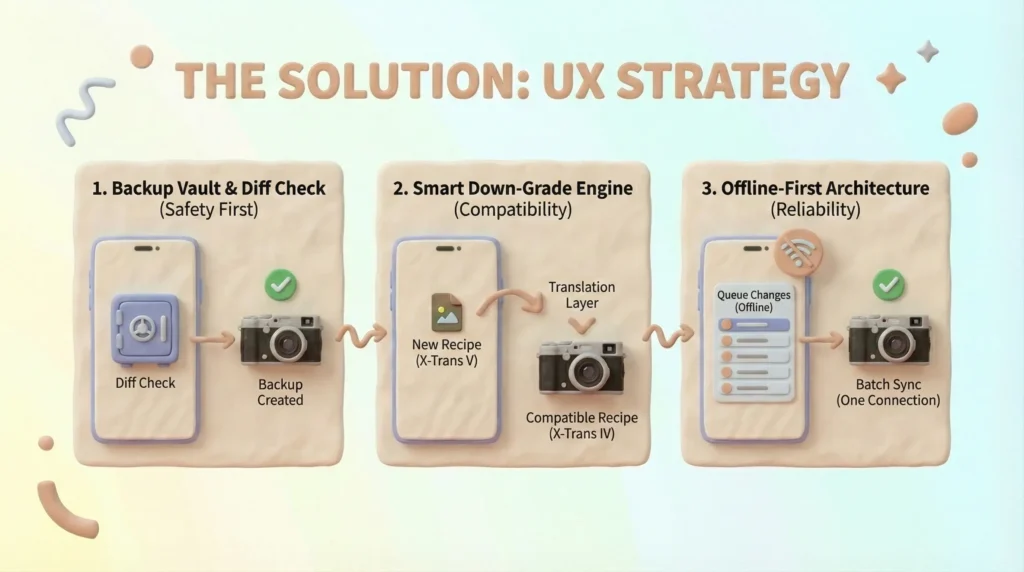
1. Solving Sync Anxiety with the Backup Vault
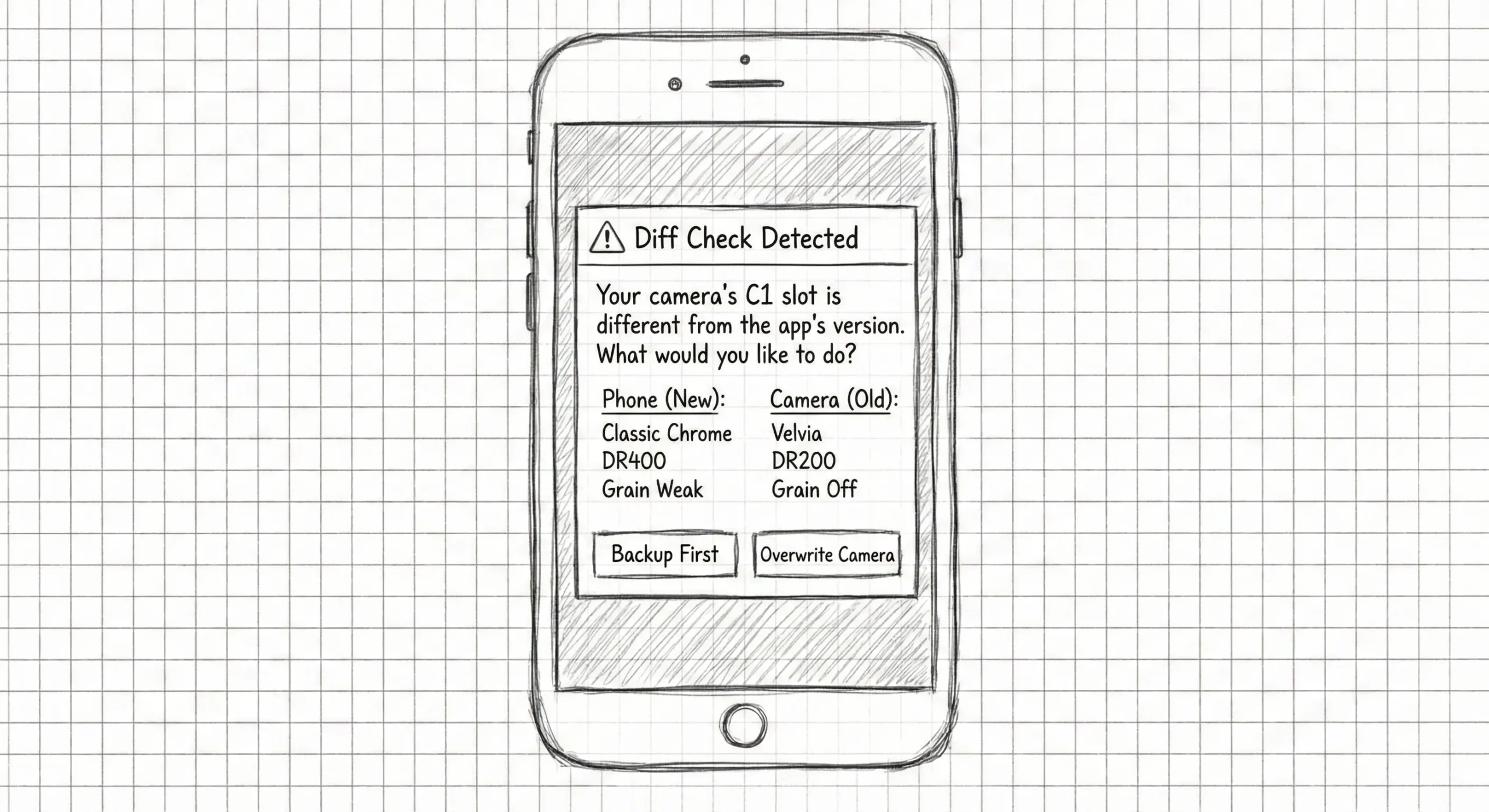
To address Mark’s fear of data loss, I introduced a Safety First flow. Before any write operation, the app performs a Diff Check. If the camera’s settings differ from the app’s, it prompts an automatic backup, creating a psychological safety net.
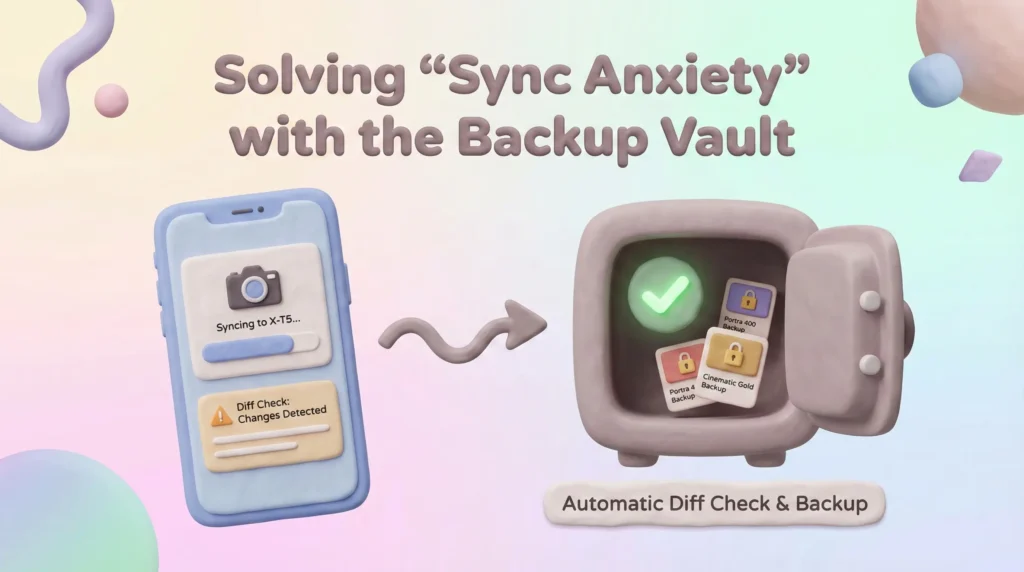
2. The Smart Down-Grade Engine
Fujifilm cameras have different sensors (X-Trans IV vs V). A major UX challenge was handling incompatibility.
- Design Solution
Instead of showing a generic error, I designed a Translation Layer.
If a user tries to sync a modern recipe to an older camera, the app offers to automatically map the settings to the nearest compatible equivalent (e.g., swapping Nostalgic Neg for Classic Chrome + Warmth).
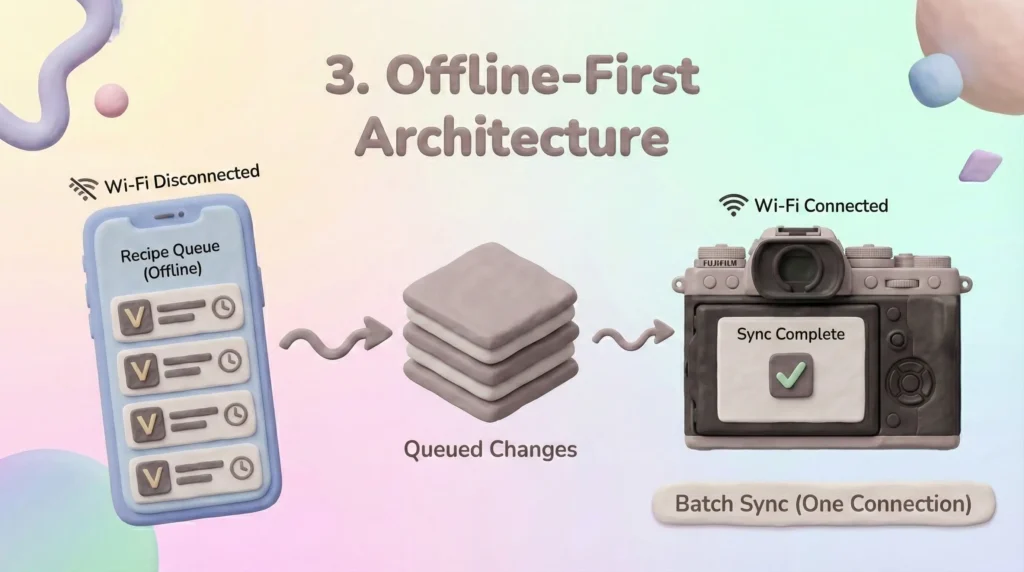
3. Offline-First Architecture
Recognizing that camera Wi-Fi is unstable, I designed the app to be fully functional offline.
Users queue their changes in the app and only initiate a connection for the final handshake, reducing the window for connection errors.
Section 7: Retrospective / Learnings
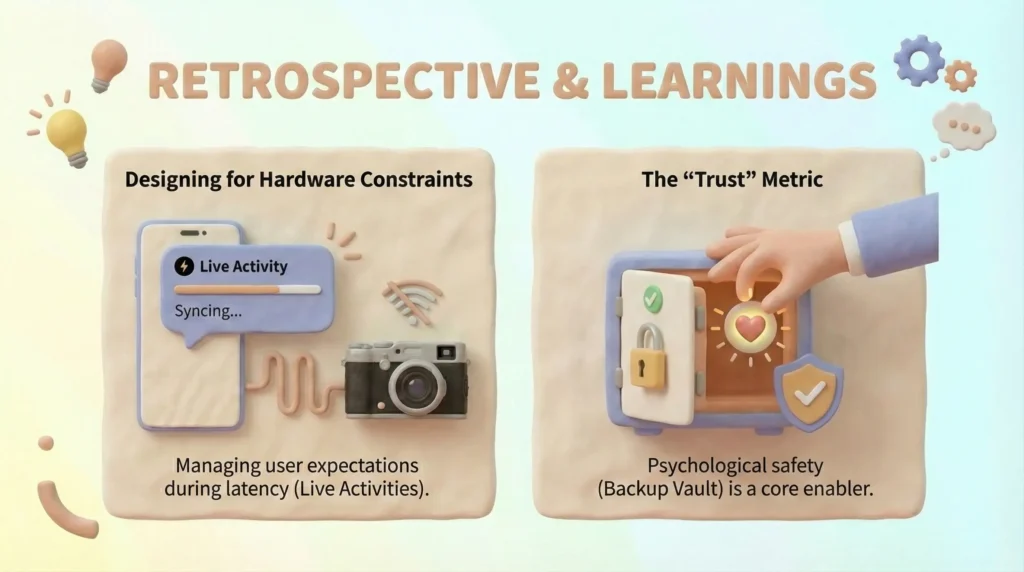
- Designing for Hardware Constraints
Unlike pure software products, this app relies on a physical handshake with a camera.
I learned that the UX must actively manage user expectations during hardware latency
(e.g., using Live Activities to keep the user informed during slow Wi-Fi transfers). - The Trust Metric
In a tool that overwrites hardware settings, gaining user trust is paramount.
Adding the Backup Vault wasn’t just a feature; it was a necessary psychological enabler for the core functionality.
Section 8: Visual Assets
Section 9: Flowcharts


Section 10: Final Screens