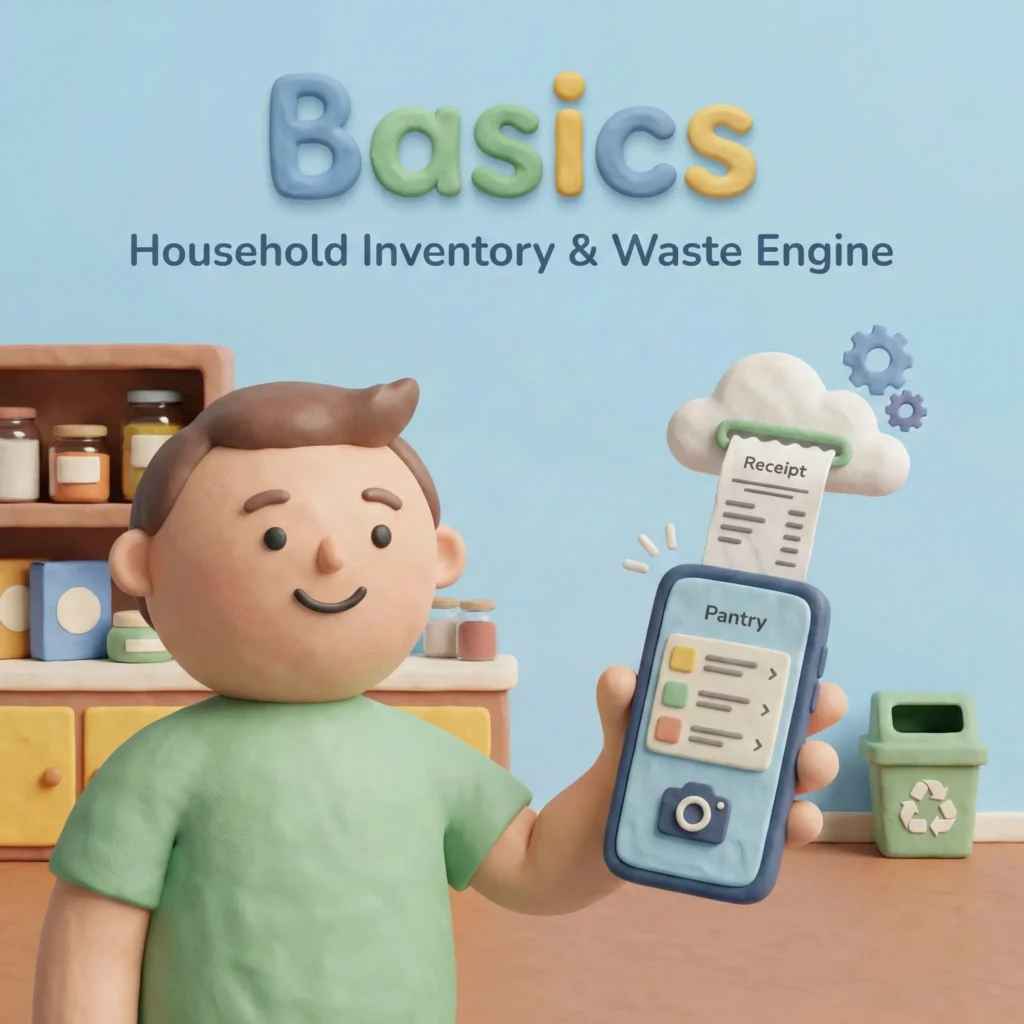

The Household Inventory & Waste Engine
This POC project to battle-test the vibe coding workflow, currently Work in Progress.
Project
Basics
[Code Name: PantryRaid]
ROLE
End-to-End Product Designer
(Strategy, Research, UX,
Frontend Prototyping)
Stage, Duration
POC, ~2 months
The Elevator Pitch: ‘Basics’ is not a shopping list; it is a decision engine. It is a ‘Digital Pantry’ designed to combat household waste and subscription fatigue by predicting consumption rates, rather than requiring users to manually log every interaction.
1. The Challenge
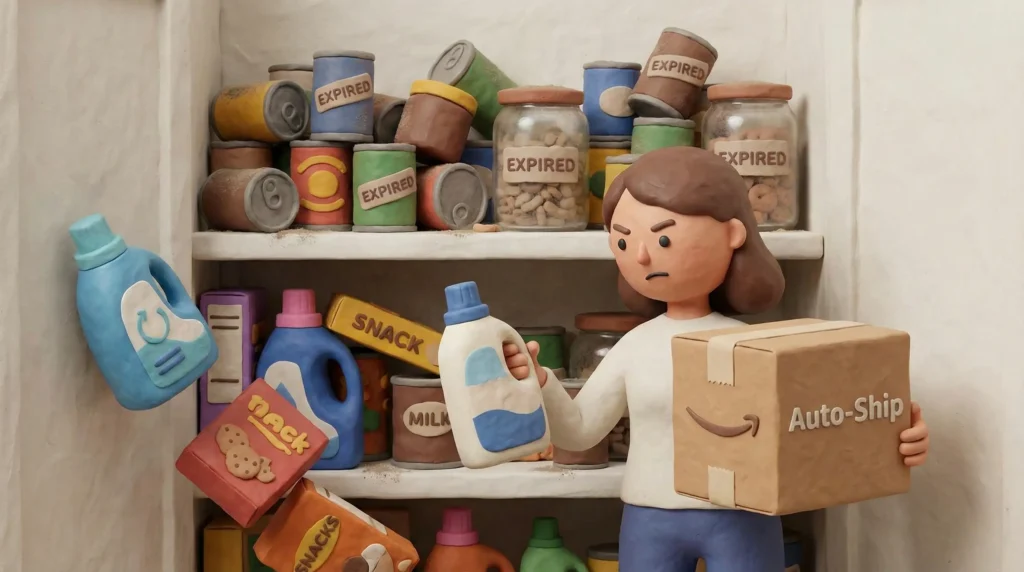
Modern household management has two opposing problems:
- Inventory Blindness: The average household wastes ~30% of consumables because objects are hidden in the back of cupboards.
- Subscription Fatigue: Automation (Amazon Subscribe & Save) is convenient but ‘dumb.’ It delivers detergent on a schedule, regardless of whether the user has actually finished the previous bottle, leading to clutter and waste.
The Goal
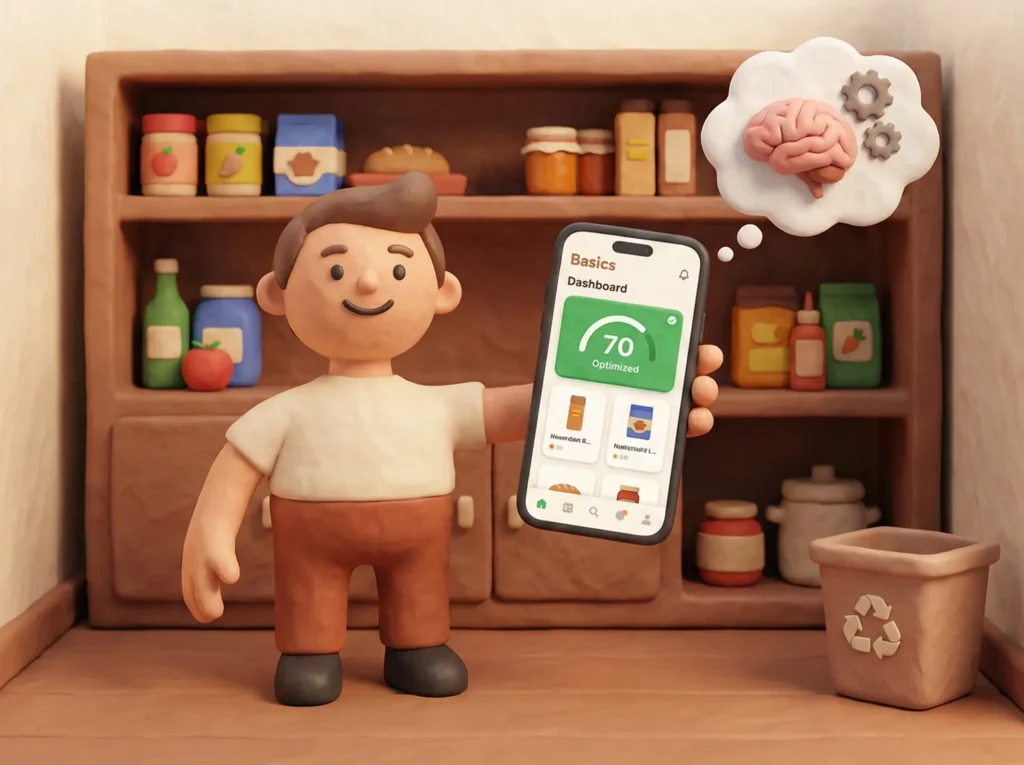
Create a system that tracks household inventory with near-zero manual input and acts as a ‘Guardrail’ for purchasing decisions.
2. Discovery & Research
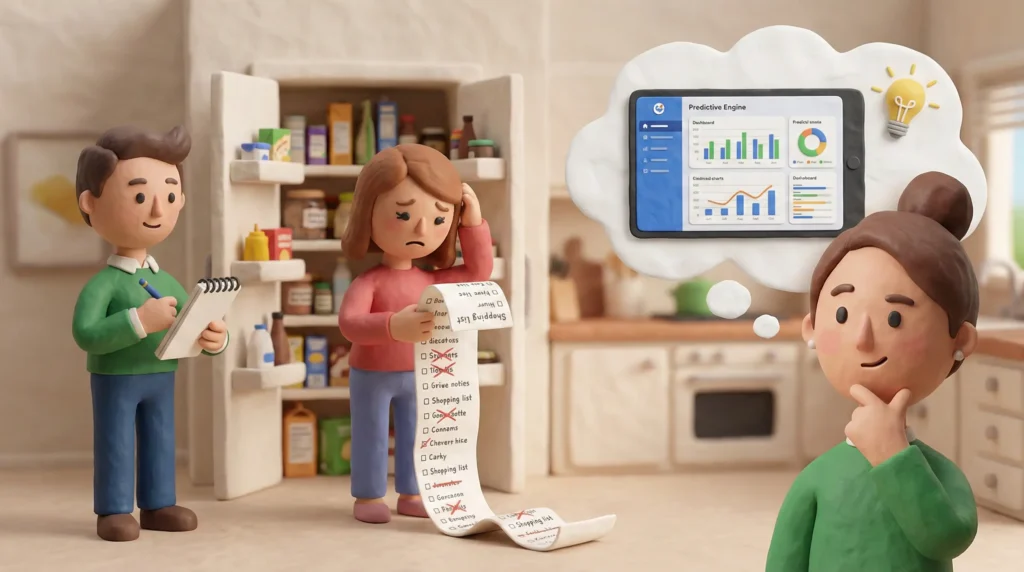
Focus: Ethnography and identifying the ‘Why.‘
The Initial Hypothesis (The Trap)
I started with the assumption that people needed a better Shopping List app. I believed that if I made adding items to a list easier, people would waste less.
Research Methodology
- Shadowing: Observed 3 friends putting away groceries and managing pantry stock.
- Interviews: “When was the last time you threw away food or toiletries? Why?”
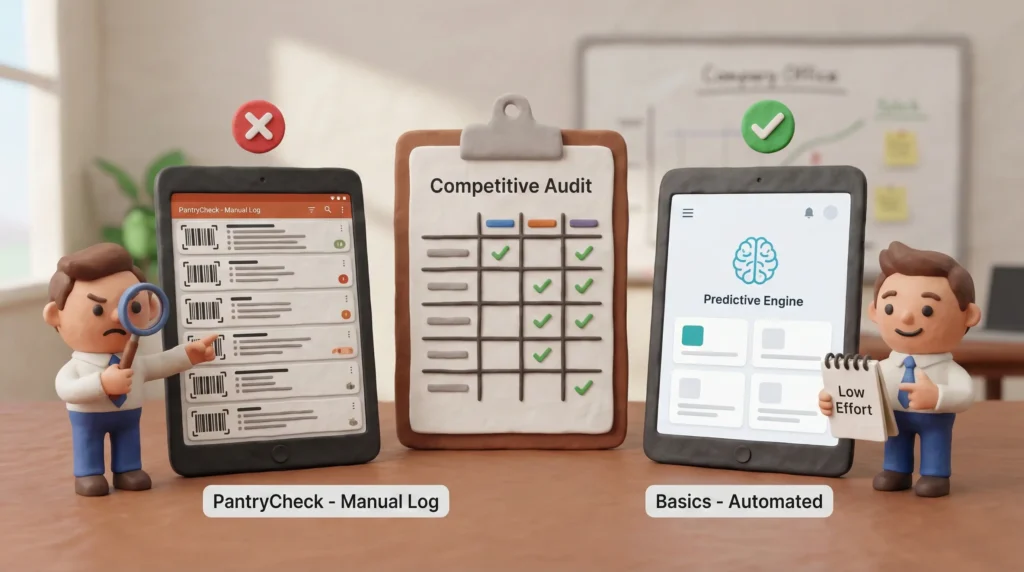
- Competitive Audit: Analyzed existing inventory apps (PantryCheck, Grocy).
Key Insights (The ‘Aha!’ Moment)
- High Interaction Cost: Existing apps fail because they demand ‘warehouse worker behavior’ from casual users. Scanning a barcode every time you use a can of beans is sustainable for 3 days, but impossible for 3 years.
- The ‘Double Buy’ Phenomenon: Users don’t forget to buy things; they forget what they already have.
- The Pivot: Users didn’t need a list tool; they needed a predictive model.
- Strategic Pivot: I shifted the product definition from ‘Input-Heavy Inventory Tracker’ to ‘Passive Consumption Engine.’
3. Defining the User
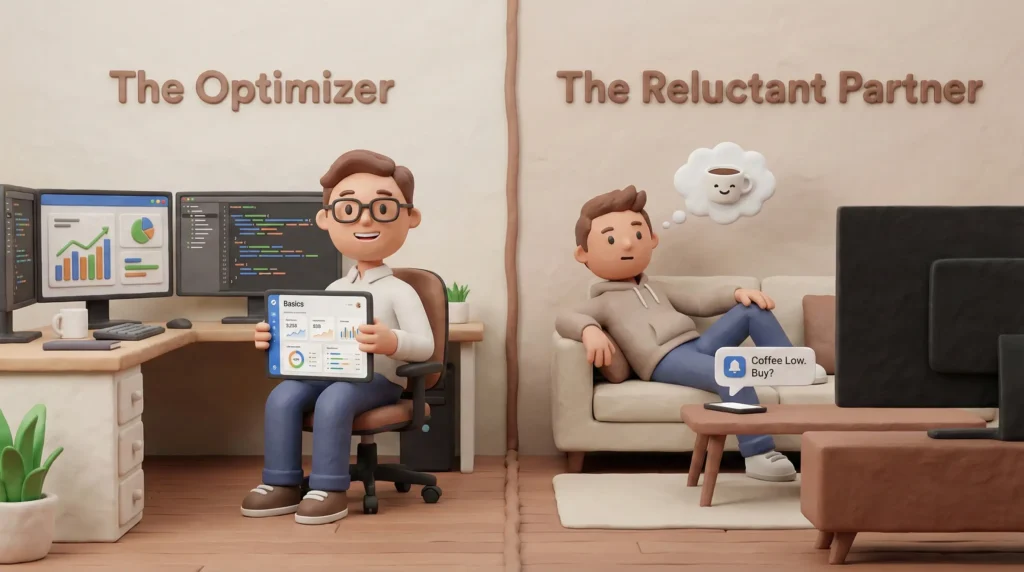
Since this is a personal tool being built for a small circle, the personas represent the ‘Power User’ and the ‘Reluctant Partner.’
Persona A: The ‘Optimizer’ (Me/You)
- Goal: Zero waste, automated life, data-driven decisions.
- Pain Point: Mental load of remembering if there are batteries in the drawer.
- Tech Literacy: High. Willing to vibe-code custom solutions.
Persona B: The ‘Reluctant Roommate’
- Goal: Just wants toothpaste to appear when needed.
- Pain Point: Will never manually log usage. If the app requires them to scan a barcode to take a snack, they will abandon the app.
- Constraint: The system must work around their lack of input.
4. System Design: Solving the ‘Input Problem’
Focus: Behavioral UX and reducing friction.
To solve the friction issue, I moved away from explicit logging (scanning out) to predictive modeling.
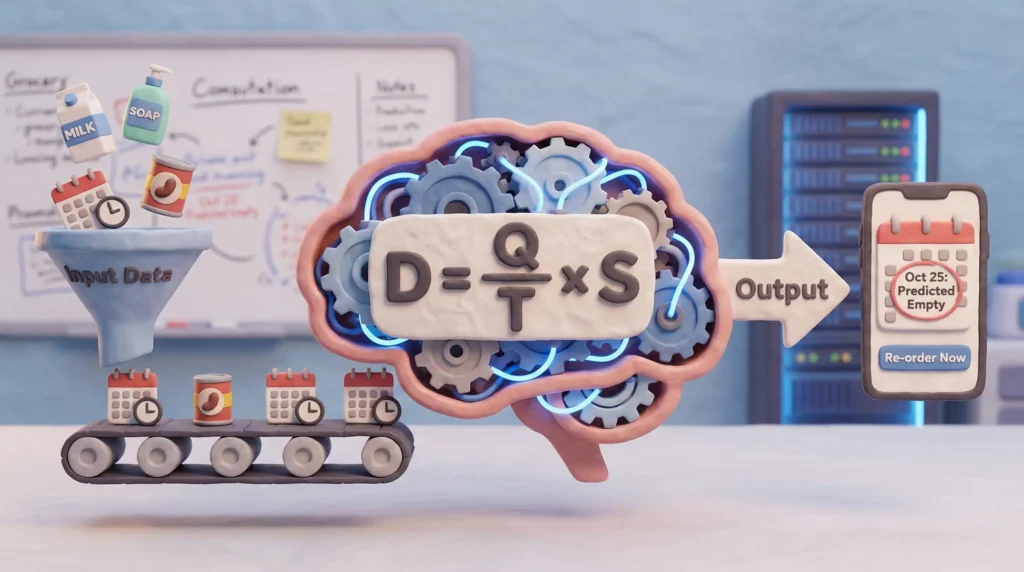
The Consumption Algorithm
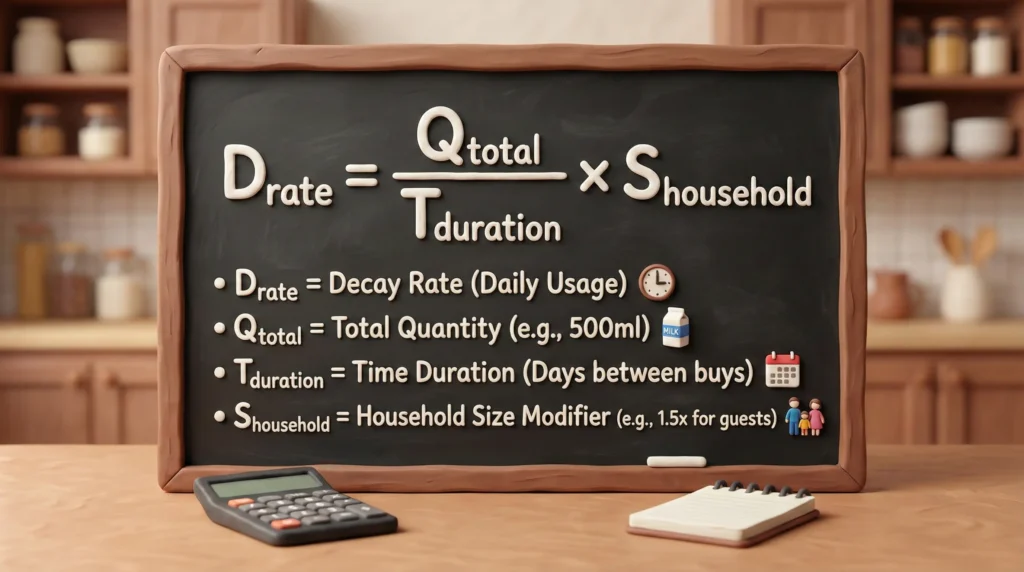
Instead of tracking every usage event, “Basics” tracks the rate of decay.
Where:
= Quantity of item (e.g., 500ml soap).
= Time between last two purchases.
= Household size modifier.
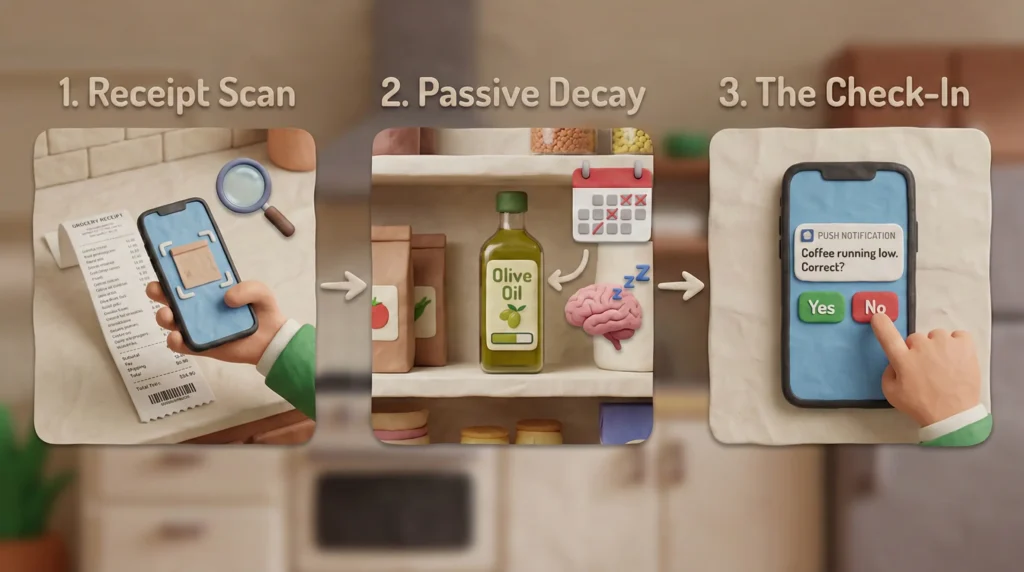
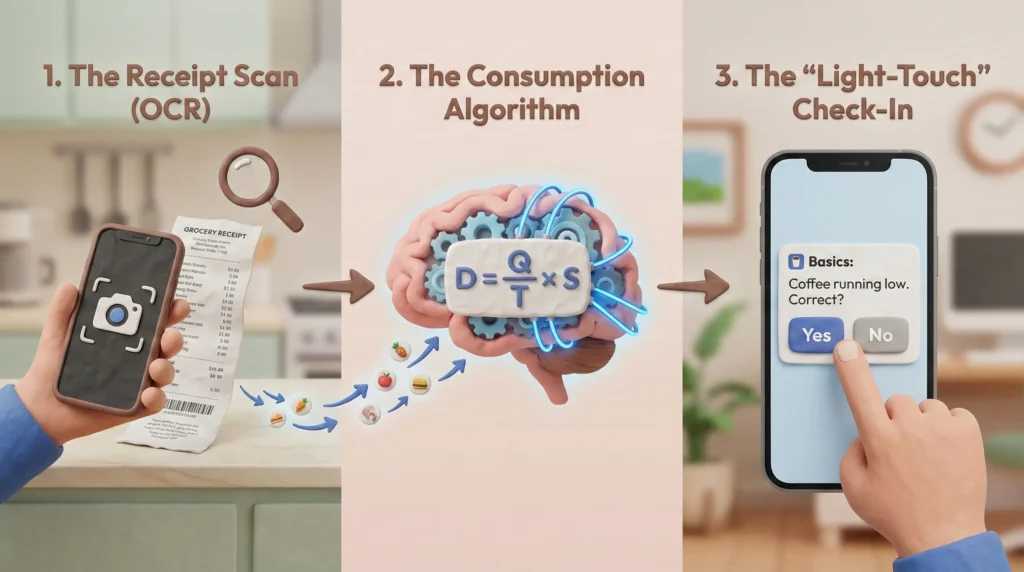
The ‘Light-Touch’ Workflow
- Receipt Scan (OCR): The only heavy input. The user scans a grocery receipt. The LLM (via Vibe Coding backend) parses items and updates the ‘Stocked’ date.
- Passive Decay: The app calculates an estimated ‘Empty Date’ based on history.
- The ‘Check-In’ (Micro-Interaction):
- Notification: ‘Basics predicts you run out of coffee on Tuesday. Is this accurate?’
- User Action: ‘Yes’ (Auto-add to reorder) or ‘No, 50% left’ (Algorithm learns and adjusts decay rate).
5. User Journey & Mobile Workflows
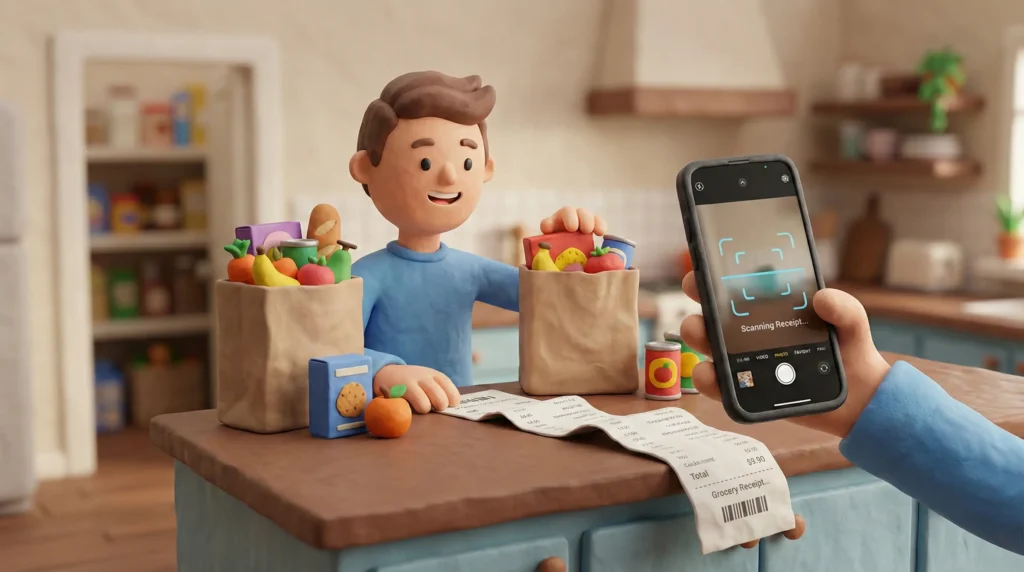
Journey 1: The ‘Unboxing’ (Input)
Scenario: User returns from the store.
- Trigger: User opens ‘Basics’ -> Taps Camera.
- Action: Scans long receipt.
- System Response: AI identifies 15 items. Matches 12 to existing catalog. Asks for clarification on 3 (“Is ‘G-Fruit’ Grapefruit or Gum?”).
- Result: Pantry updated. ‘Just-in-Time’ timers reset.
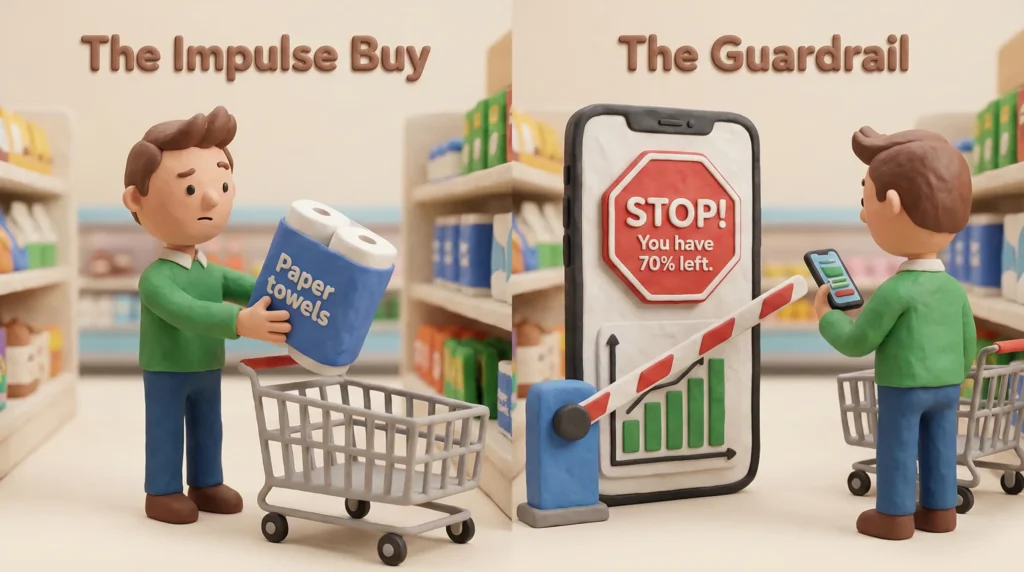
Journey 2: The ‘Guardrail’ (Decision Support)
Scenario: User is shopping online (Amazon/Instamart).
- Action: User is about to buy Paper Towels because they feel like they are low.
- Check: User opens ‘Basics.’
- Visual: The ‘Paper Towel’ card shows a Green bar (70% estimated stock).
- Result: User cancels the purchase. Money Saved.
6. MVP Features (Vibe Coding Scope)
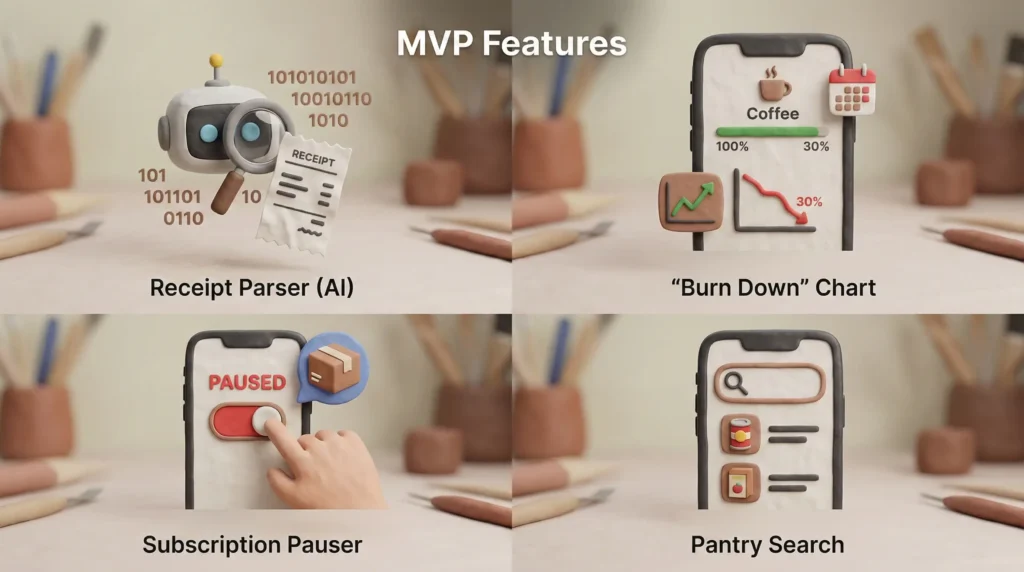
Since this is built with AI assistance, the scope is aggressive but utilitarian.
Feature |
Complexity |
Description |
|---|---|---|
Receipt Parser |
High |
Using GPT-4o Vision API to convert images to JSON inventory data. |
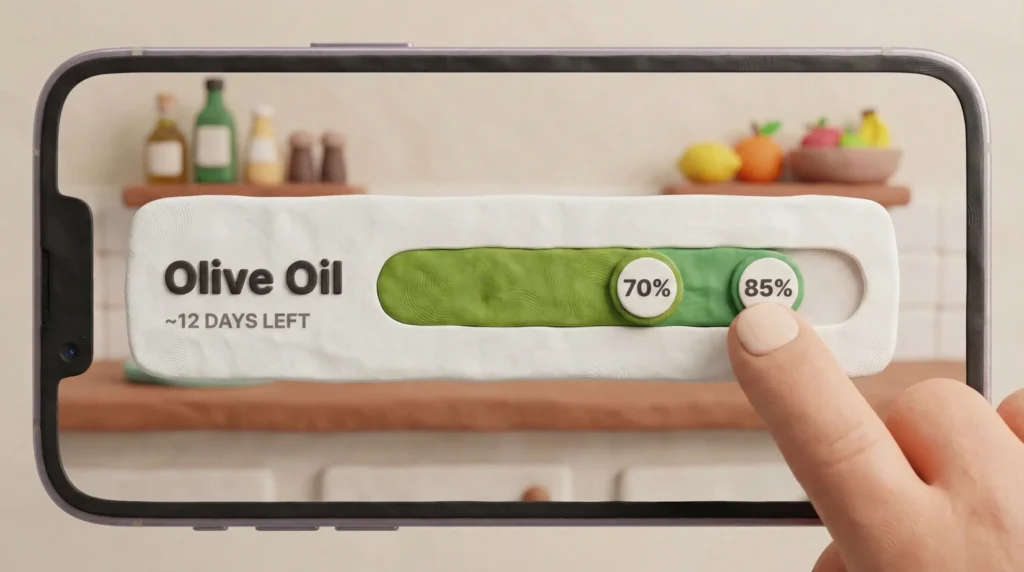
The ‘Burn Down’ Chart |
Medium |
A visual progress bar for each item showing estimated remaining stock. |
Subscription Pauser |
Low (Manual) |
A ‘Do Not Buy’ flag that appears on the dashboard if stock > 50%. |
Pantry Search |
Low |
Simple text search to answer “Do we have cumin?” |
7. Visual Design & UI (Concept)
The Dashboard: ‘Home Health’
Instead of a list of 100 items, the dashboard only shows Exceptions:
- Critical Lows: Items predicted to run out in <3 days.
- Excess Alerts: Items usually bought frequently that the user should not buy this week.
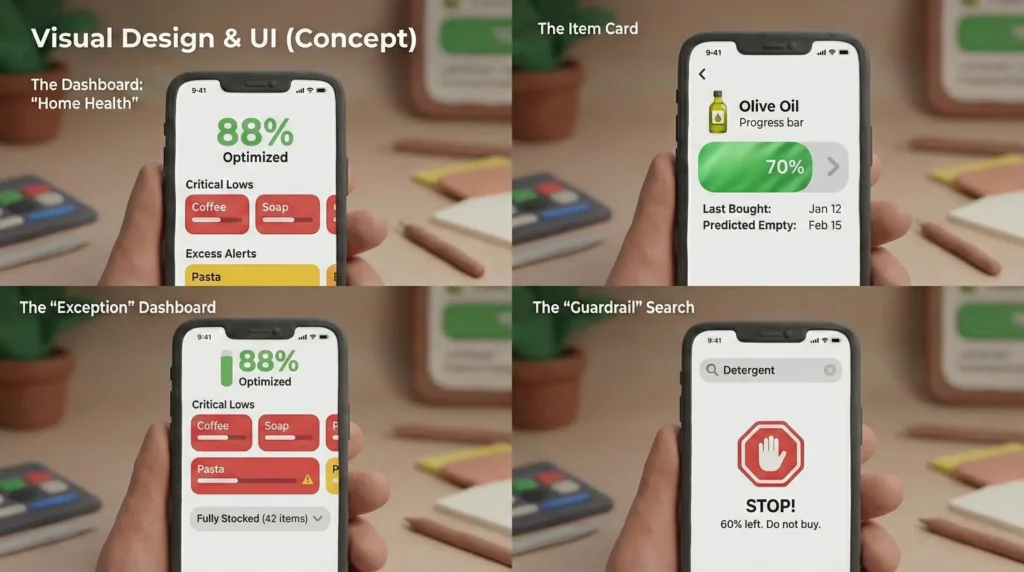
The Item Card
- Visual Metaphor: A battery indicator.
- Green: Full.
- Yellow: Re-order zone.
- Red: Critical.
- Data: Shows ‘Last Bought’ and ‘Predicted Empty Date.’
8. Service Design: Connecting Digital to Physical
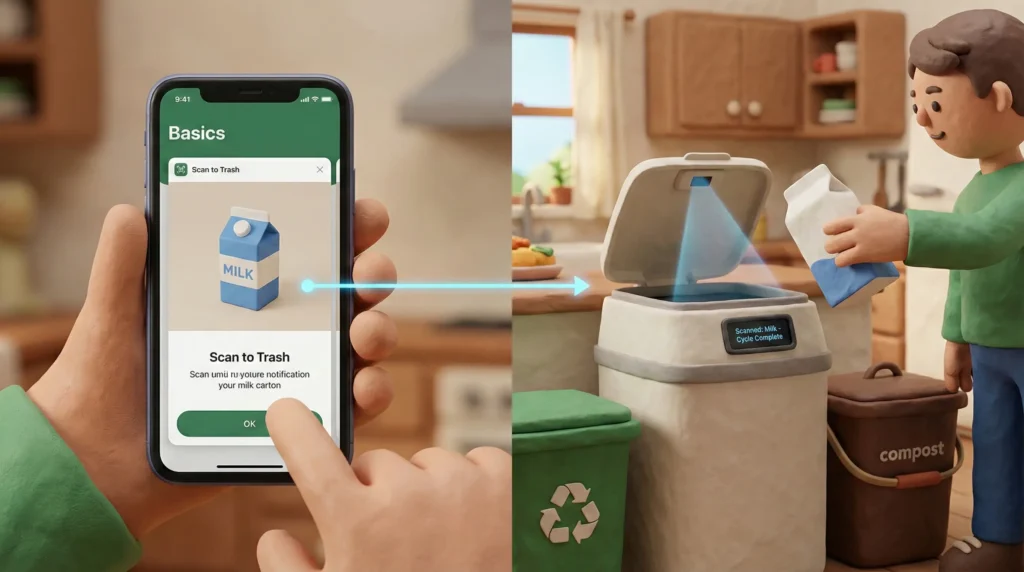
How does this impact the real world?
- The Garbage Loop: Eventually, I plan to integrate a ‘Scan to Trash’ feature. When an item goes in the bin, scanning the barcode confirms the exact duration of use, perfecting the algorithm for the next cycle.
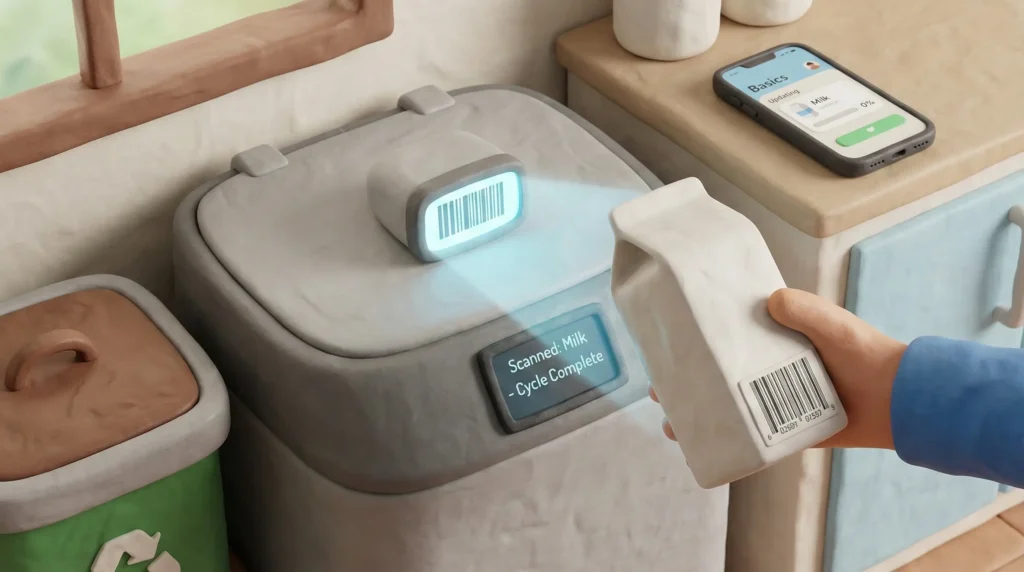
- Shopping Integration: The app generates a text-based shopping list of only ‘Critical Low’ items, which can be copied into Instamart or sent to a partner via WhatsApp.
9. Conclusion & Lessons Learned (So Far)
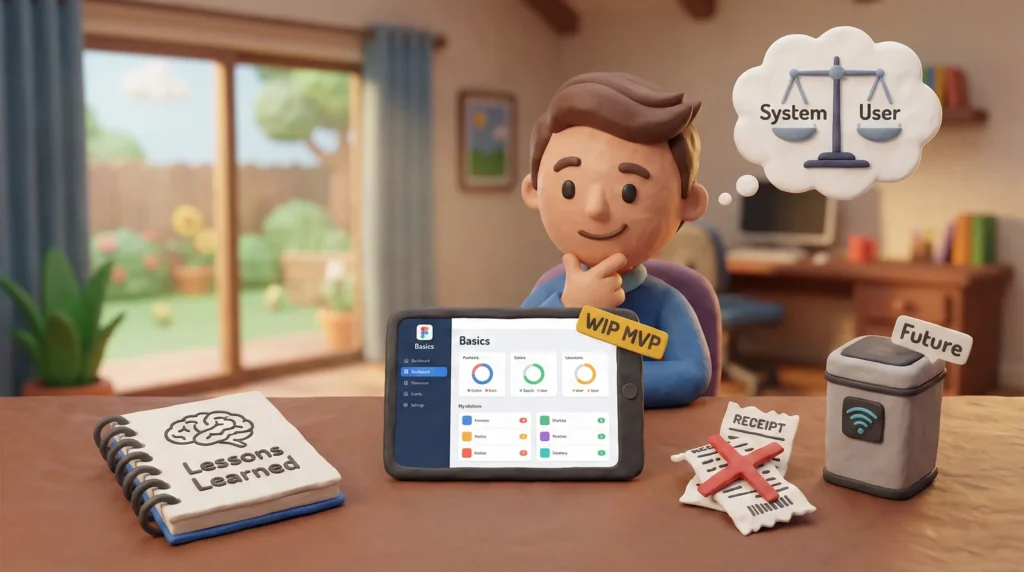
The “Work in Progress” Reality
- OCR is messy: Receipt scanning is only 80% accurate. I am currently exploring fuzzy matching logic to improve how the system categorizes ‘Avocados (Small)’ vs ‘Avocados (Large).’
- The ‘Guest’ Variable: The algorithm breaks when guests visit (consumption spikes). I am designing a ‘Party Mode’ toggle to temporarily increase consumption rates.
Why this matters
‘Basics’ proves that the future of home UX isn’t about more screens or more data entry; it’s about intelligent inference. By shifting the burden from the user to the system (via predictive modeling), we can solve the inventory problem without turning home life into warehouse work.
10. Challenges & Solutions (The ‘War Stories’)
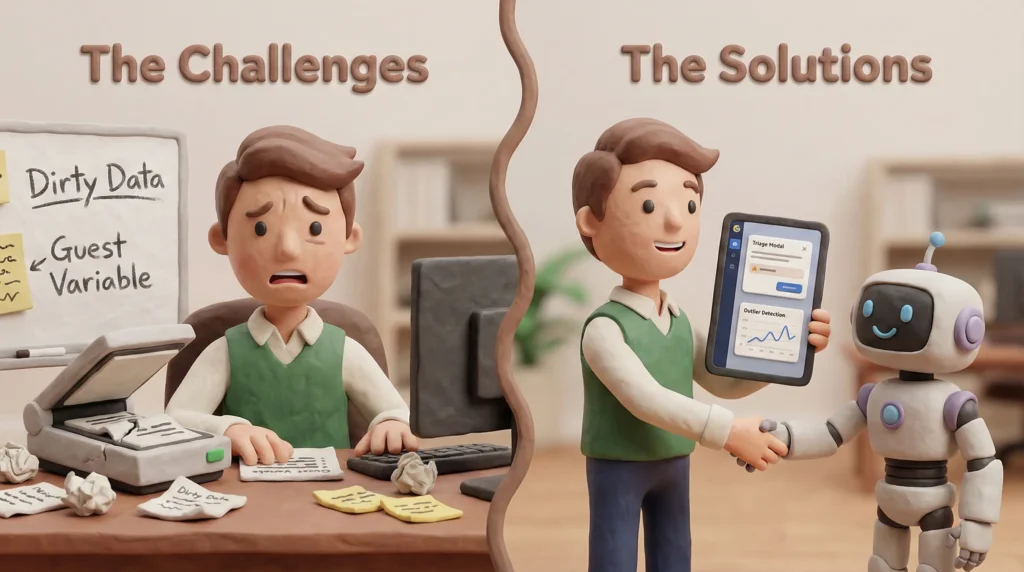
Challenge A: The ‘Dirty Data’ Problem (OCR Limitations)
The Issue: Early testing showed that GPT-4o Vision is powerful but inconsistent with grocery receipts. It struggles with abbreviated names (e.g., ‘HEINZ KTCP 50oz’ vs. ‘H. KETCHUP’), leading to duplicate database entries. A ‘dumb’ system would create two separate entries for Ketchup, breaking the consumption tracking.
The UX Solution: ‘The Triage Modal‘ Instead of trying to force perfect automation, I designed a Human-in-the-Loop workflow.
- Design Pattern: When a receipt is scanned, the system assigns a ‘Confidence Score’ to each item.
- The Interaction: Items with <80% confidence don’t go straight to the pantry. They appear in a ‘Clarification Queue’ (e.g., “Is ‘G-FRUIT’ Grapefruit or Gum?”).
- The Result: This small friction point prevents long-term data corruption, prioritizing trust over speed.
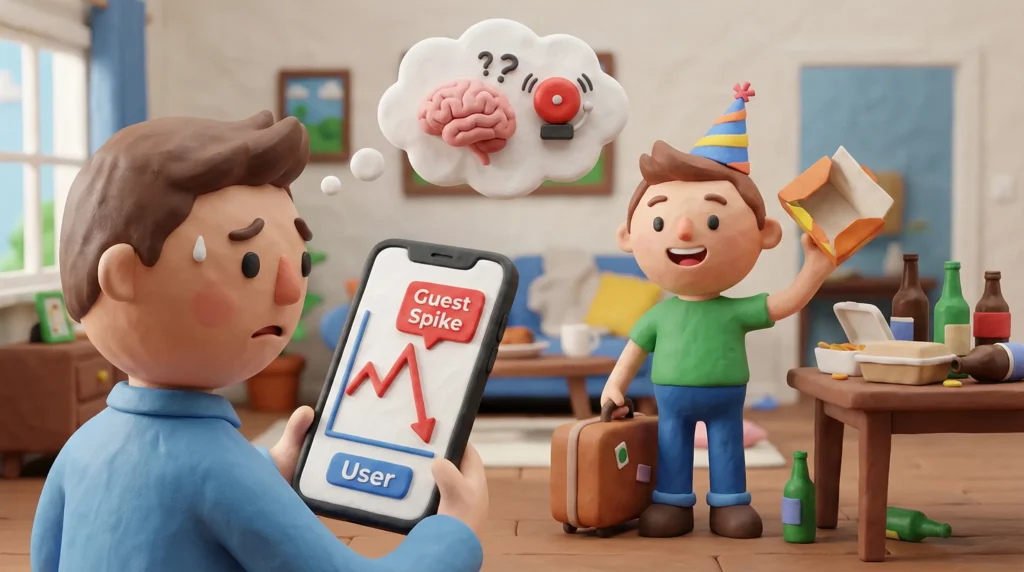
Challenge B: The ‘Guest Variable’ (Unpredictable Decay)
The Issue: The algorithm calculates consumption based on history. However, if the user hosts a dinner party, they might use a month’s worth of olive oil in one night. This outlier data point would ‘poison’ the algorithm, causing it to predict the user needs olive oil every 3 days forever.
The System Solution: Outlier Detection I implemented a standard deviation filter in the backend logic.
- The Logic: If a consumption cycle is > 2 standard deviations faster than the average, the app prompts the user: “You finished this 400% faster than usual. Was this a one-off event?”
- User Action: Tapping ‘Yes’ excludes that specific data point from the long-term predictive model.
11. Future Roadmap
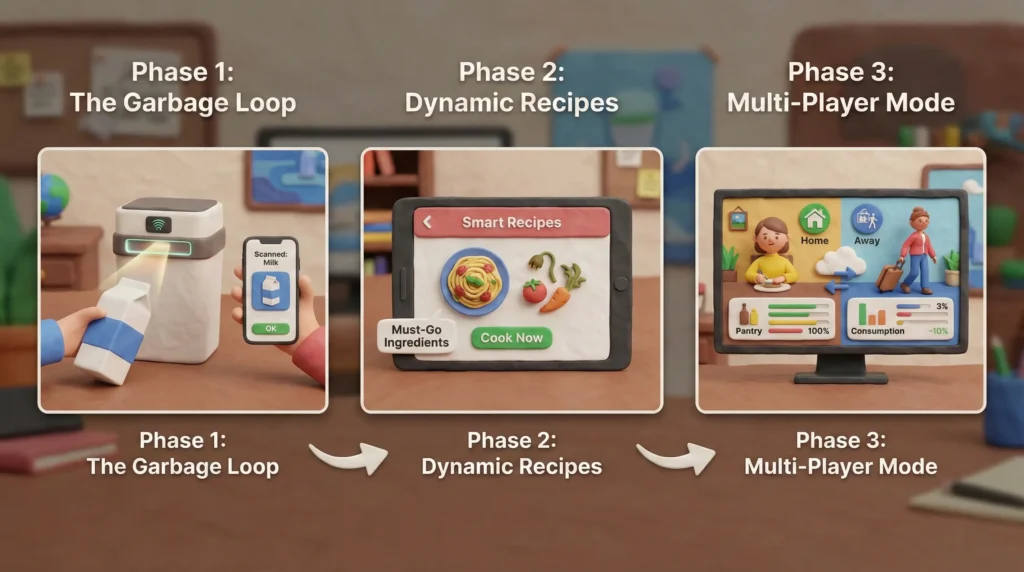
Phase 1: The ‘Garbage Loop’ (Hardware Integration)
Currently, the system relies on the user confirming an item is empty. The future vision closes the loop at the trash can.
- Concept: A simple barcode scanner mounted on the kitchen bin (or ‘Scan-to-Trash’ feature).
- Benefit: Scanning an item before throwing it away provides the exact ‘End Date’ timestamp, making the algorithm 99% accurate without mental load.
Phase 2: Dynamic Recipe Suggestions
- Concept: ‘Inverse Recipe Search.’
- Logic: Instead of searching for what the user wants to eat, the app suggests recipes based exclusively on items that are in the ‘Yellow Zone’ (about to expire or run out), reducing food waste by prioritizing ‘Must-Go’ ingredients.
Phase 3: Multi-Player Mode
- Concept: Syncing across devices for roommates/families.
- Logic: Consumption rates are adjusted based on who is ‘Home.’ (e.g., If Roommate B travels for a month, the algorithm automatically slows down the decay rate for toilet paper and milk).
12. The Backend Logic (SQL & Data Structure)
The Concept: We don’t just store ‘Items’. We store ‘Cycles’. A cycle is the time between buying an item and finishing it. The prediction is the average of completed cycles.