
Leading the Shift to Adaptive Interfaces
For decades, design leadership has been a game of control. We built our careers on consistency, enforcing style guides, policing ‘pixel-perfect’ implementations, and treating the screen like a digital poster. We designed for the ‘average’ user in an ‘ideal’ state.
That era is ending (has the end has begun).
We are witnessing the death of the static screen and the birth of Adaptive Interfaces, systems that don’t just respond to screen size, but to human intent, environmental context, and cognitive load. The future of design isn’t about creating the perfect layout; it’s about creating the perfect behavior.
The Paradigm Shift: From ‘What it Looks Like’ to ‘How it Behaves’
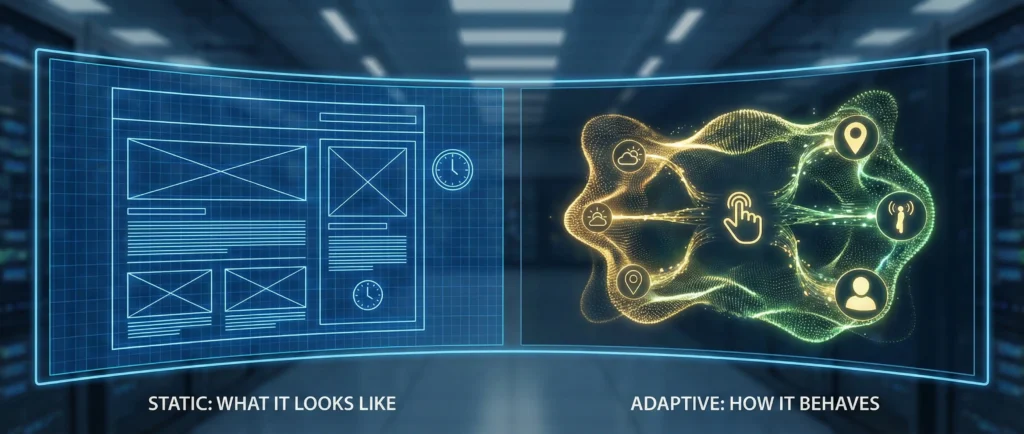
The traditional design deliverable, the static mockup, is becoming a lie. A single image cannot represent an interface that fundamentally morphs based on whether the user is rushing to a gate at the airport or lounging on their couch.
Adaptive Design moves us from ‘One Size Fits All’ to ‘One Size Fits One, Right Now’. It utilizes AI and real-time data signals (velocity, location, history, biometrics) to reassemble the interface on the fly.
This requires a massive mental shift for Design Leaders. You are no longer approving artifacts; you are approving logic. Your critiques must shift from “Move this button left” to “Why does the system prioritize this action when the user is stressed?”
What Does ‘Adaptive’ Actually Look Like?
This isn’t just about Dark Mode turning on at sunset. True adaptivity changes the utility of the product. Here are three examples of where this is going:
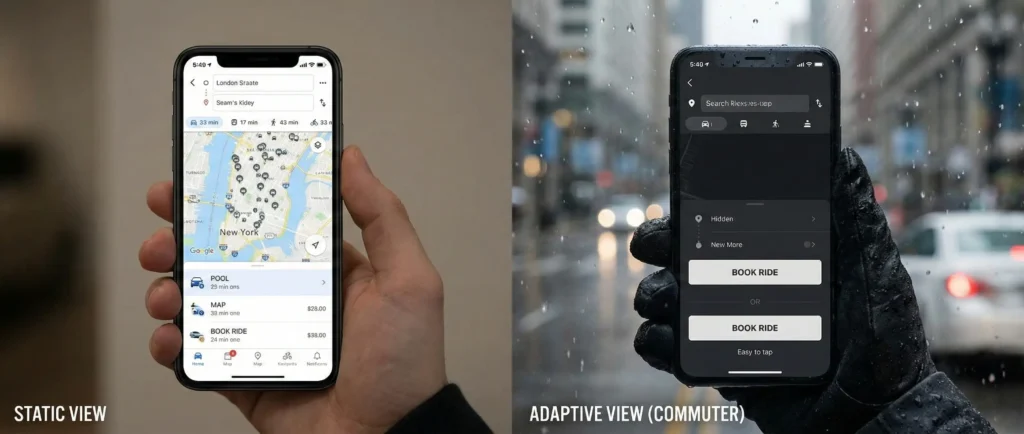
1. The ‘Commuter’ Mode (Contextual Ergonomics)
Imagine a ride-hailing app.
- Static View: A standard map and list of ride options.
- Adaptive View: The phone’s accelerometer detects the user is walking fast and it’s raining (weather API). The interface strips away the map texture to save data/battery. The ‘Book Ride’ buttons double in size to accommodate ‘shaky hand’ interactions. The ‘Pool’ option is hidden because the user is clearly in a rush. The interface effectively ‘armors up’ for the environment.
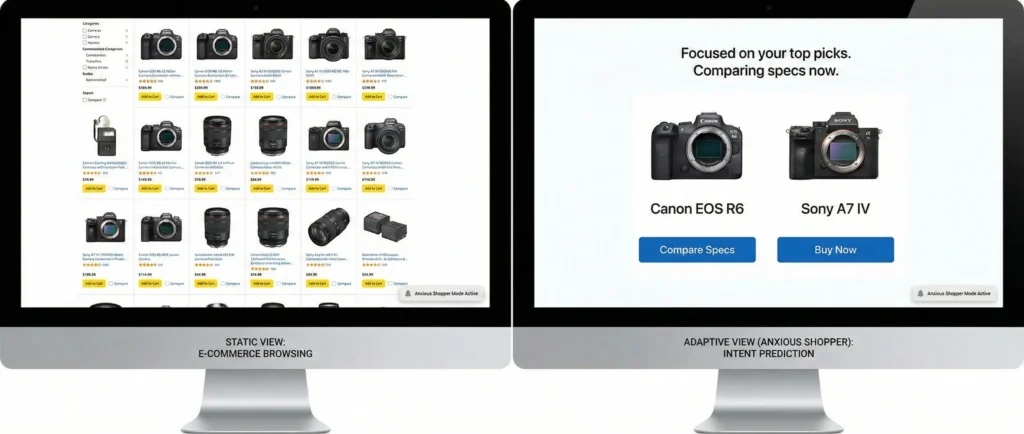
2. The ‘Anxious Shopper’ (Intent Prediction)
Imagine an e-commerce store.
- Static View: A grid of products.
- Adaptive View: The system notices the user is rapidly toggling between two specific cameras, checking specs back and forth. The interface detects this behavior and automatically triggers a ‘Comparison Mode’, stripping away other products and aligning the specs side-by-side. It stops selling ‘discovery’ and starts supporting ‘decision making’.
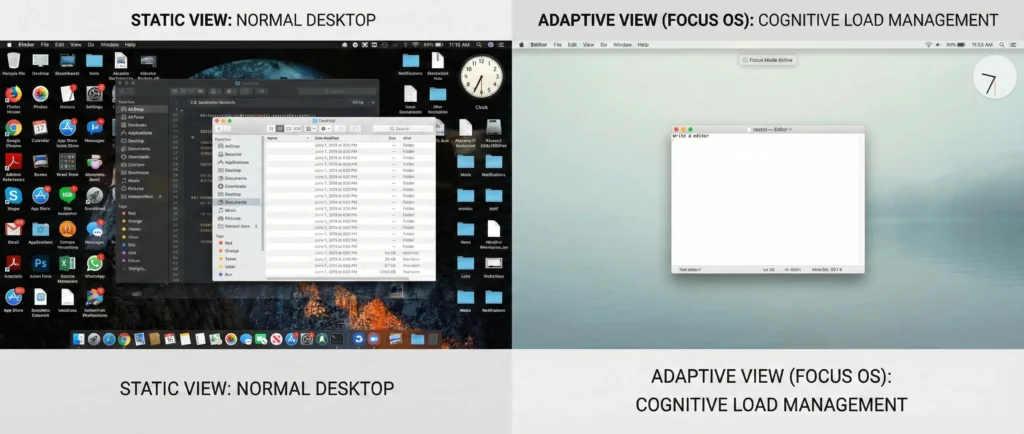
3. The ‘Focus’ OS (Cognitive Load Management)
Imagine a desktop OS.
- Static View: A desktop full of notifications, badges, and open windows.
- Adaptive View: The calendar indicates a ‘Deep Work’ block. The user hasn’t switched apps in 15 minutes. The OS fades out the clock, silences all non-critical notifications, and dims the wallpaper. It actively defends the user’s attention span rather than just hosting it.
The Innovation Frontier: Generative UI (GenUI)
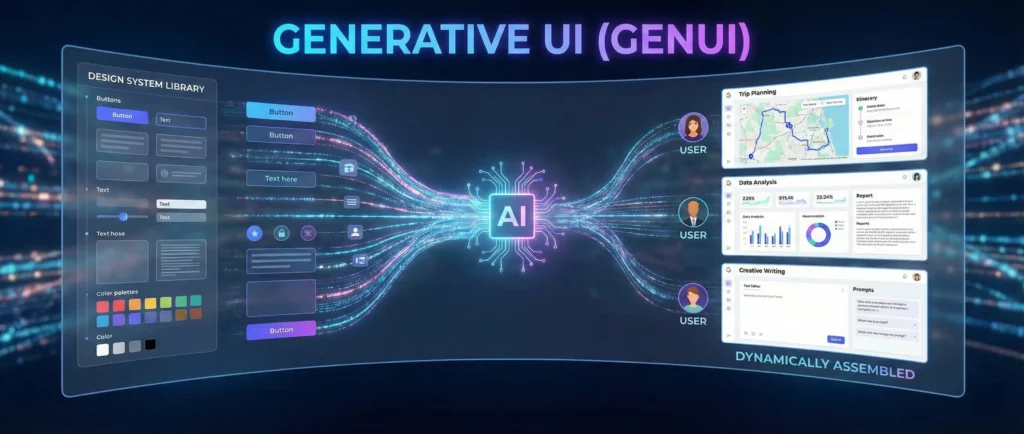
The most radical shift is Generative UI. This is where we stop drawing screens entirely.
In a GenUI world, the designer defines the Design System (the atoms) and the Rules (the logic). When a user asks a complex question, an AI assembles a unique interface just for that moment.
- Old World: You design a ‘Zero Results’ page.
- New World: You design a ‘Recovery’ rule set. If the system finds no flights, it generates a custom dashboard showing trains, nearby hotels, or video call options, a layout that never existed until that specific problem arose.
This is the ultimate form of Sprezzatura in design, an interface that feels effortlessly perfect for the situation, hiding the immense complexity of the logic that built it.
The Strategic Pivot for Leaders
How do you lead a team into this non-deterministic future?
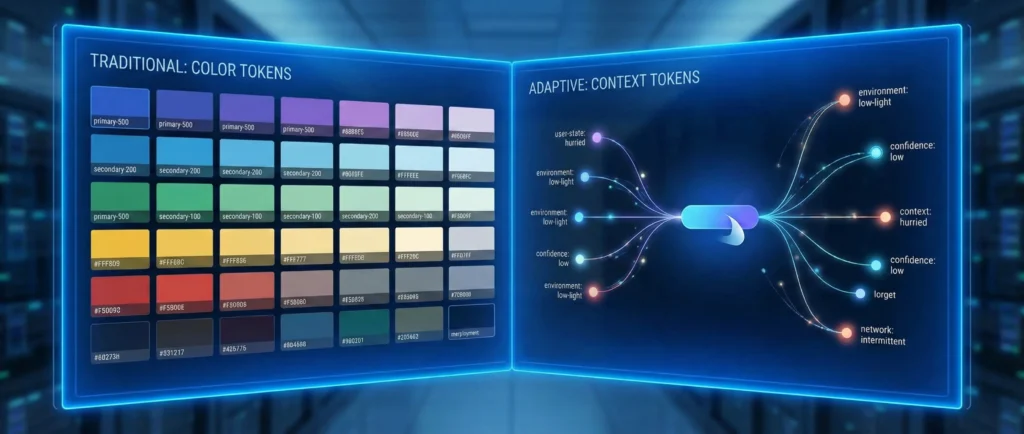
1. Tokenize Context, Not Just Color
Your Design System needs to evolve. We have tokens for color (primary-500) and spacing (spacing-md). We now need tokens for context:
user-state: hurriedenvironment: low-lightnetwork: intermittentconfidence: lowComponents must react to these tokens. A button shouldn’t just have a ‘hover’ state; it should have a ‘low-confidence’ state (e.g., “Are you sure?”).
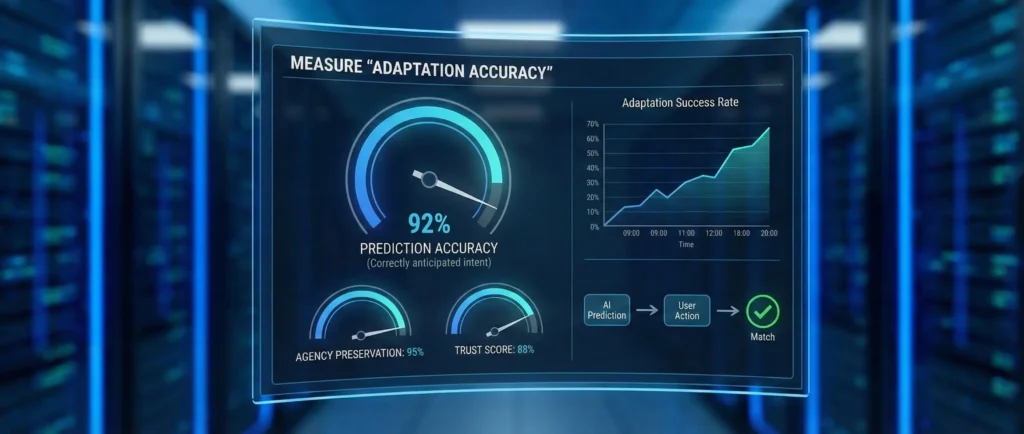
2. Measure ‘Adaptation Accuracy’
We need new metrics. ‘Time on Task’ is irrelevant if the task changes. We need to measure:
- Prediction Accuracy: Did the interface correctly guess the user wanted to pay a bill, or did it annoyingly hide the ‘Statement’ button?
- agency Preservation: Does the user feel helped or handled?

3. The ‘Anticipatory’ Ethics
The danger of adaptive interfaces is the ‘Filter Bubble’. If the UI only shows what it thinks I want, how do I discover anything new? Design Leaders must be the stewards of serendipity. We must design ‘breakout’ mechanisms, ways for the user to easily reset the context and see the raw, unfiltered view.
Conclusion: The Steward of Agency
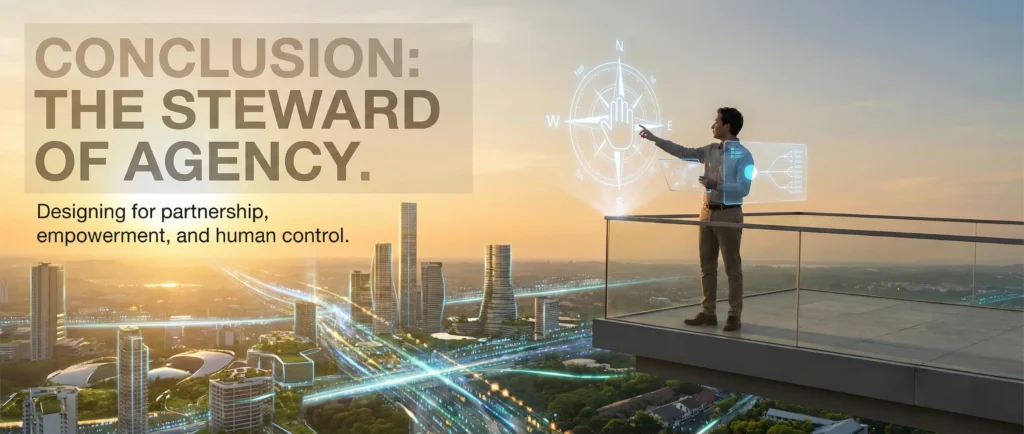
As we move ahead in 2026, the screen itself becomes secondary. The value of a designer is no longer their ability to make things beautiful, but their ability to make things intelligent.
We are moving from designing Pages to designing Partners.
The adaptive interface is a conversational partner. It listens, it observes, and it offers the right tool at the right time. Your job is to teach it manners, empathy, and restraint. That is the new definition of craftsmanship.